





Description
Product Overview
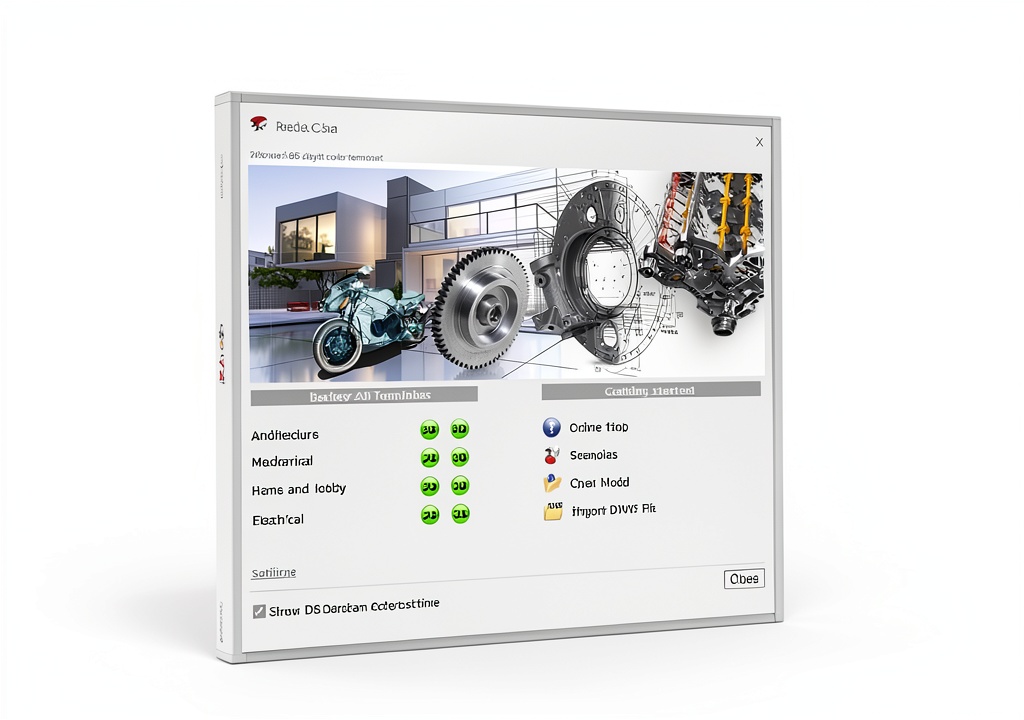
Markt + Technik CAD software is a purpose‑built solution for professionals who need a stable, feature‑rich 2D drafting environment. Designed to run natively on Windows 11, Windows 10, and Windows 8.1, the application takes full advantage of modern operating‑system optimizations while maintaining backward compatibility for legacy systems. The software’s core engine is engineered to handle large, complex drawings without lag, ensuring that architects, electrical engineers, and model builders can work efficiently even on demanding projects.
One of the standout capabilities of this product is its seamless compatibility with AutoCAD file formats. Users can import and export both DWG and DXF files directly, preserving layers, line types, and annotations exactly as they appear in native AutoCAD environments. This eliminates the need for costly file conversion tools and reduces the risk of data loss during collaboration. The import/export workflow is further streamlined by an intuitive file‑browser interface that automatically detects version differences and suggests optimal settings.
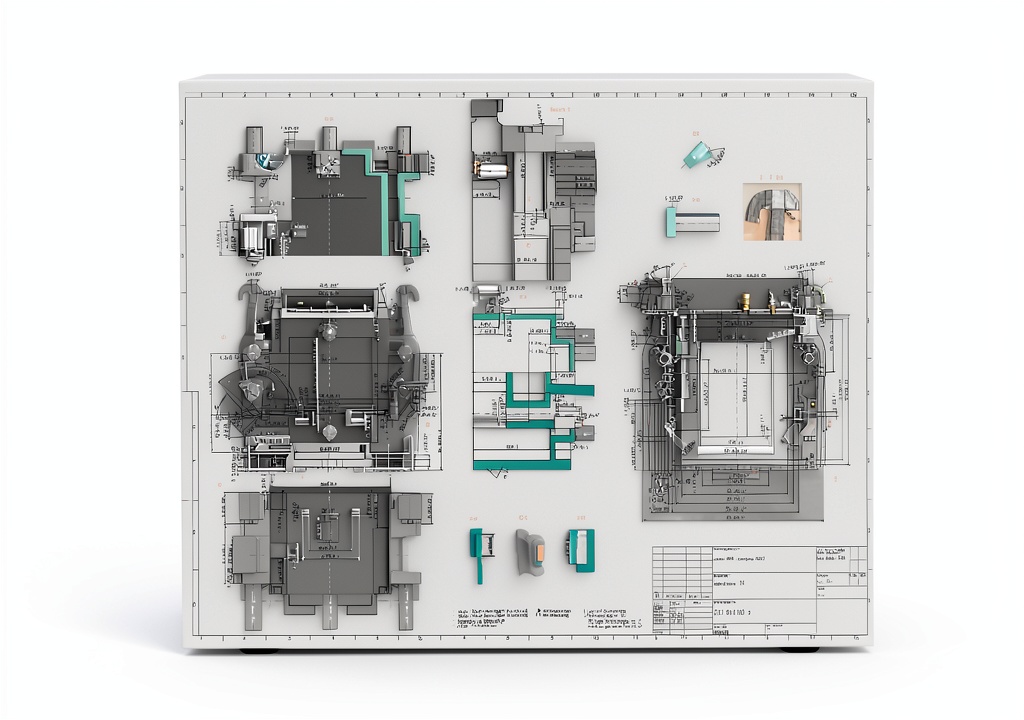
The toolbox within the software includes a comprehensive set of 2D modeling functions. From basic line, polyline, and arc creation to more advanced operations such as filleting, chamfering, and hatching, every tool is positioned for quick access. Users can also leverage a robust set of dimensioning and annotation features, including multi‑style text, leader lines, and custom symbols, to produce construction‑ready drawings that meet industry standards.
Performance‑oriented features such as real‑time snap tracking, dynamic block insertion, and customizable keyboard shortcuts empower users to accelerate their design process. The software also supports layer management with color, linetype, and visibility controls, allowing teams to organize complex projects logically. For those who require precise measurements, an integrated measurement calculator provides instant area, perimeter, and length calculations directly on the drawing canvas.
Beyond the core drafting tools, the application offers a suite of productivity enhancements. A built‑in plot manager simplifies the creation of print sets, supporting a variety of paper sizes and scaling options. Users can generate PDF, DWF, and image outputs with a single click, ensuring that deliverables are ready for client review or construction documentation. The software also includes a batch processing module that automates repetitive tasks such as file conversion, layer renaming, and block replacement across multiple drawings.
Security and data integrity are addressed through automatic file backup and version control. The program creates incremental snapshots of the drawing file at configurable intervals, allowing users to revert to previous states if needed. Additionally, the software integrates with common network storage solutions, enabling collaborative teams to work on shared projects while maintaining file lock integrity.
Installation is straightforward, with a lightweight installer that occupies less than 200 MB of disk space. The product is licensed per user, and activation is managed through an online portal that provides instant license verification. For organizations, bulk licensing options are available, and the software can be deployed across multiple workstations using standard IT deployment tools.
Overall, Markt + Technik CAD software combines a familiar AutoCAD‑compatible workflow with a modern, efficient user interface, delivering a cost‑effective alternative for firms that need reliable 2D drafting capabilities without the overhead of larger, more complex CAD suites.
![[Product front view showing all components]](https://www.bohobloom.store/wp-content/uploads/2026/06/879fd27a1b474df883db0aaa20ae0659.jpg)
Usage
This CAD solution is ideal for a wide range of professional scenarios. Architectural firms can use it to produce floor plans, elevations, and site layouts, taking advantage of precise dimensioning tools and layer organization to keep designs clear and compliant with local building codes. Electrical engineers benefit from the ability to draft wiring diagrams, conduit layouts, and panel schedules, with the software’s annotation features ensuring that every connection is clearly labeled.
Model builders and hobbyists who enjoy creating detailed scale models will find the extensive block library and custom symbol support invaluable for replicating intricate components. The software’s compatibility with Windows 11 means it runs smoothly on the latest hardware, providing fast rendering and responsive interaction even on high‑resolution displays. For firms that still operate on older Windows versions, the backward‑compatible design guarantees that legacy machines can still participate in the workflow without performance penalties.
Because the program can import and export DWG/DXF files, it fits naturally into mixed‑environment teams where some members may be using full‑featured AutoCAD while others rely on lighter tools. This flexibility reduces the need for costly software upgrades and enables seamless collaboration across departments, contractors, and consultants. The batch processing capabilities also make it suitable for large‑scale projects where dozens or hundreds of drawings need to be updated or printed in a consistent manner.
In educational settings, the software serves as an accessible platform for teaching fundamental drafting principles. Students can learn to create accurate 2D drawings, understand layer management, and practice file exchange with industry‑standard formats, preparing them for real‑world design tasks.
Why Choose Us
Markt + Technik has a reputation for delivering reliable engineering software that balances functionality with ease of use. This CAD product reflects years of development focused on the specific needs of architects, engineers, and designers. The company provides dedicated technical support staffed by professionals who understand the nuances of 2D drafting, ensuring that any questions are answered promptly and accurately.
Quality assurance is built into every release. Each version undergoes rigorous testing on multiple Windows configurations to guarantee stability, performance, and compatibility with the latest AutoCAD file standards. The software is also regularly updated with feature enhancements and security patches, delivered through an automated update system that minimizes downtime.
Customers benefit from a clear licensing model with no hidden fees. The per‑user license includes all future updates for the current major version, and optional maintenance plans provide priority support and extended upgrade paths. For organizations that require integration with existing IT infrastructure, the product offers command‑line deployment options and can be managed centrally via standard software distribution tools.
Choosing this CAD solution means investing in a tool that is both powerful and cost‑effective, backed by a company that prioritizes user success and continuous improvement.
Key Features
- Full AutoCAD DWG/DXF import and export – maintain exact geometry and layer data for seamless collaboration.
- Extensive 2D drafting toolbox – includes lines, arcs, hatches, dimensions, and custom block creation for precise designs.
- Optimized for Windows 11, 10, and 8.1 – fast performance on modern hardware while supporting legacy systems.
- Batch processing and plot manager – automate repetitive tasks and generate print sets with a single click.
- Dedicated technical support and regular updates – ensure reliability, security, and ongoing feature enhancements.
FAQ
Is this software compatible with the latest version of AutoCAD?
Yes, the program can import and export DWG files created in the most recent AutoCAD releases. It preserves layers, line types, and annotations, allowing you to exchange files without loss of information. The import engine automatically detects the DWG version and applies the appropriate conversion settings, so you can work confidently with partners who use the latest AutoCAD tools.
Can I run this CAD software on a laptop with limited resources?
The application is designed to be lightweight, requiring only about 200 MB of disk space and modest RAM. It runs efficiently on typical business laptops that meet the minimum Windows 11 specifications. While performance improves with faster CPUs and dedicated graphics, the software remains fully functional on modest hardware, making it a practical choice for field engineers and on‑site designers.
What kind of technical support is available after purchase?
Markt + Technik provides a comprehensive support package that includes email assistance, a searchable knowledge base, and optional phone support for urgent issues. Licensed users receive priority response times, and the support team can help with installation, licensing, workflow optimization, and troubleshooting. Regular webinars and documentation updates also help users stay current with new features.
How does the batch processing feature work?
Batch processing lets you apply the same operation to multiple drawing files at once. For example, you can convert a folder of DWG files to DXF, rename layers across a set of drawings, or replace a block definition in all files. The feature is accessed through a simple dialog where you select the source folder, choose the desired action, and configure any parameters. Once started, the process runs automatically, saving hours of manual work on large projects.
Is there a trial version available?
Yes, a fully functional 30‑day trial can be downloaded from the Markt + Technik website. The trial includes all features, allowing you to evaluate the software in your own workflow before committing to a purchase. Activation is handled through the same online portal used for licensed versions, and no credit card is required to start the trial.

 Aain Oil Absorbing Pad Heavy Duty Grey Mat
Reviews
There are no reviews yet.