



Description
Product Overview
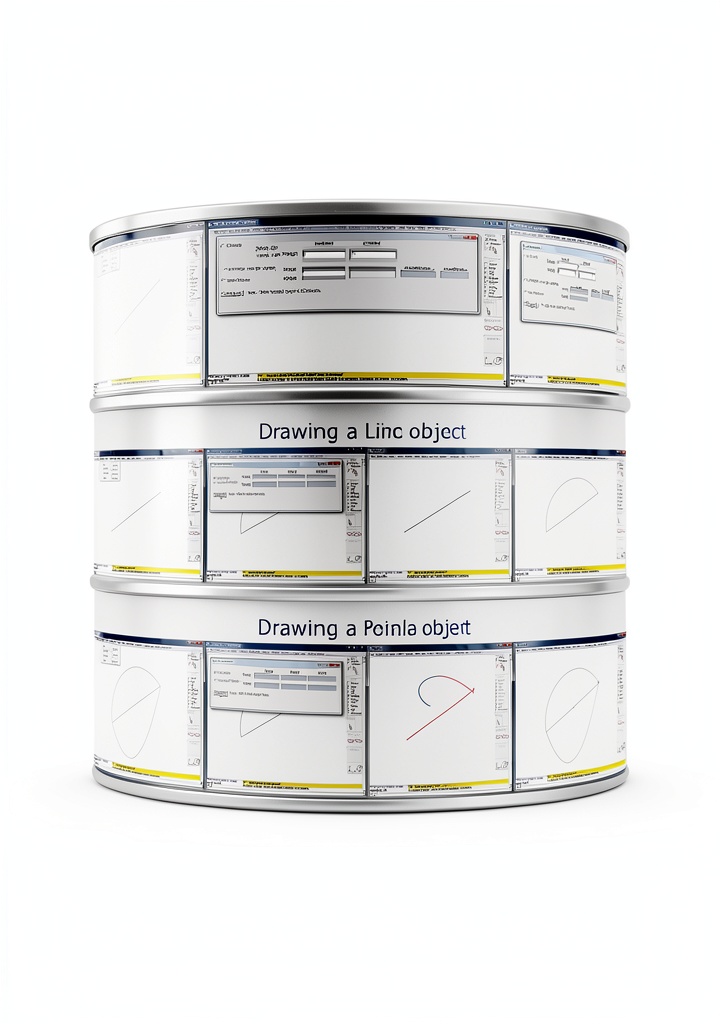
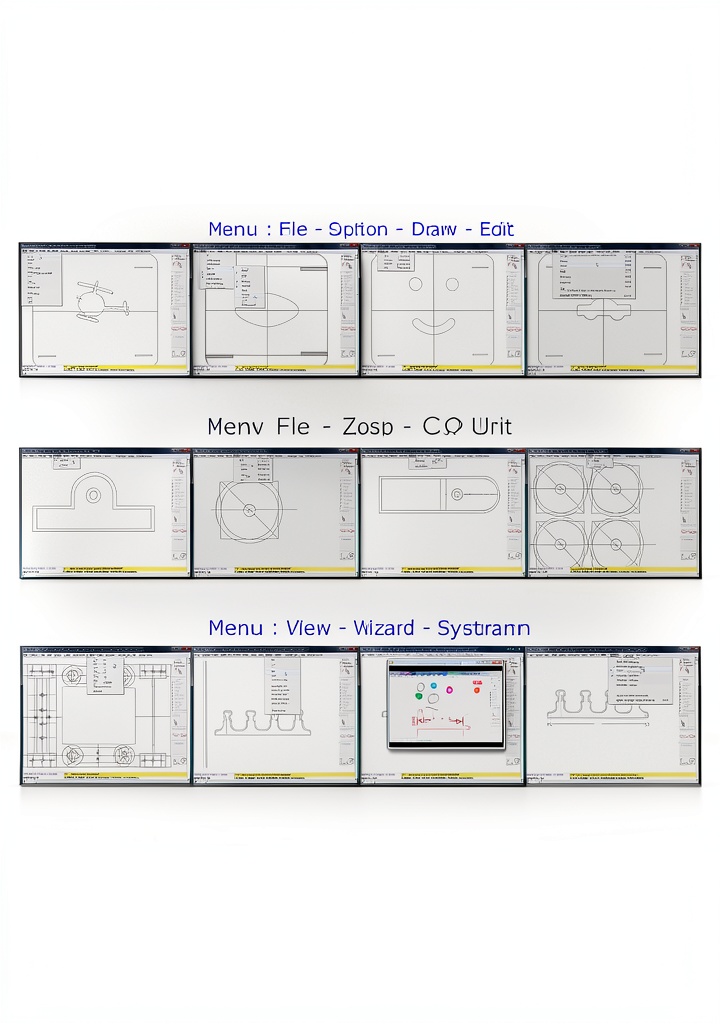
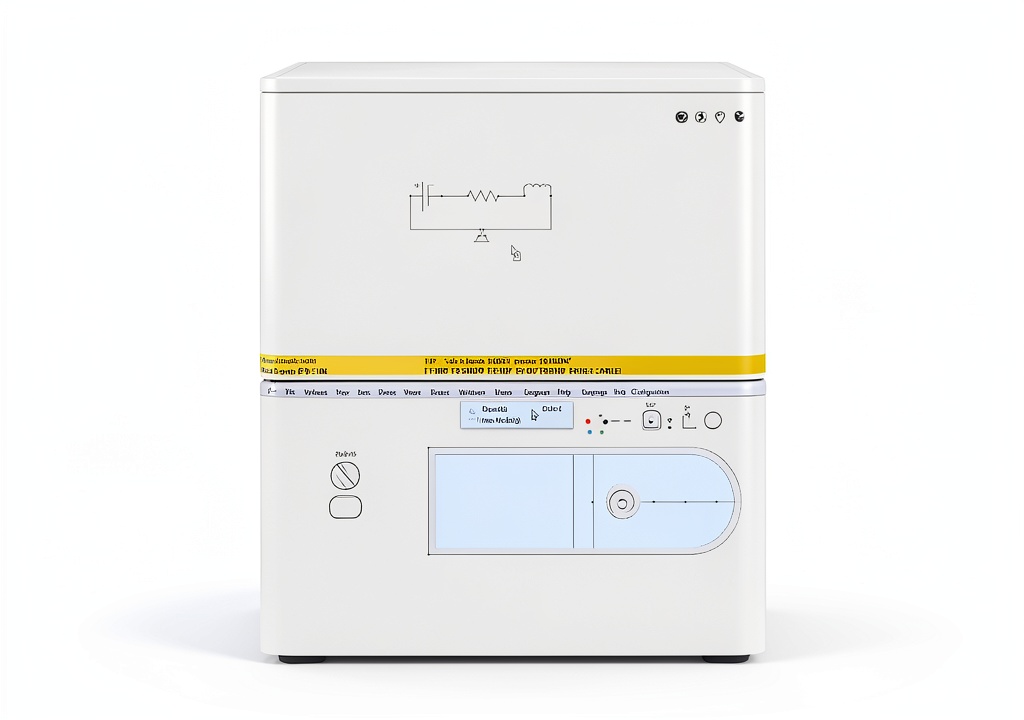
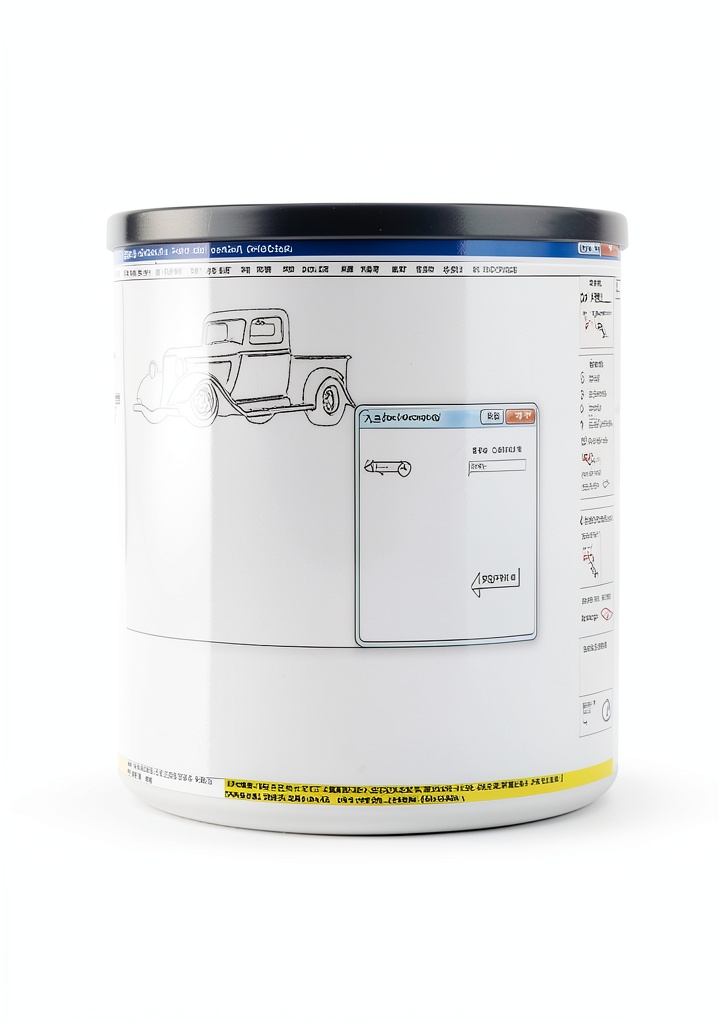
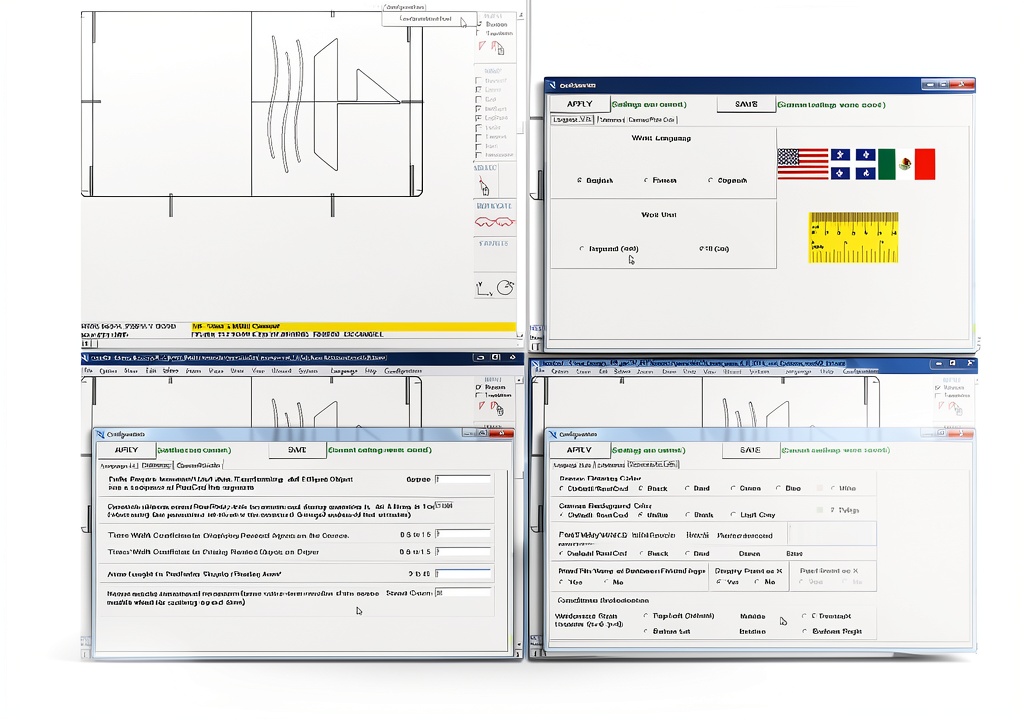
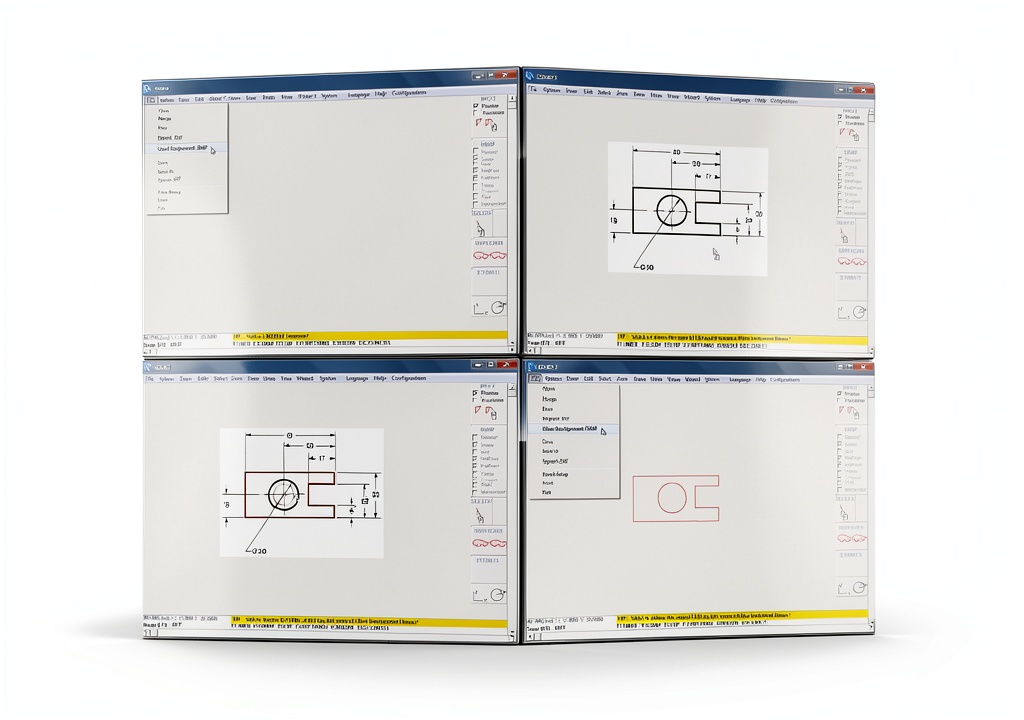
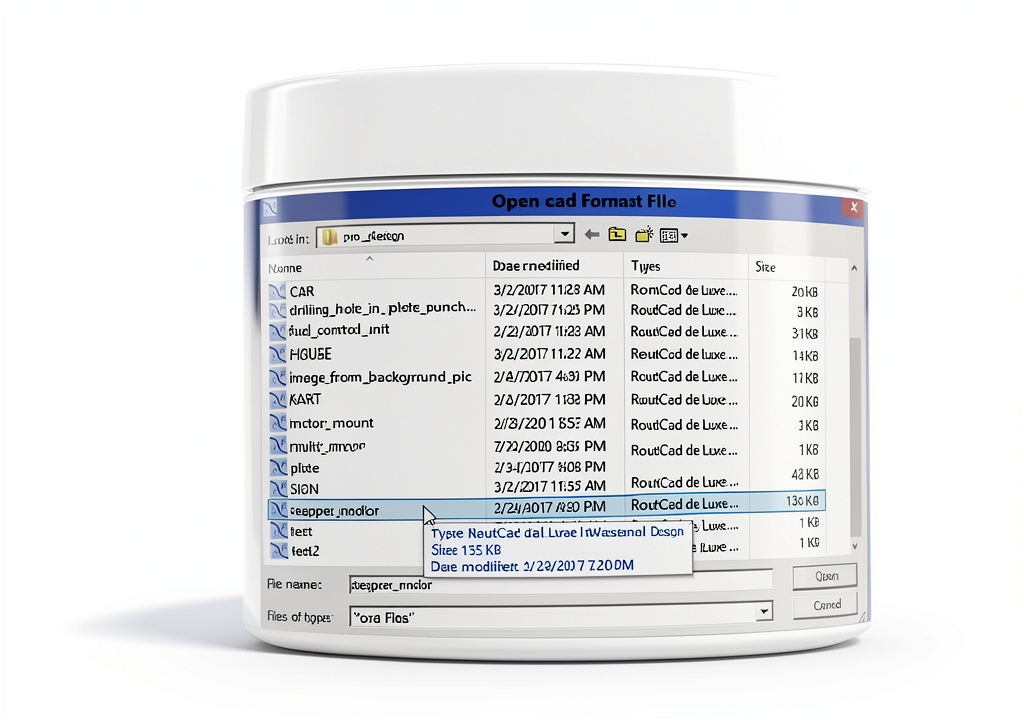
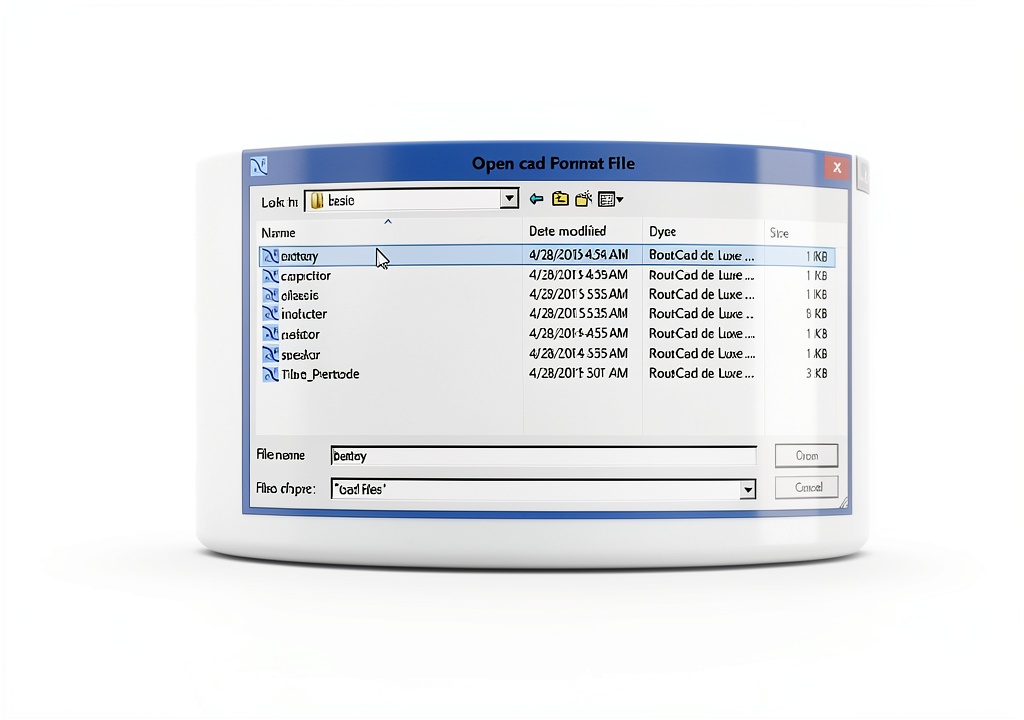
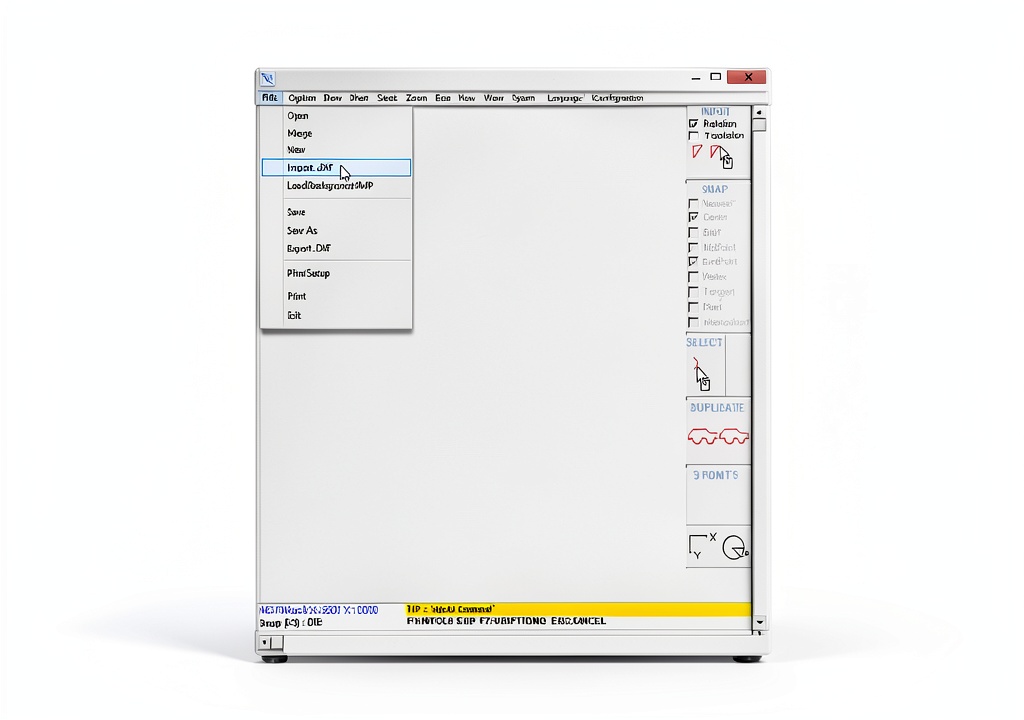
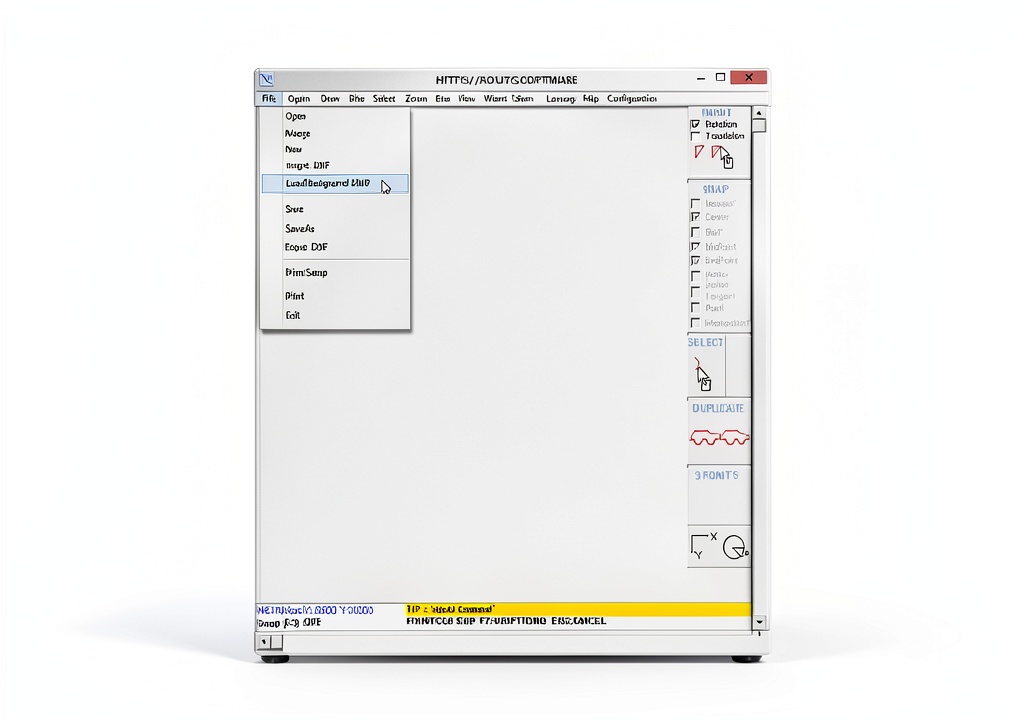
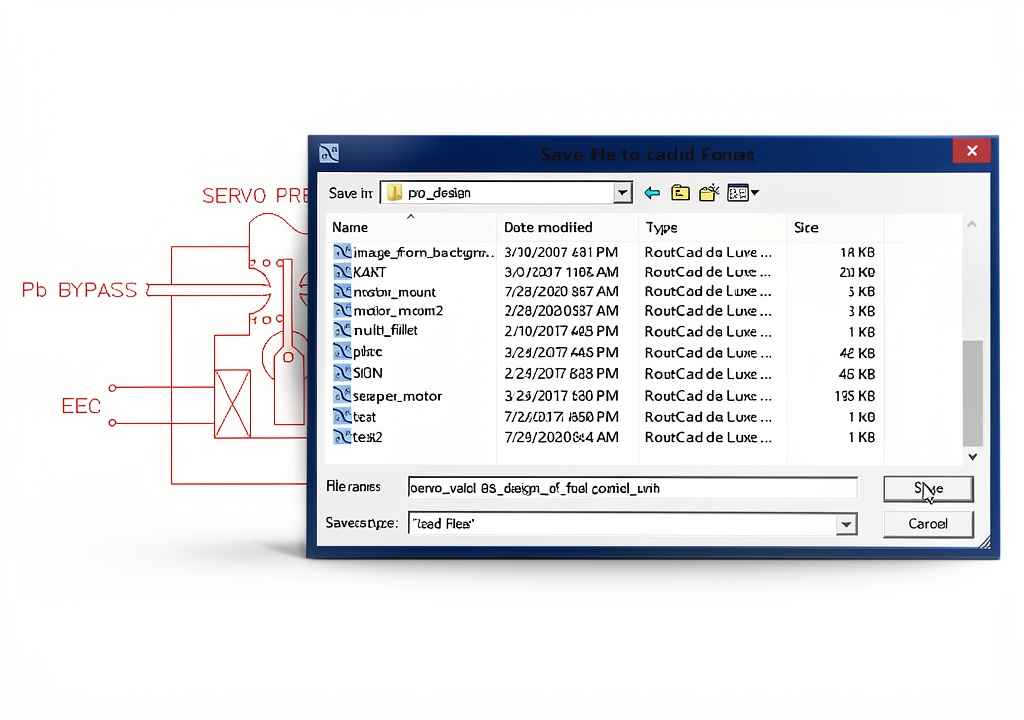
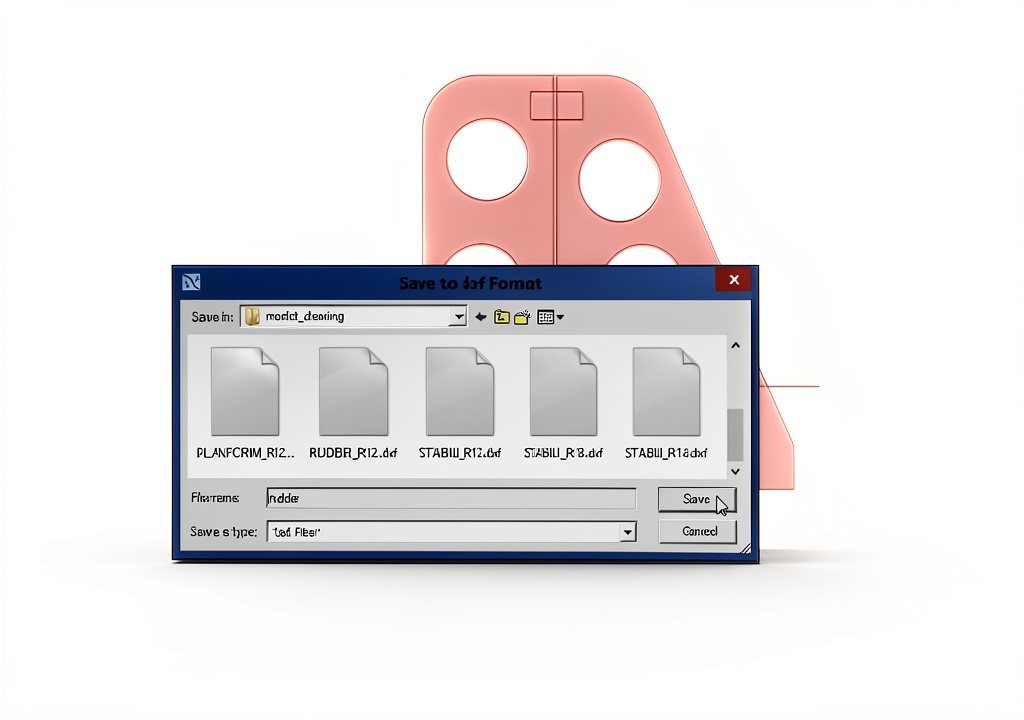
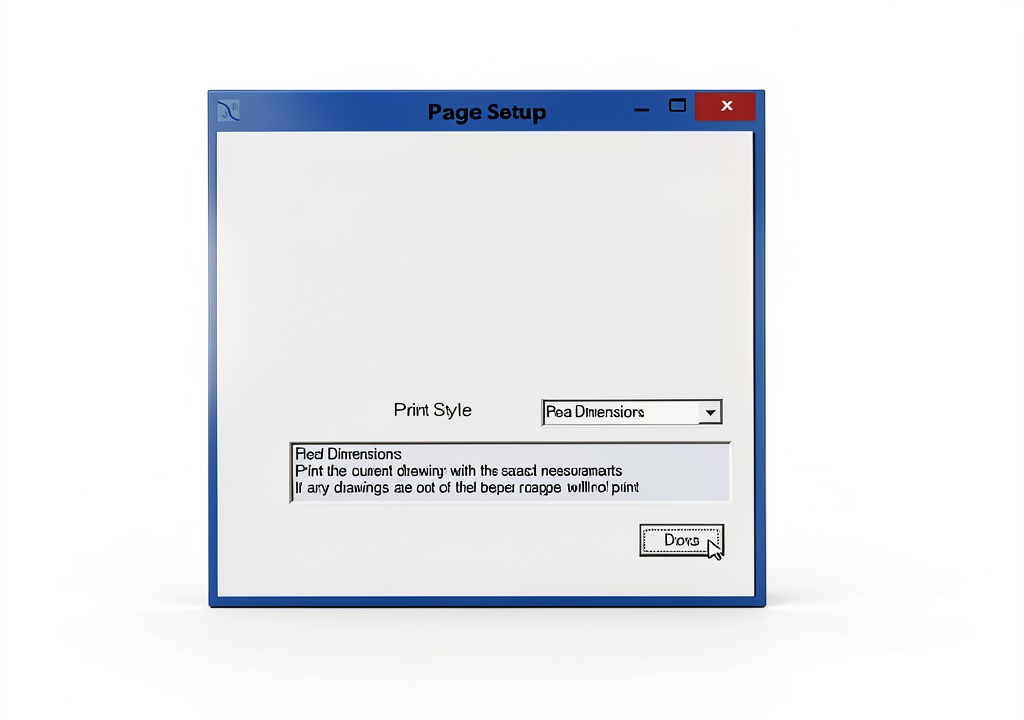
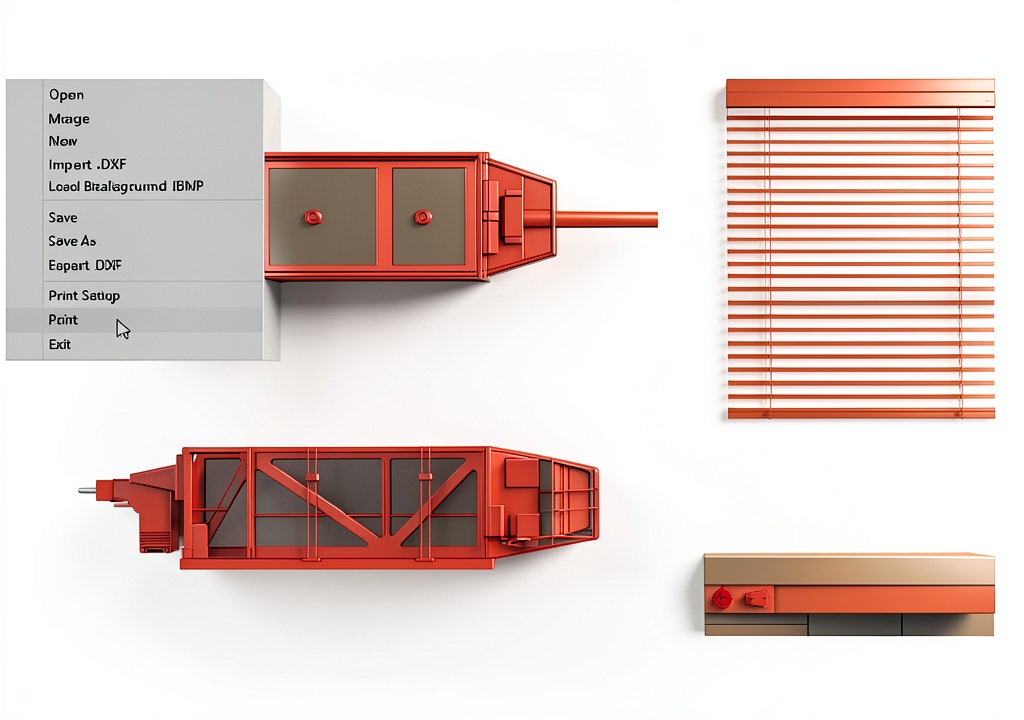
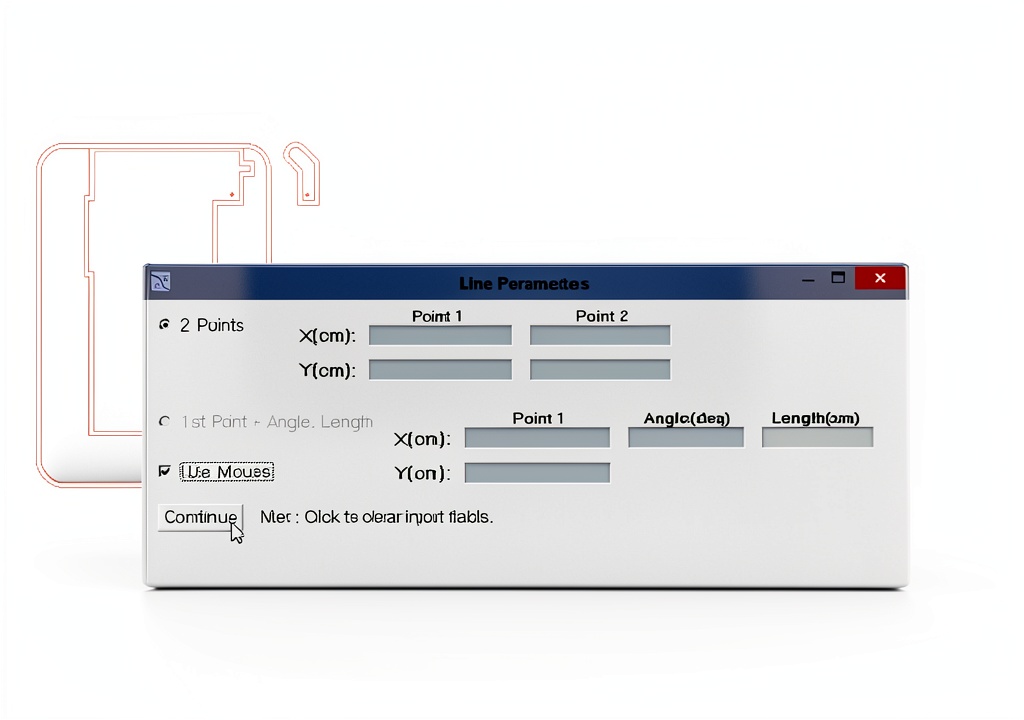
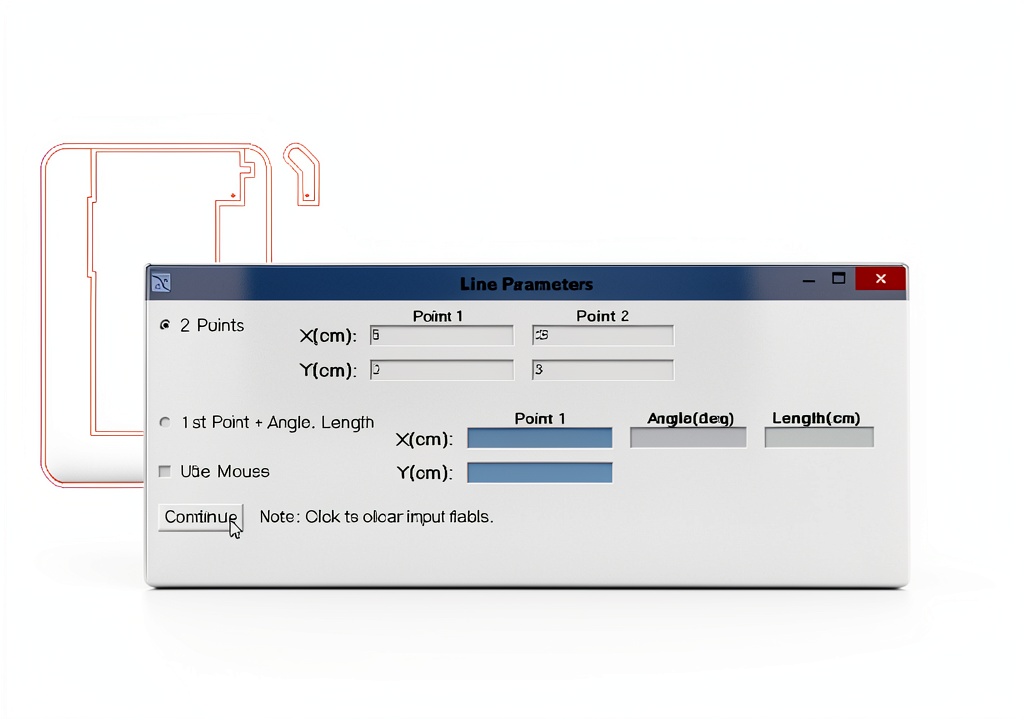
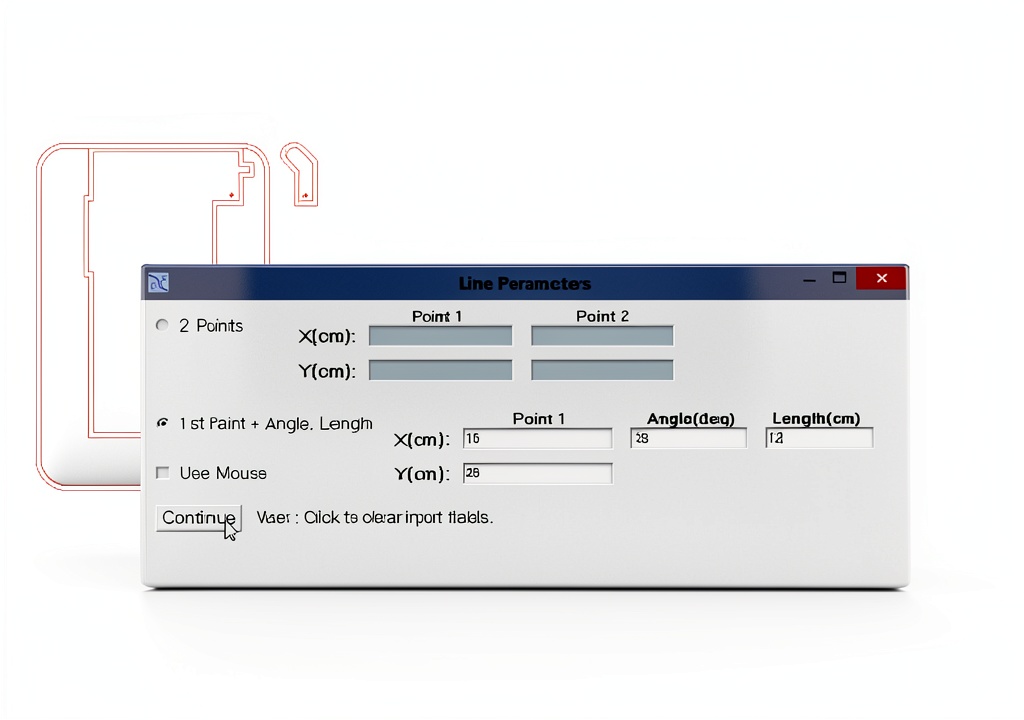
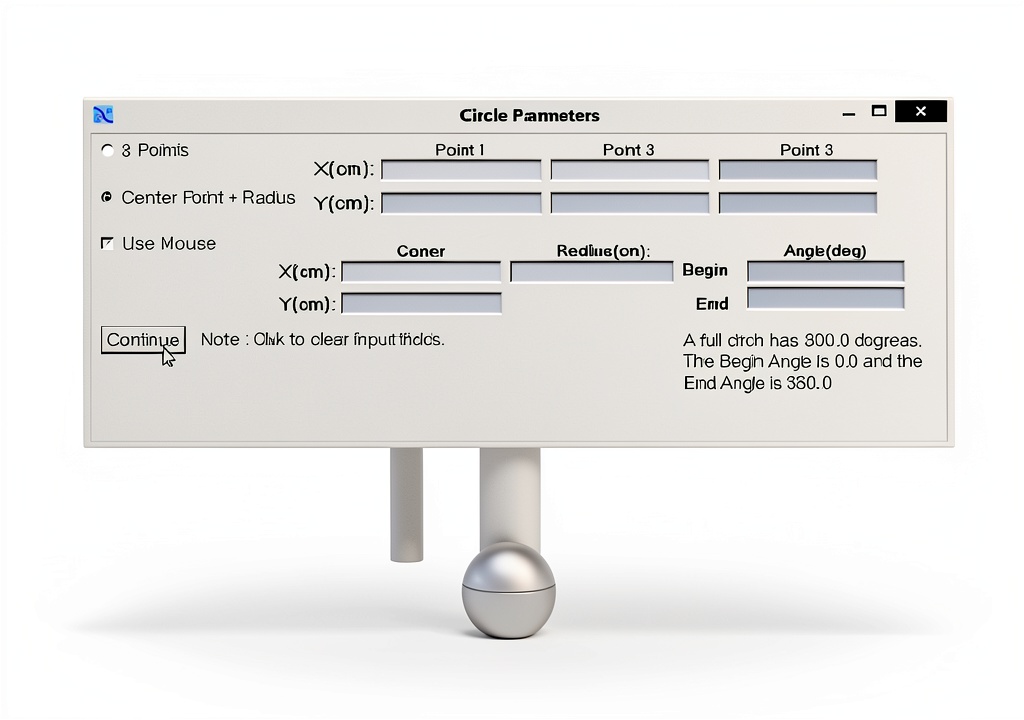
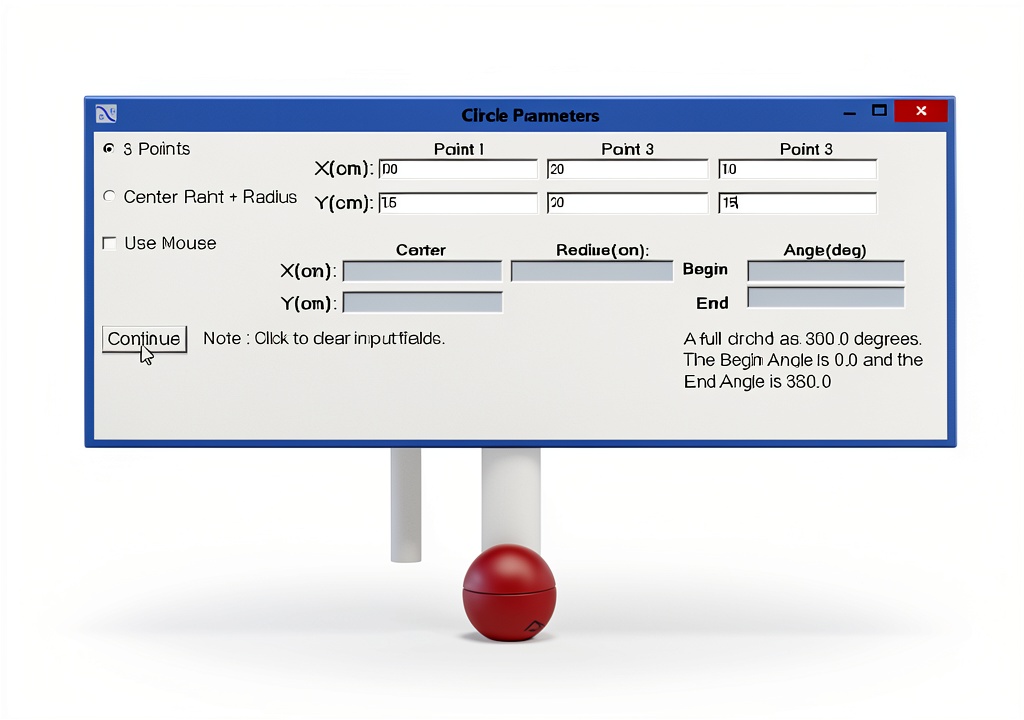
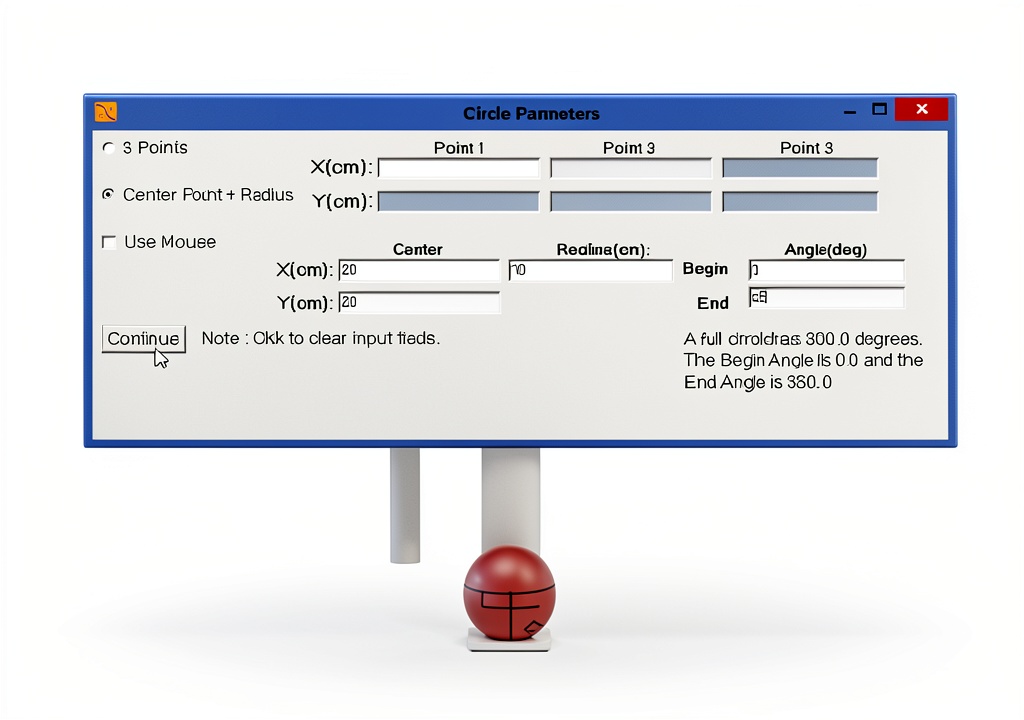
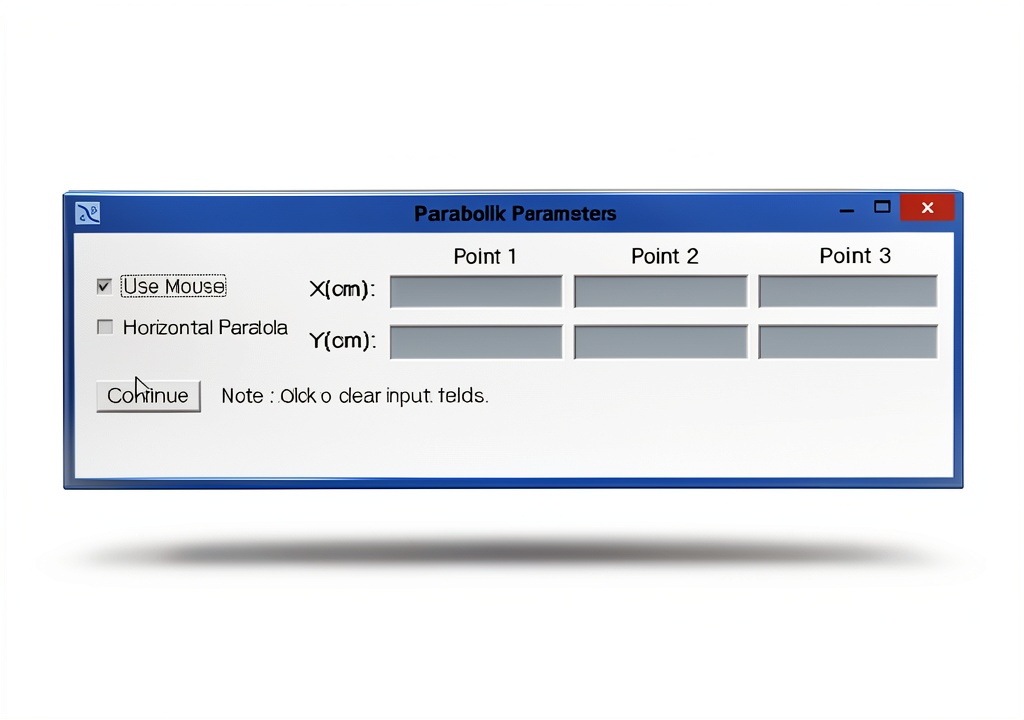
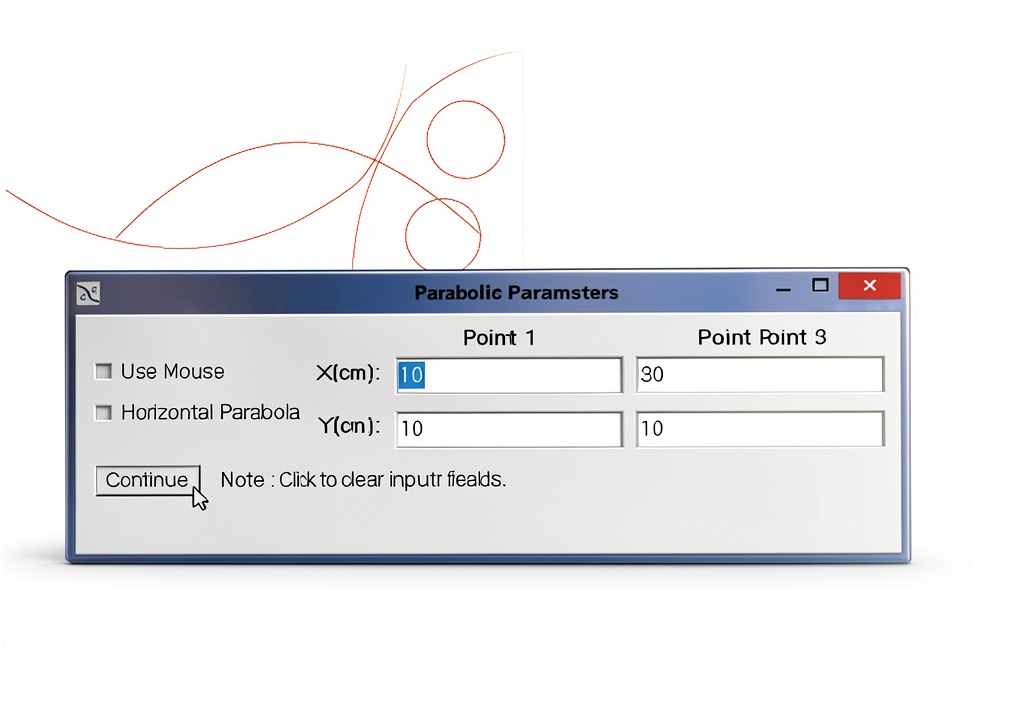
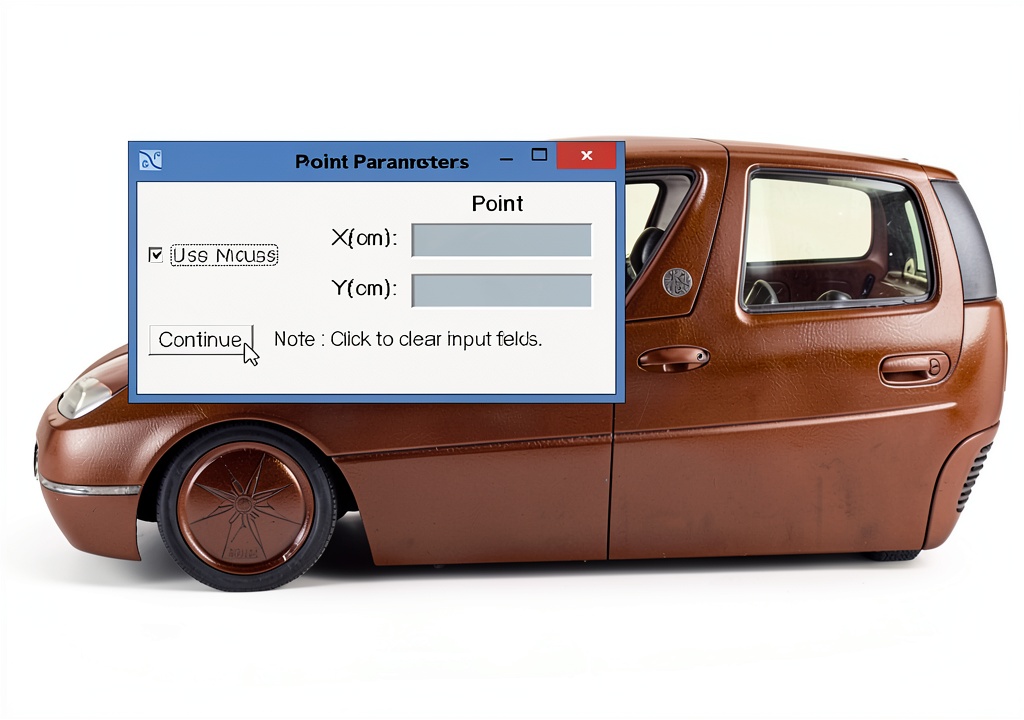
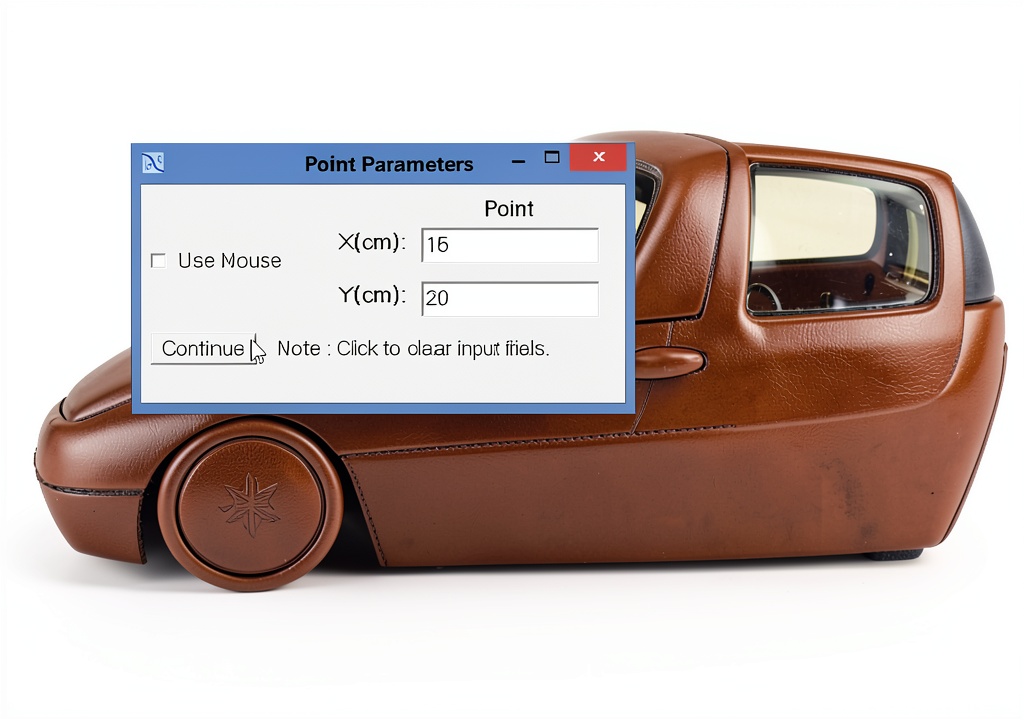
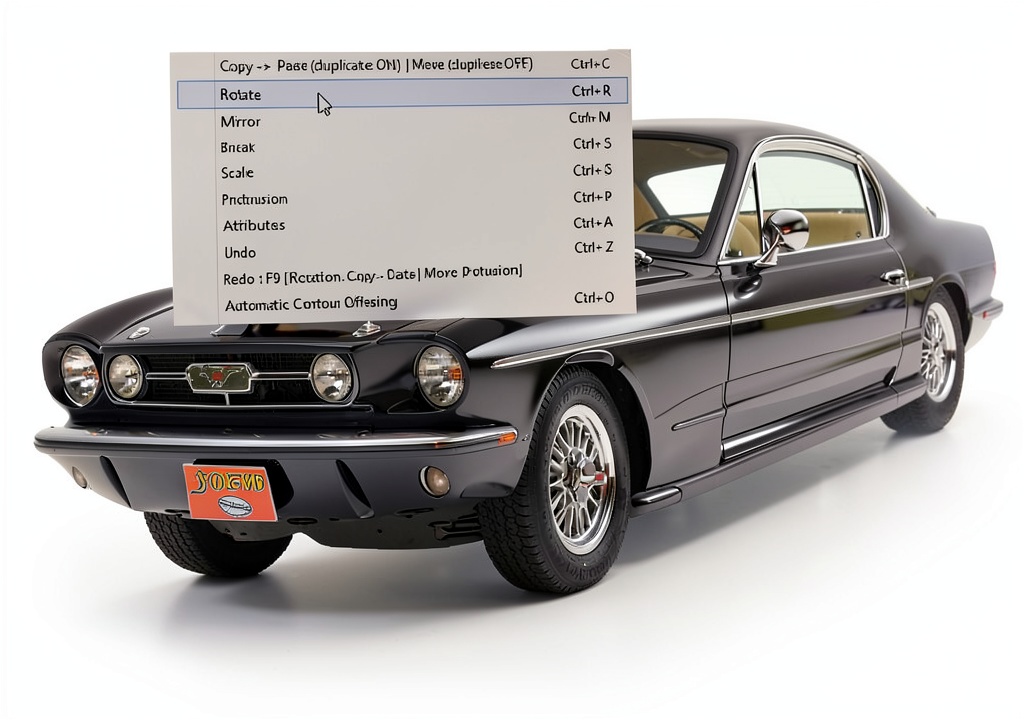
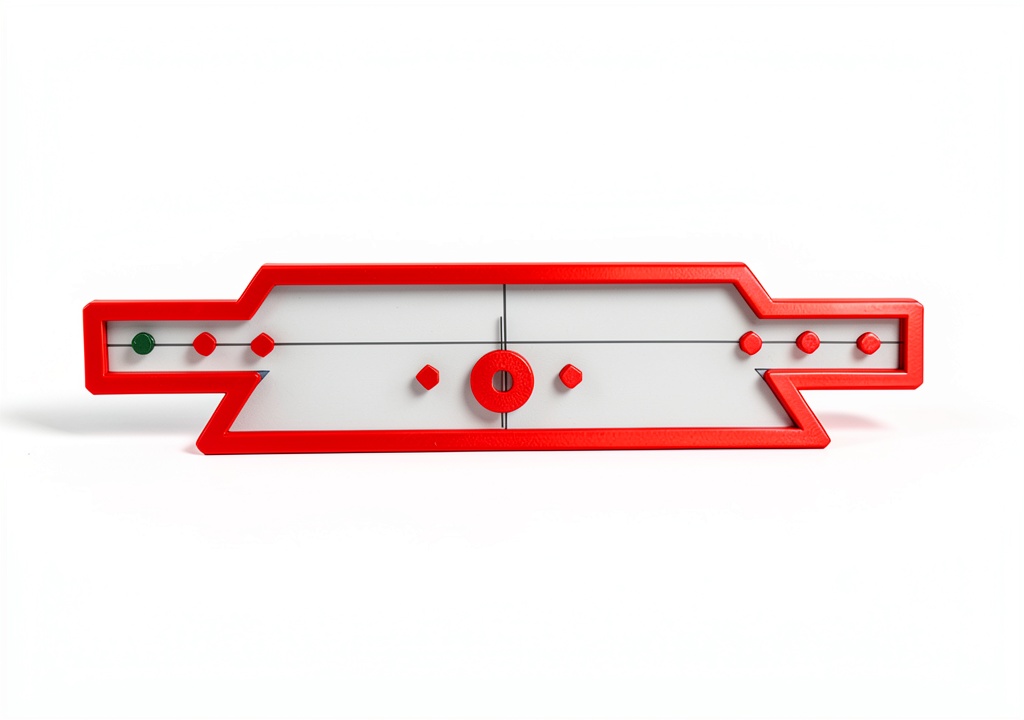
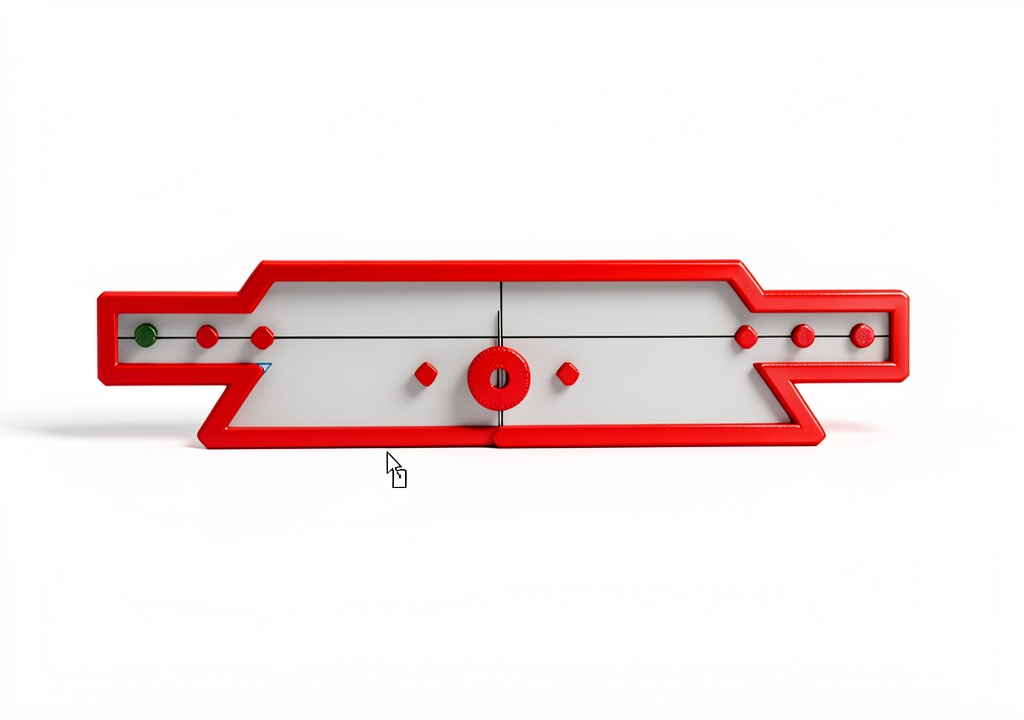
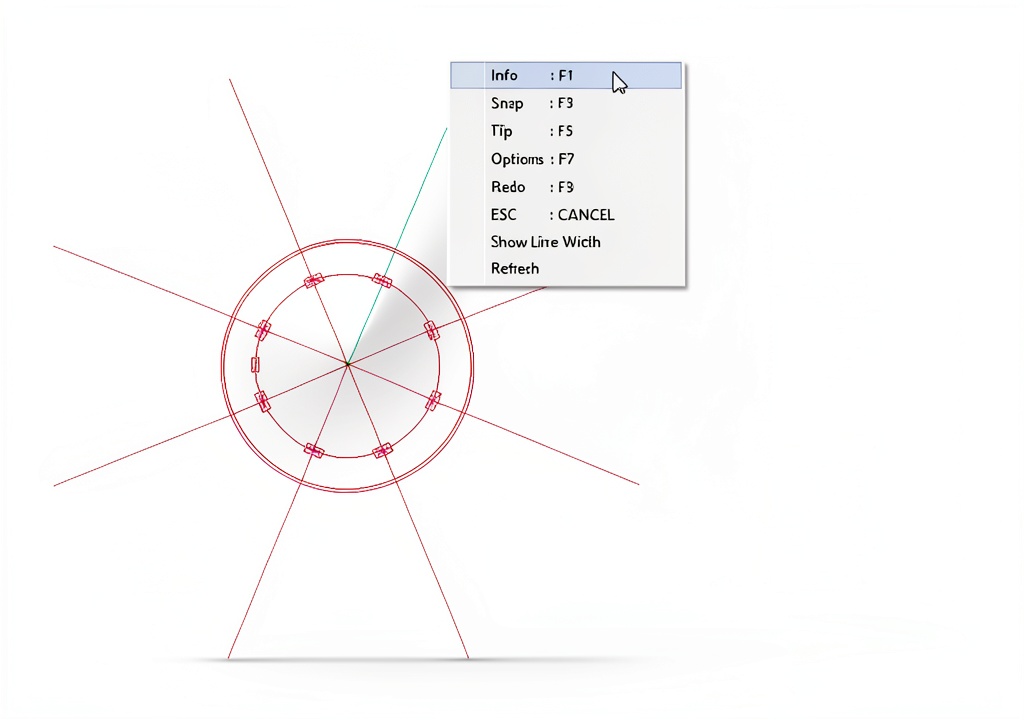
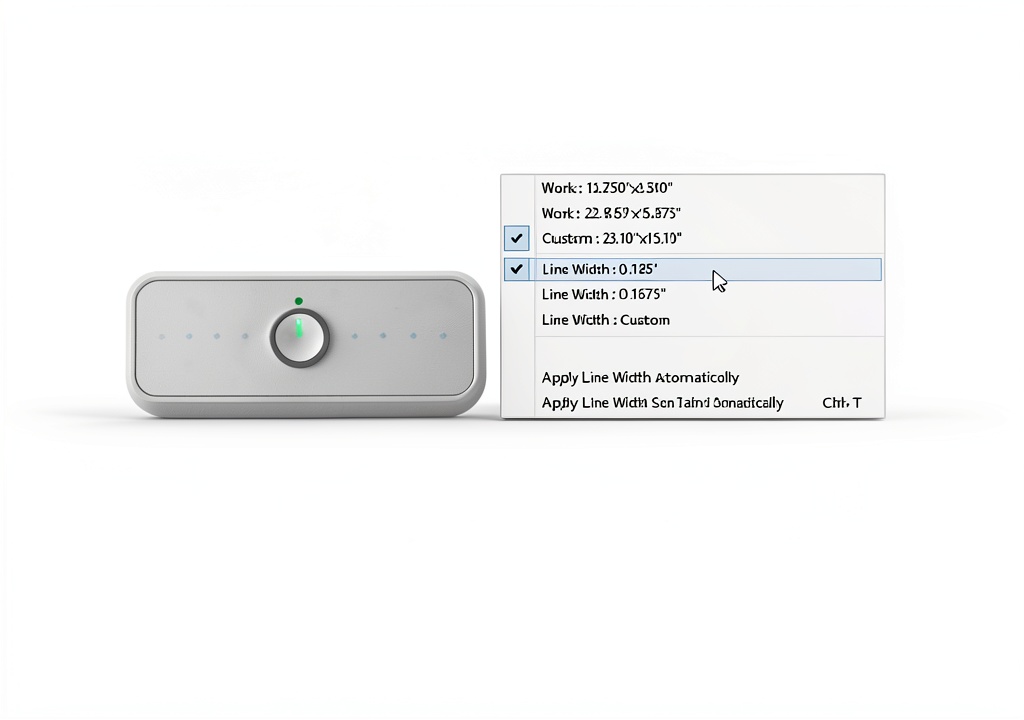
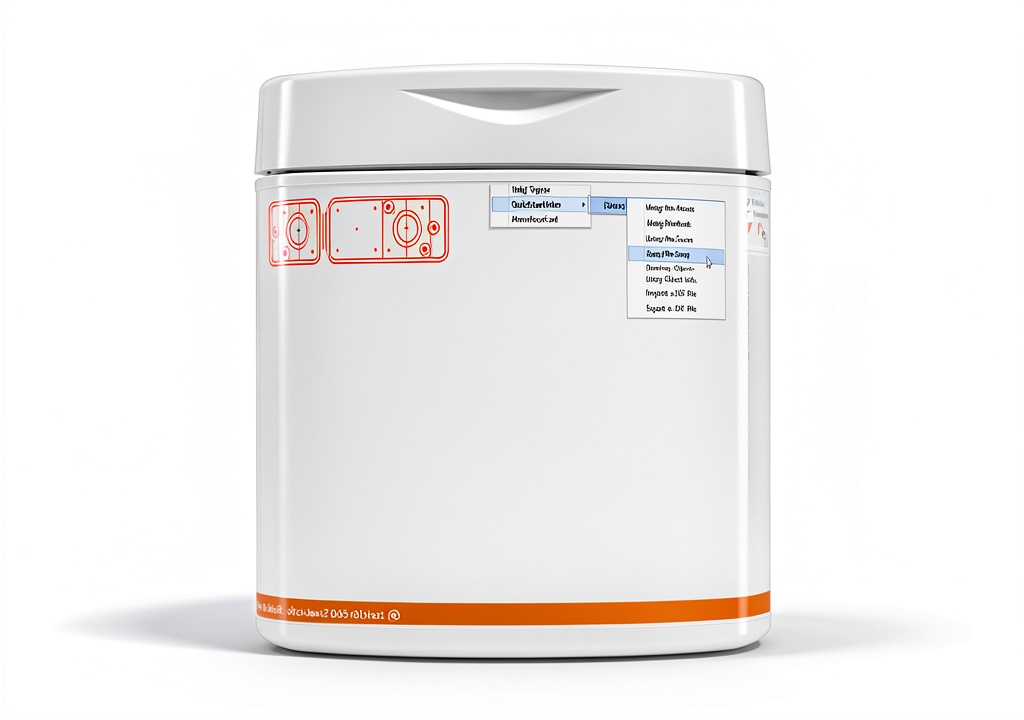
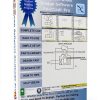
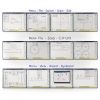
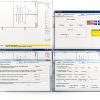
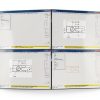
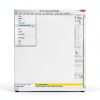
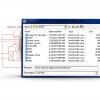
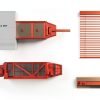
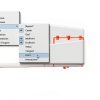
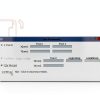
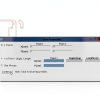
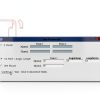
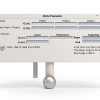
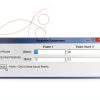
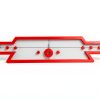
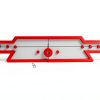
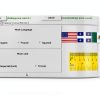
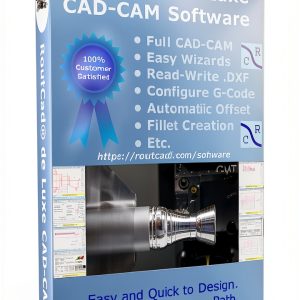
ROUTCAD-ROUTBOT CAD software is a lightweight yet robust 2D drafting tool designed for professionals who need speed and precision. Packaged in a compact 5.47 x 2.95 x 0.08 inch format, the program supports full CAD capabilities, including fast DXF import and export, automatic offset generation, and a suite of wizards for text, leaders, ellipses, and rectangles. With built-in tutorial videos and a detailed PDF manual, users can quickly learn to create basic shapes or complex geometry.
Usage
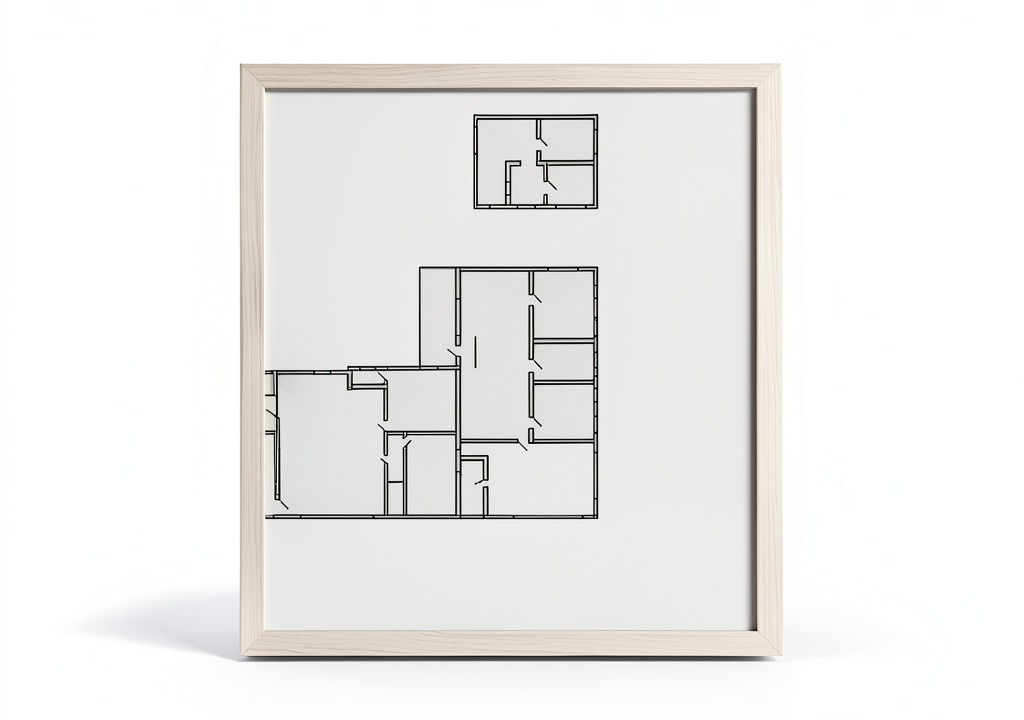
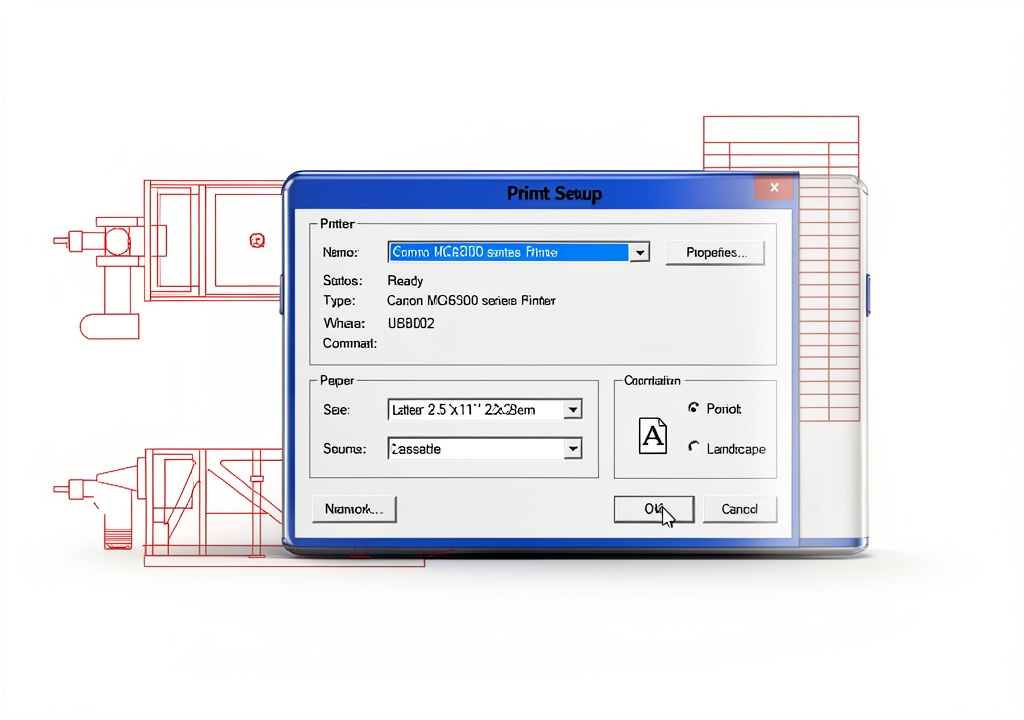
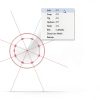
Ideal for engineering firms, architectural studios, and graphic design agencies, this software excels in creating detailed schematics, floor plans, and component drawings. Whether you are drafting mechanical parts, designing circuit layouts, or preparing presentation graphics, the intuitive grid display, snapping options, and zoom controls provide a smooth workflow. 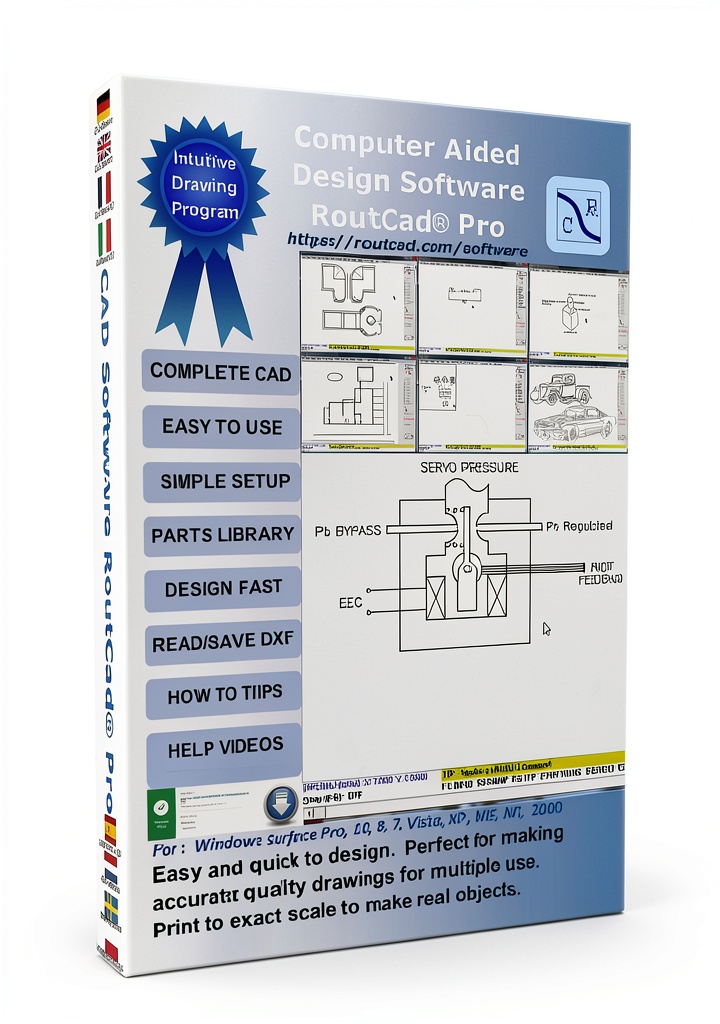
Why Choose Us
ROUTCAD-ROUTBOT stands out with its automatic fillet and offset features that reduce manual calculations, while the BMP‑to‑DXF utility streamlines image conversion. The product’s high ranking in CAD & Graphic Design categories reflects its reliability and user satisfaction. Continuous updates and responsive support ensure the software remains compatible with evolving industry standards.
Key Features
- Fast DXF import and export for seamless data exchange.
- Automatic offset and fillet tools that accelerate design iterations.
- Comprehensive wizard library: Text, Leader, Ellipse, Rectangle, and more.
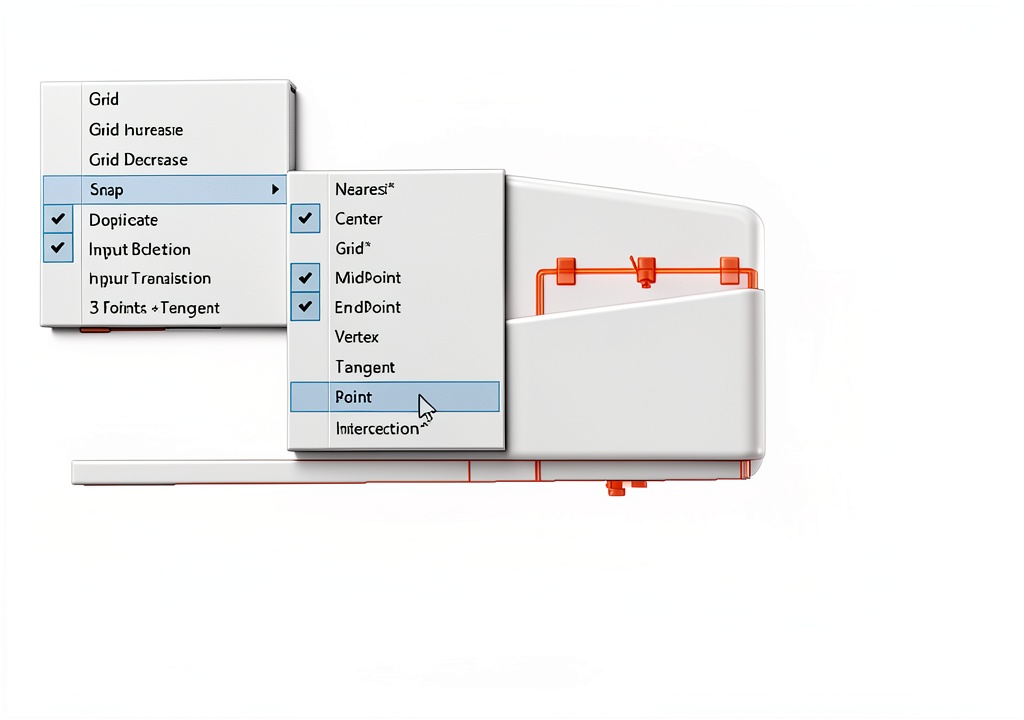
- Advanced editing options with grid display, snapping, and zoom precision.
- Built‑in BMP to DXF conversion utility for easy raster integration.
FAQ
Can I import other file formats besides DXF?
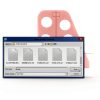
Yes, the software includes a BMP‑to‑DXF utility that allows you to convert bitmap images into editable DXF files.
Is there a trial version available?
A 30‑day free trial can be downloaded from the manufacturer’s website, giving full access to all features.
What operating systems are supported?
The application runs on Windows 10 and later versions; compatibility with macOS is planned for future releases.
How does the automatic offset work?
After selecting a line or shape, you can specify an offset distance, and the software instantly generates a parallel entity, preserving geometry accuracy.
Are tutorial resources included?
Yes, the package includes video tutorials and a comprehensive PDF manual that cover everything from basic drawing to advanced editing techniques.


 Adobe After Effects Motion Graphics & Visual Effects Software
  ViaCAD 2D CAD Software by IMSI Design with LogiCursor and 275 Tools
  CAD Software Markt Technik 2D Modeling for Professionals and Students
  RoutCad Full CAD-CAM Software with G‑Code Export and Shape Library
  CAD Software PTC JourneyEd Design Suite with Media DVD Package
  Zep Oil Cleanup Absorber for Automotive Use
  Hydrotherapy Oil Absorber scumba Compact
  Industrial Absorbent Sock New Pig Heavy Duty
Reviews
There are no reviews yet.