



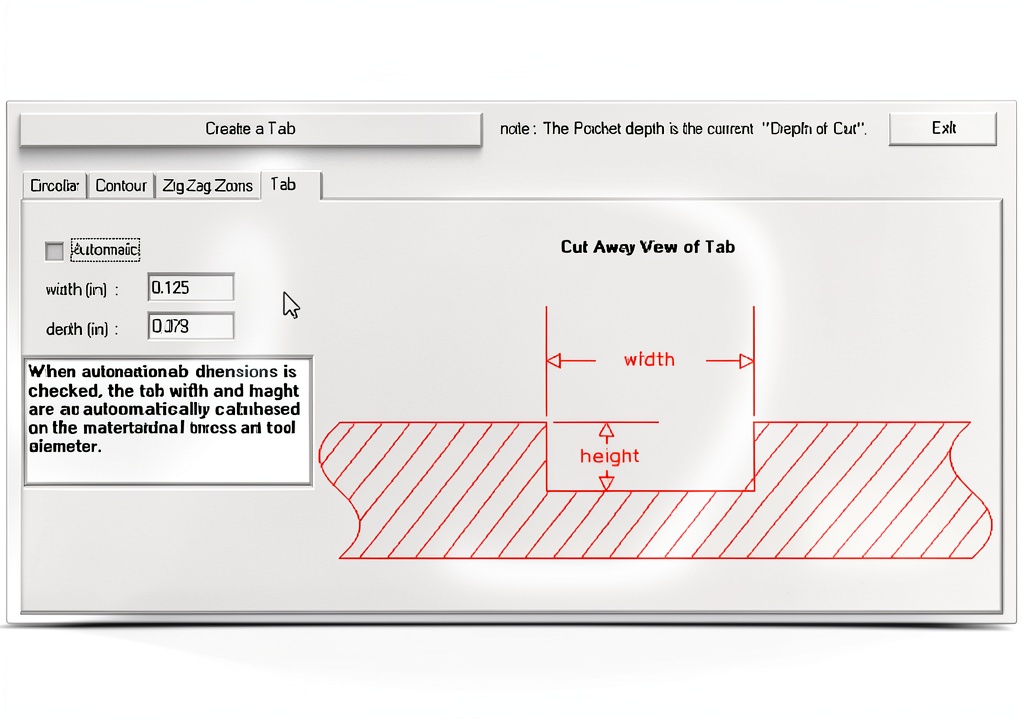
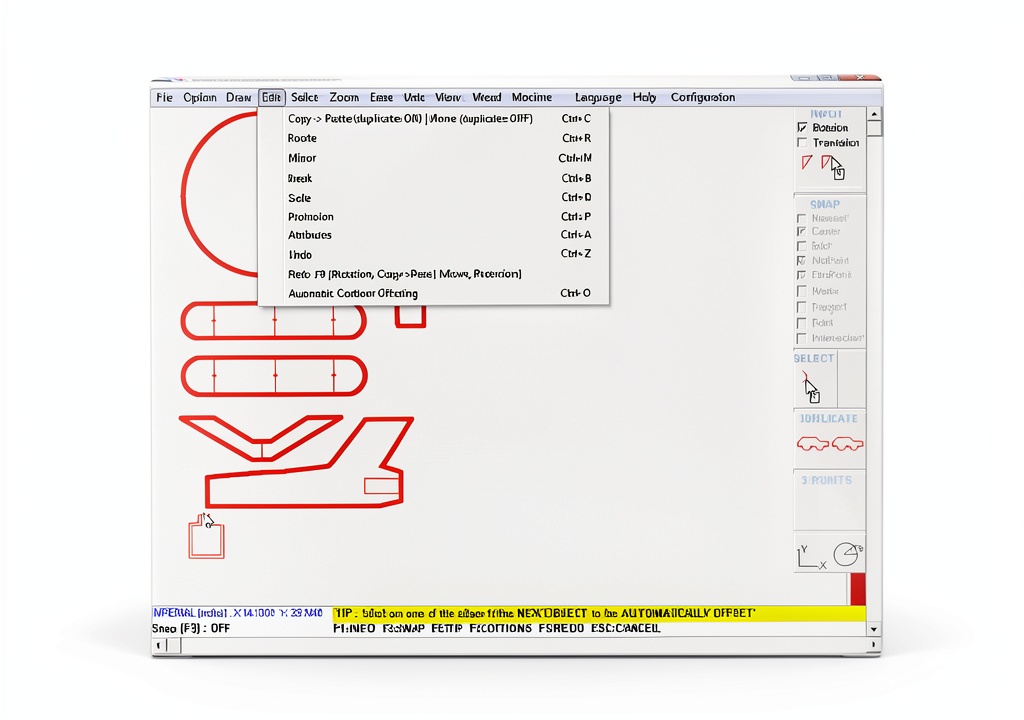
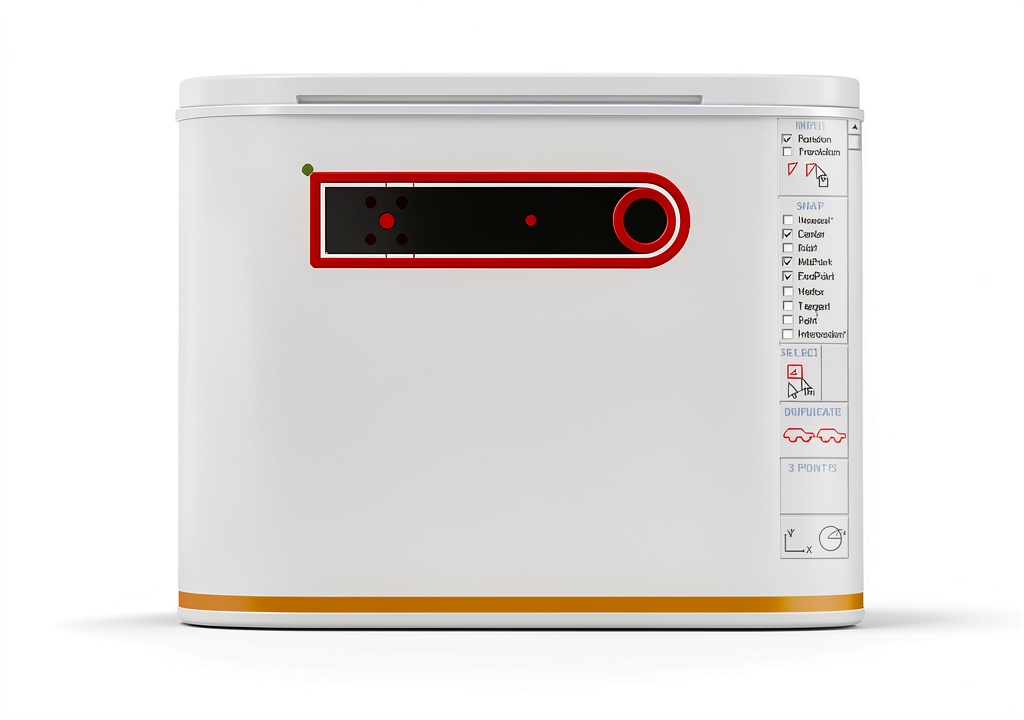
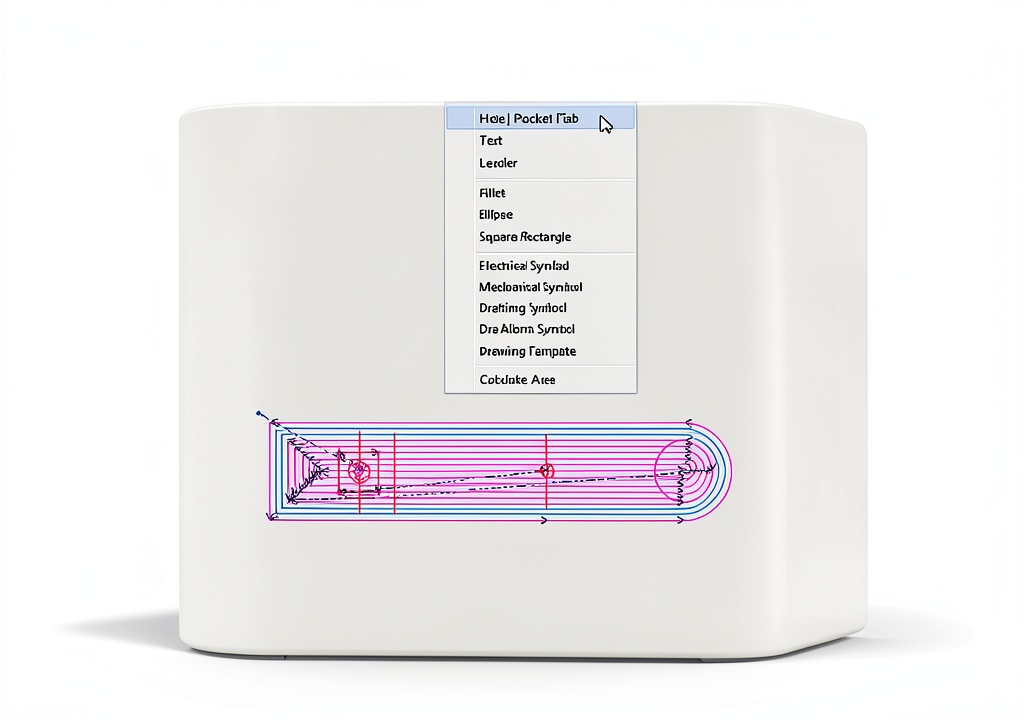








Description
Product Overview
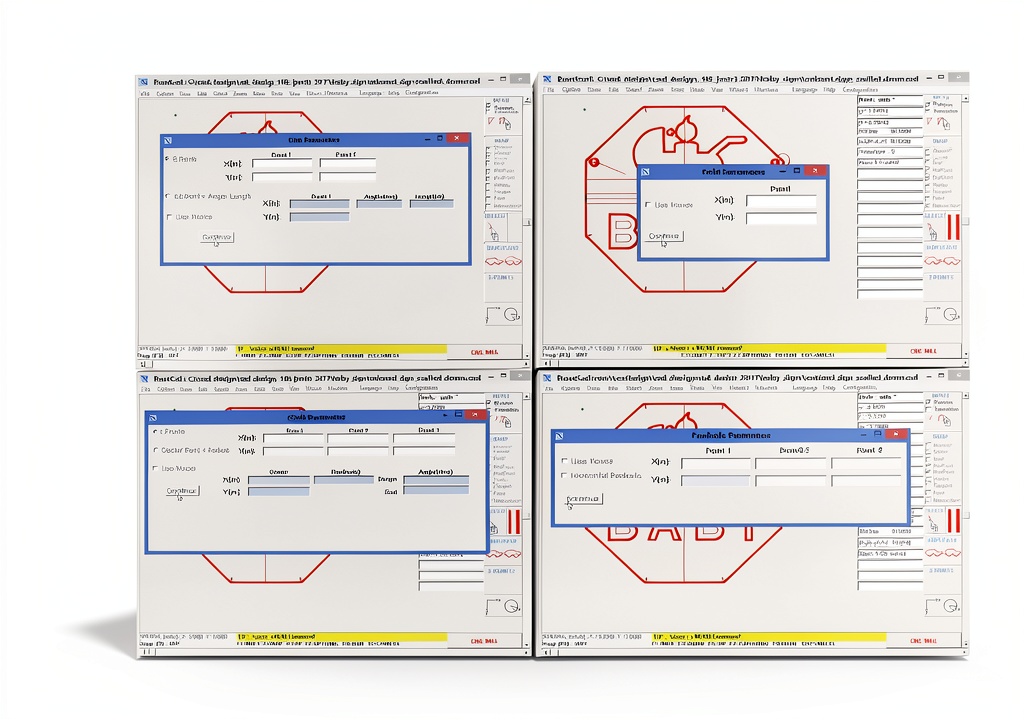
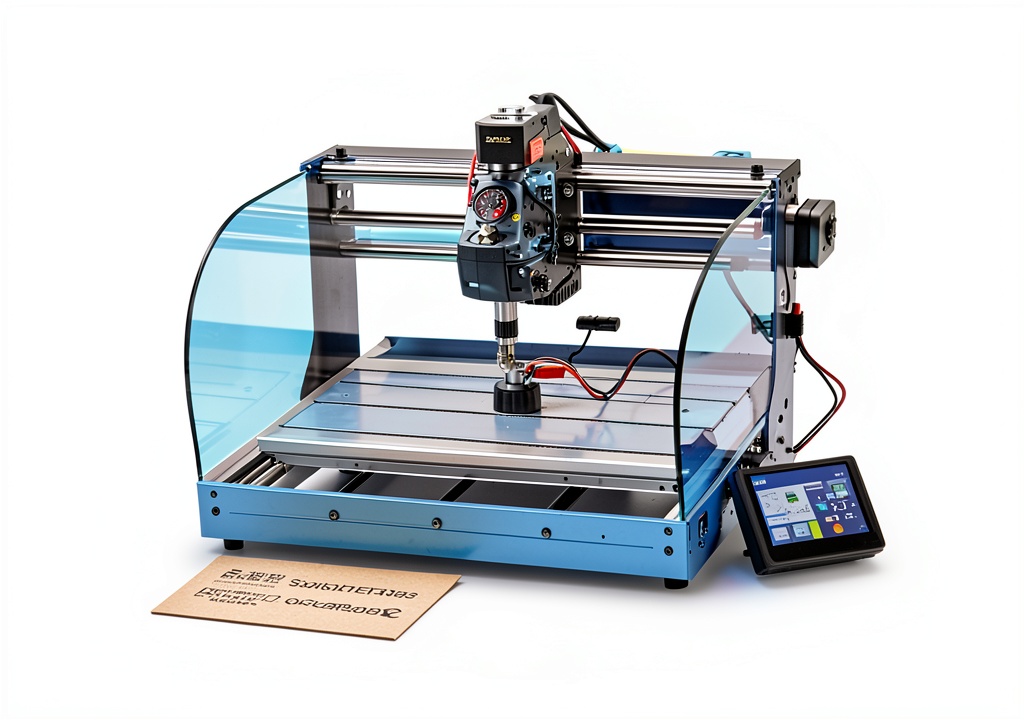
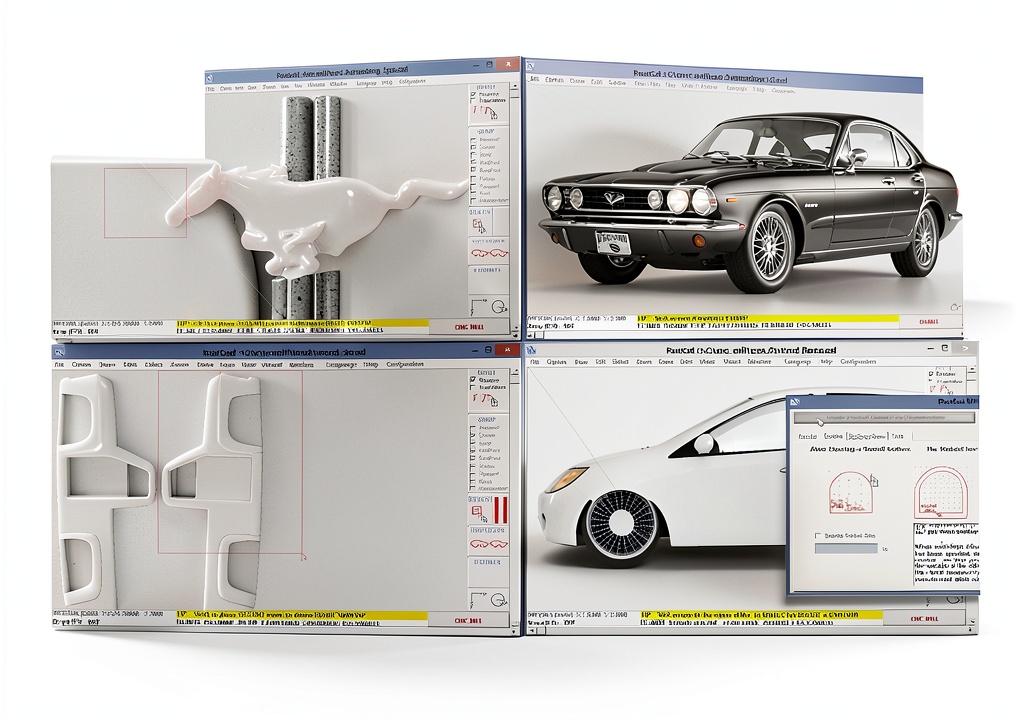
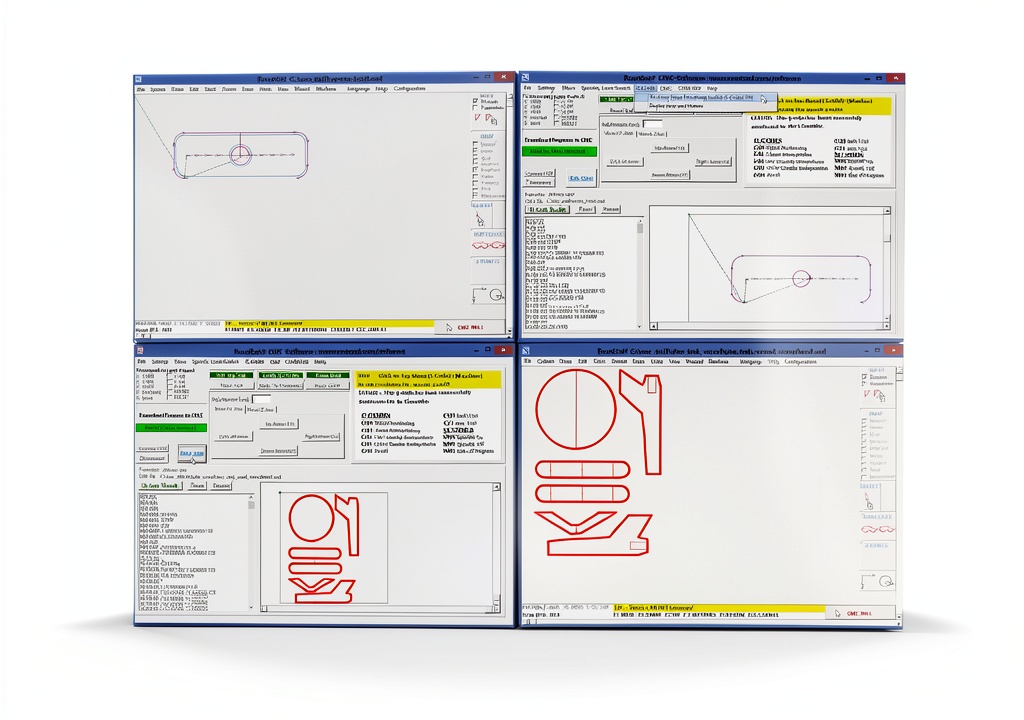
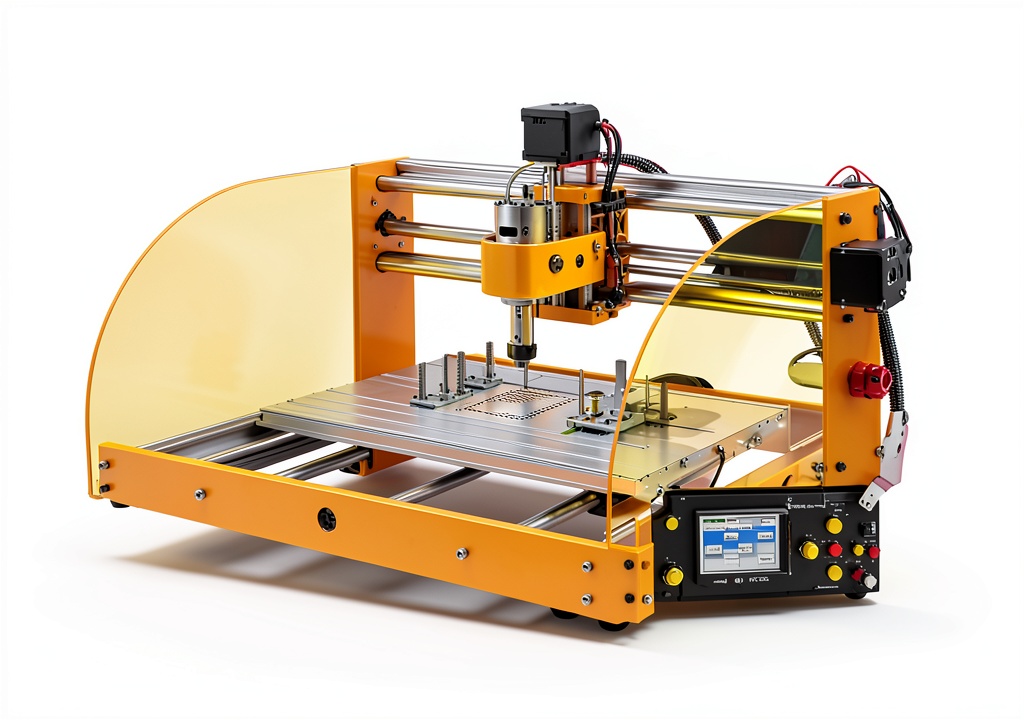
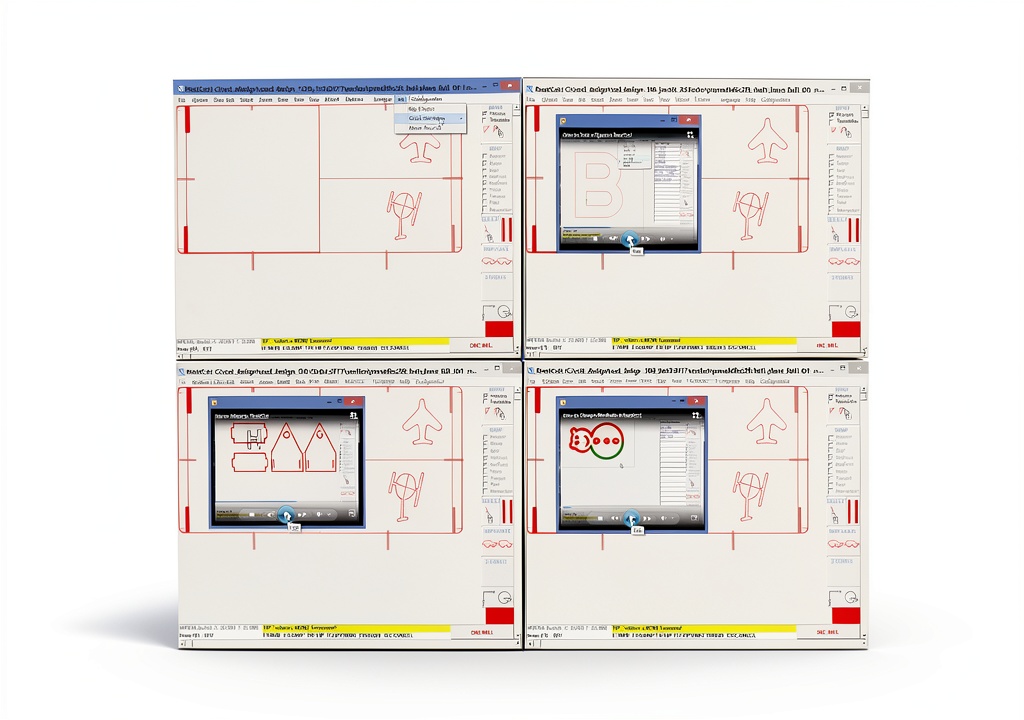
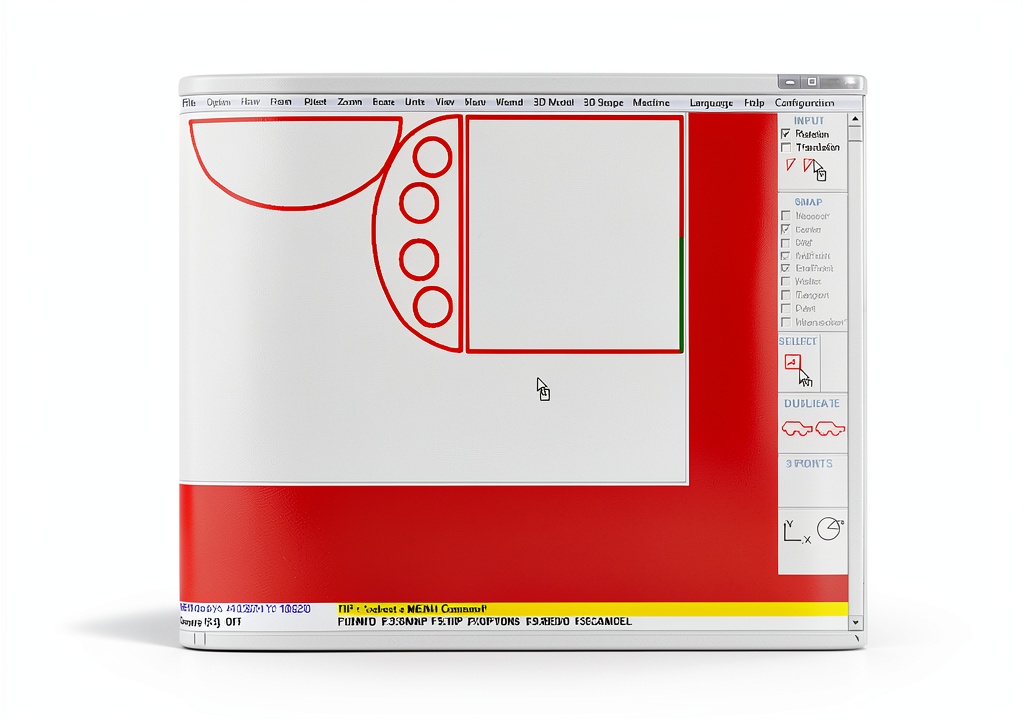
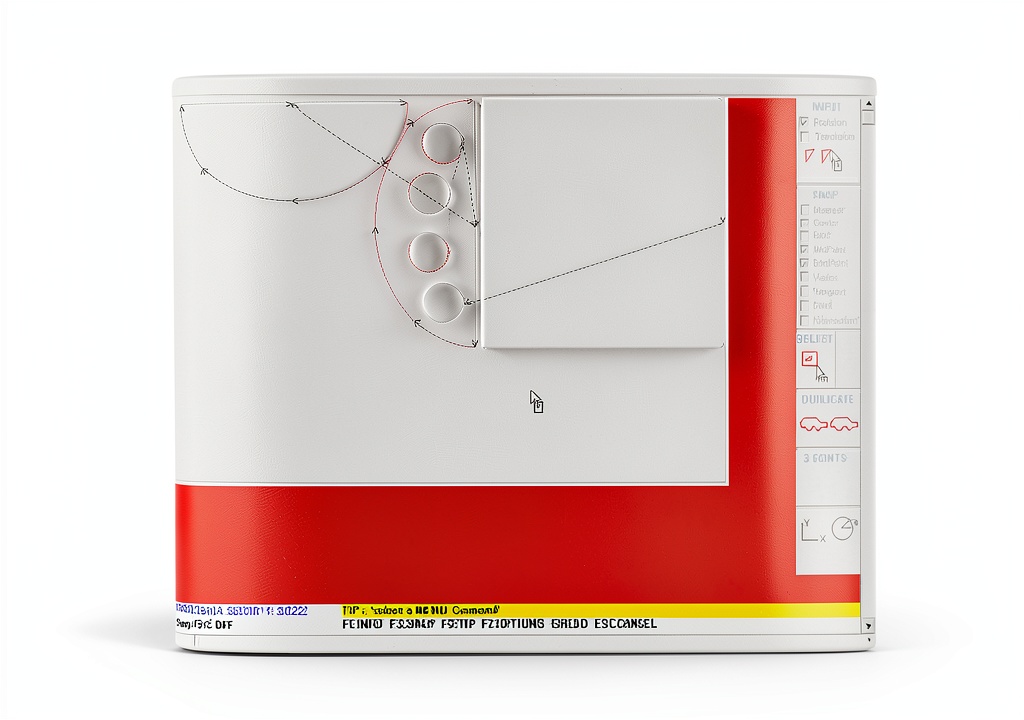
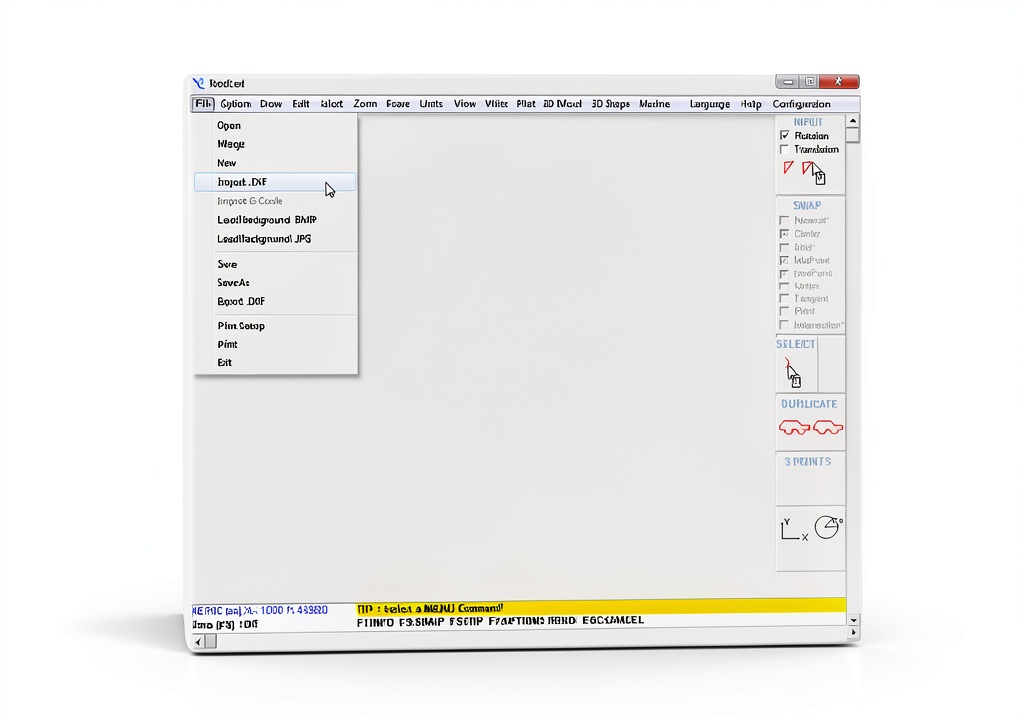
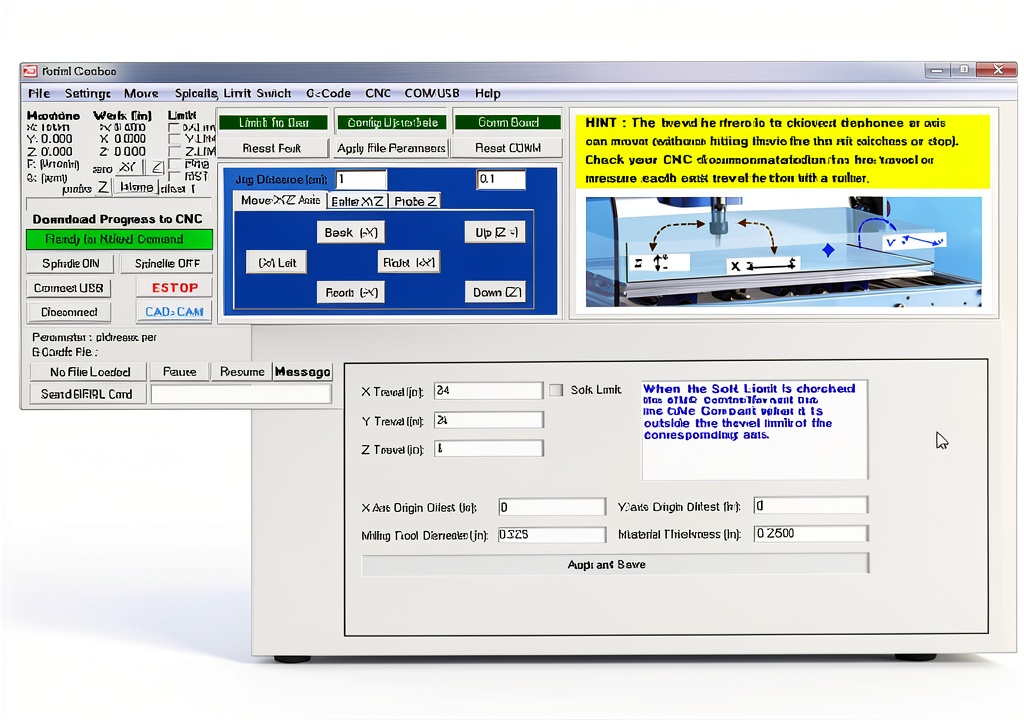
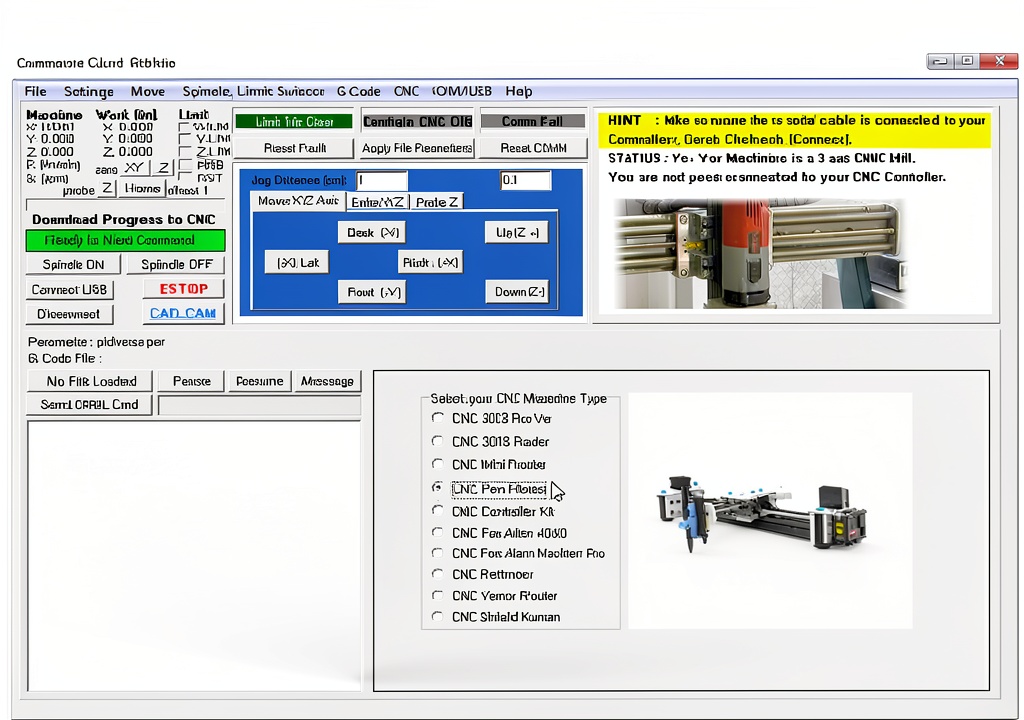
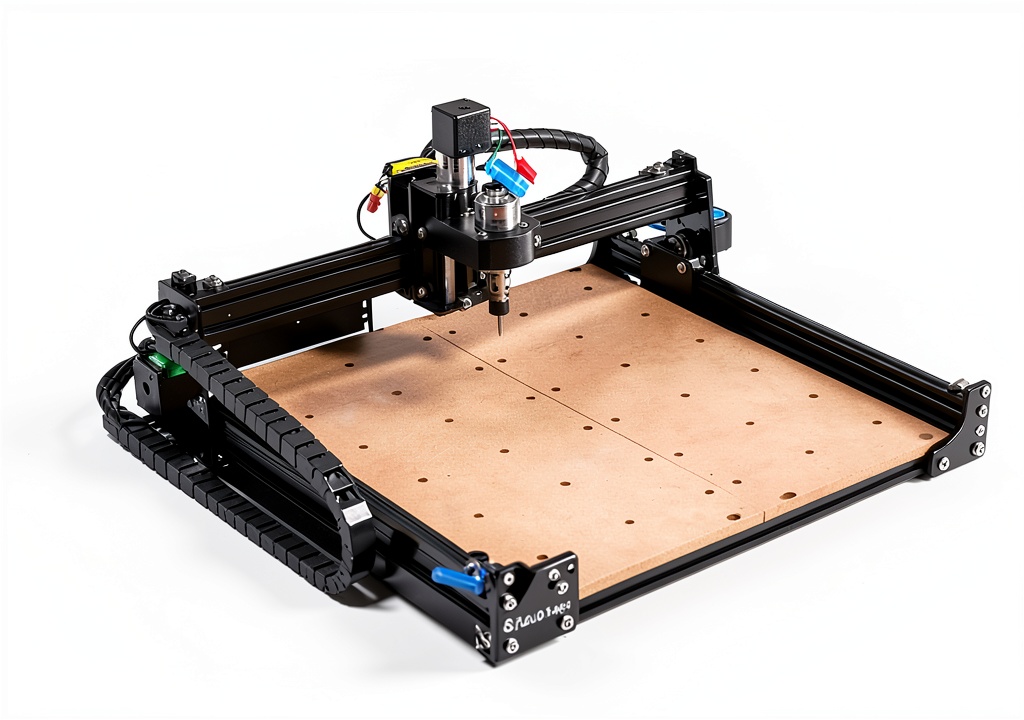
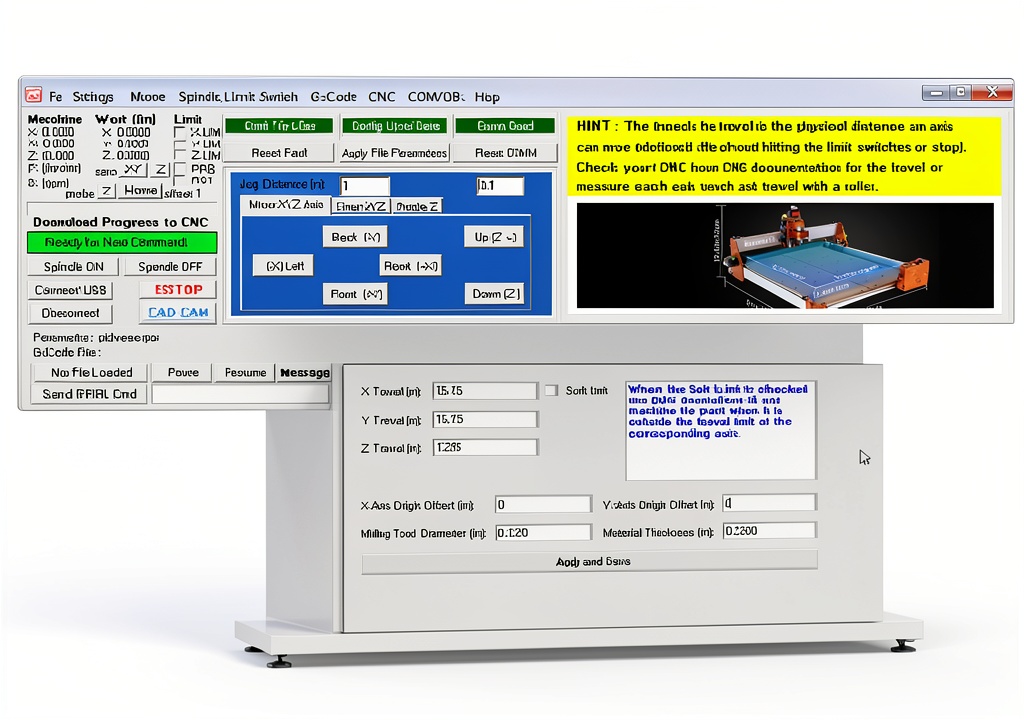
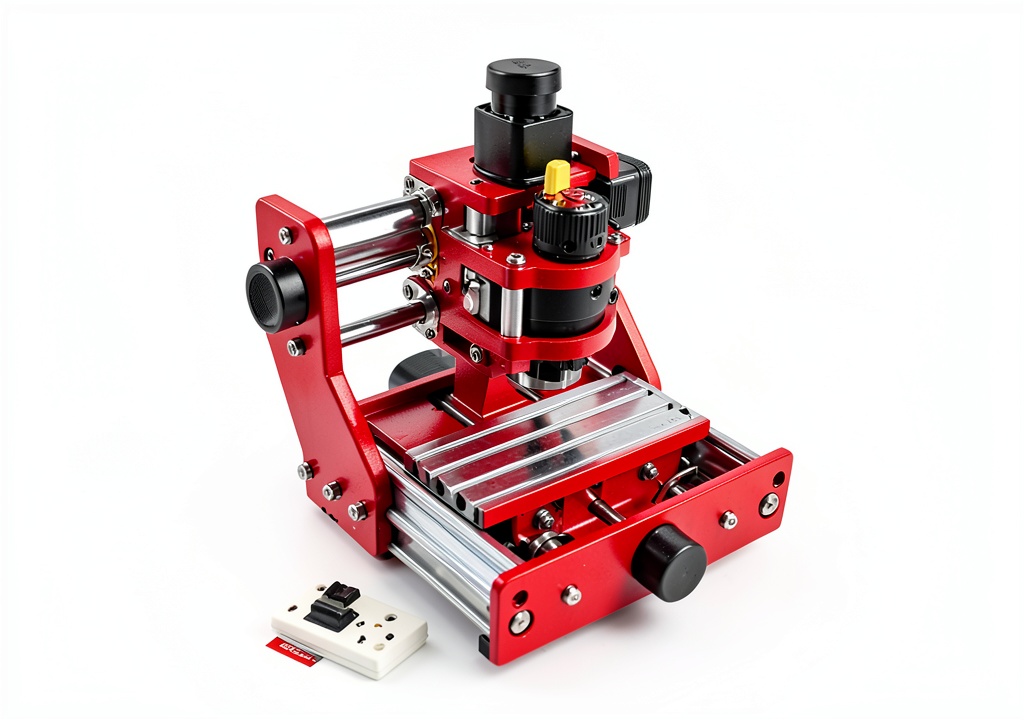
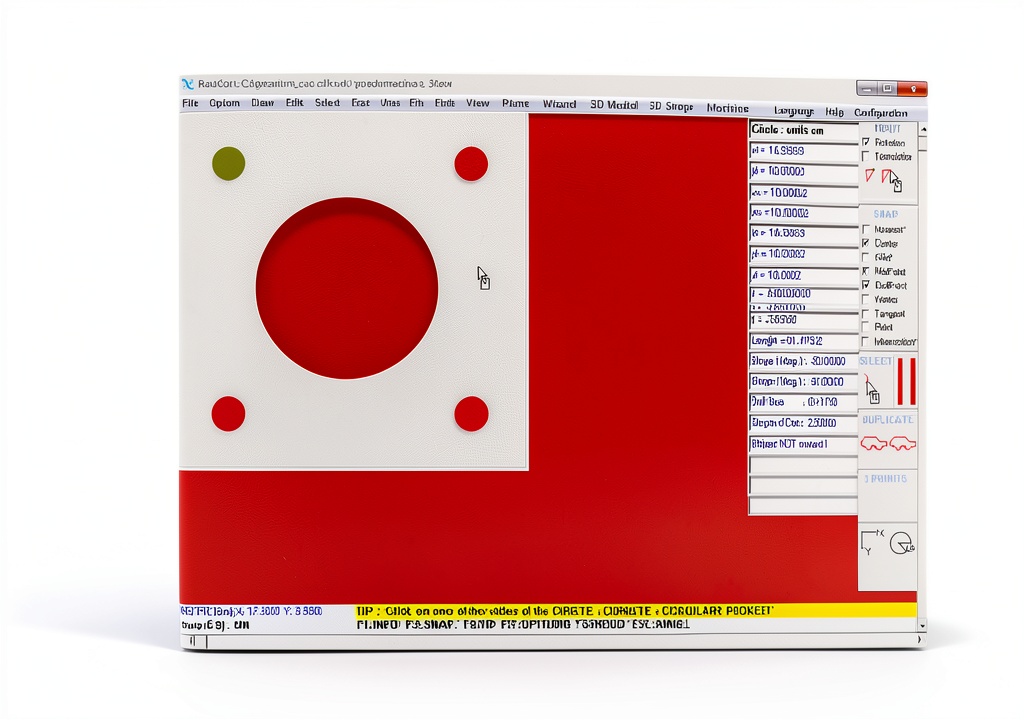
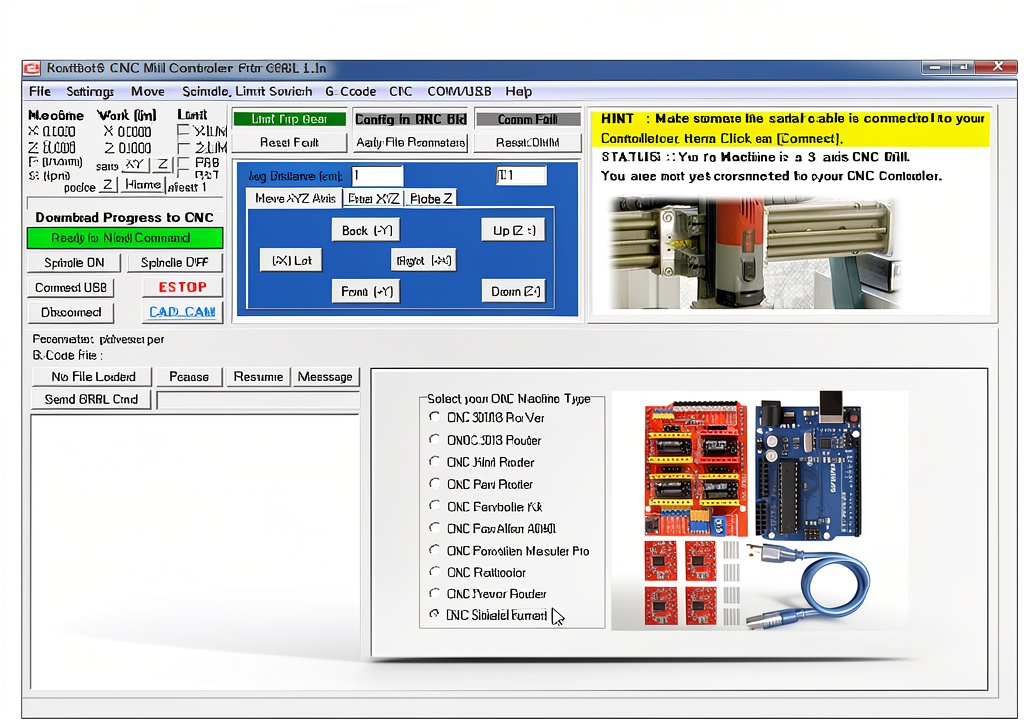
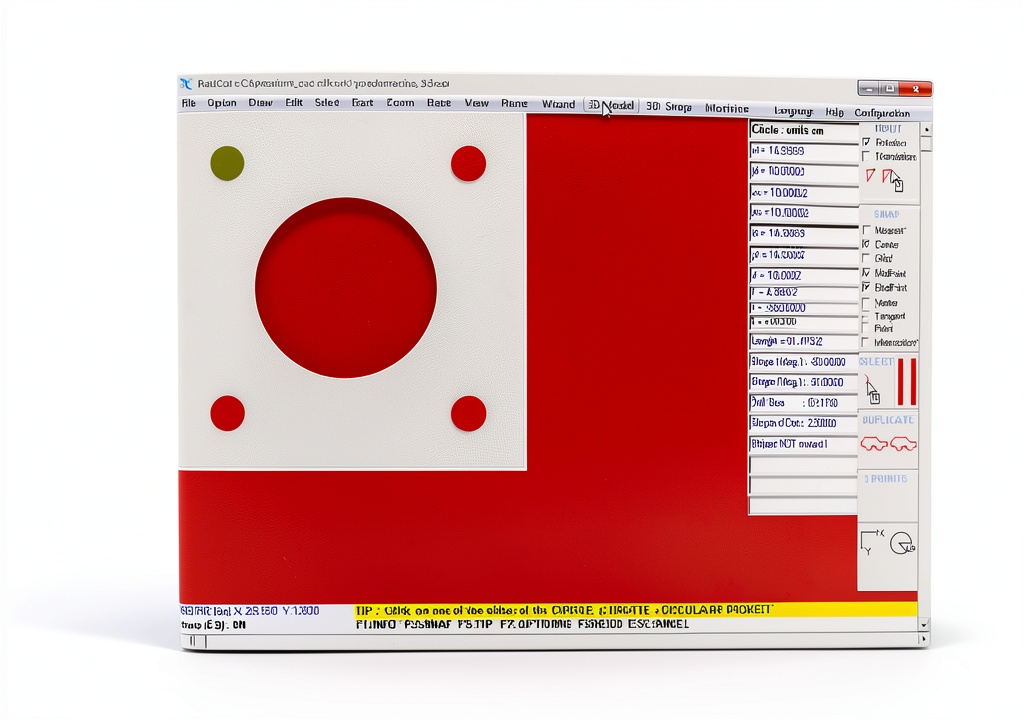
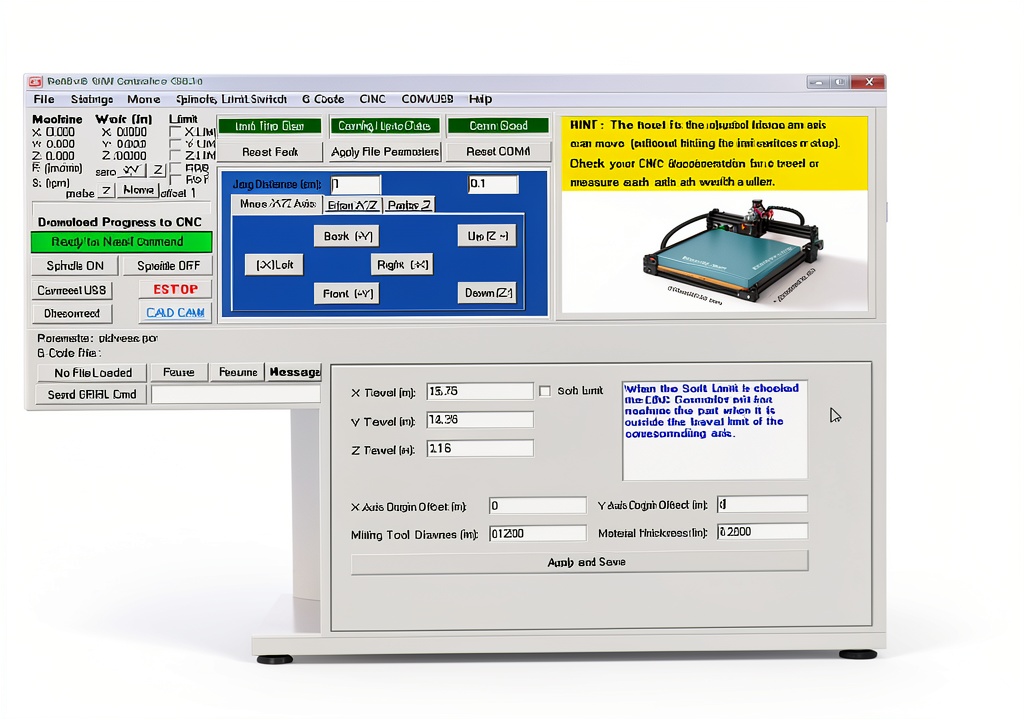
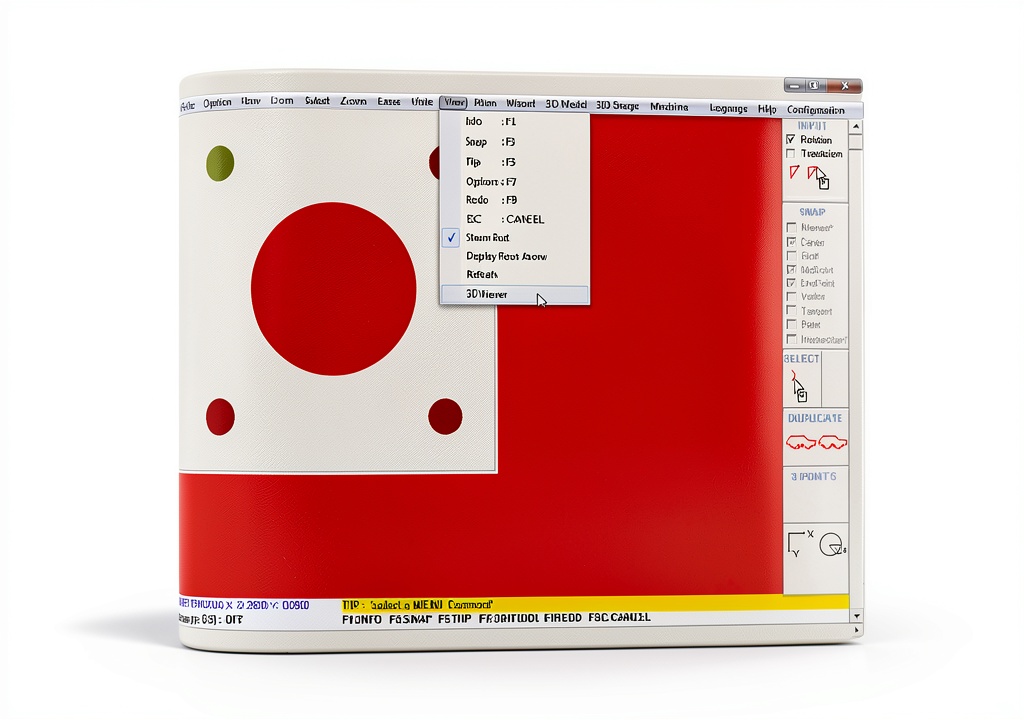
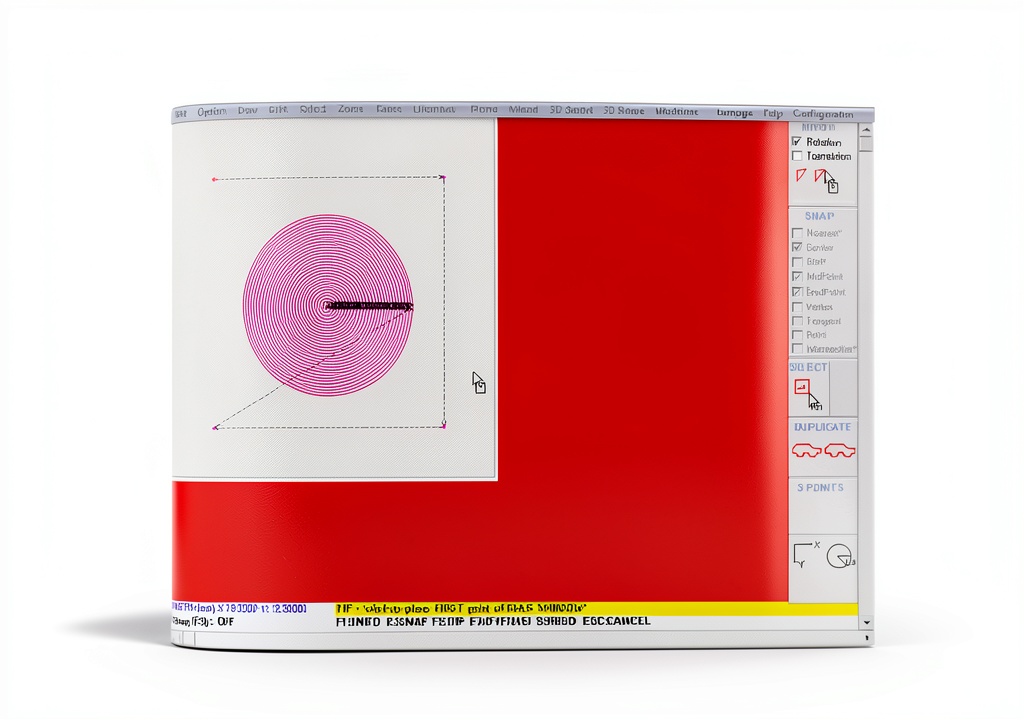
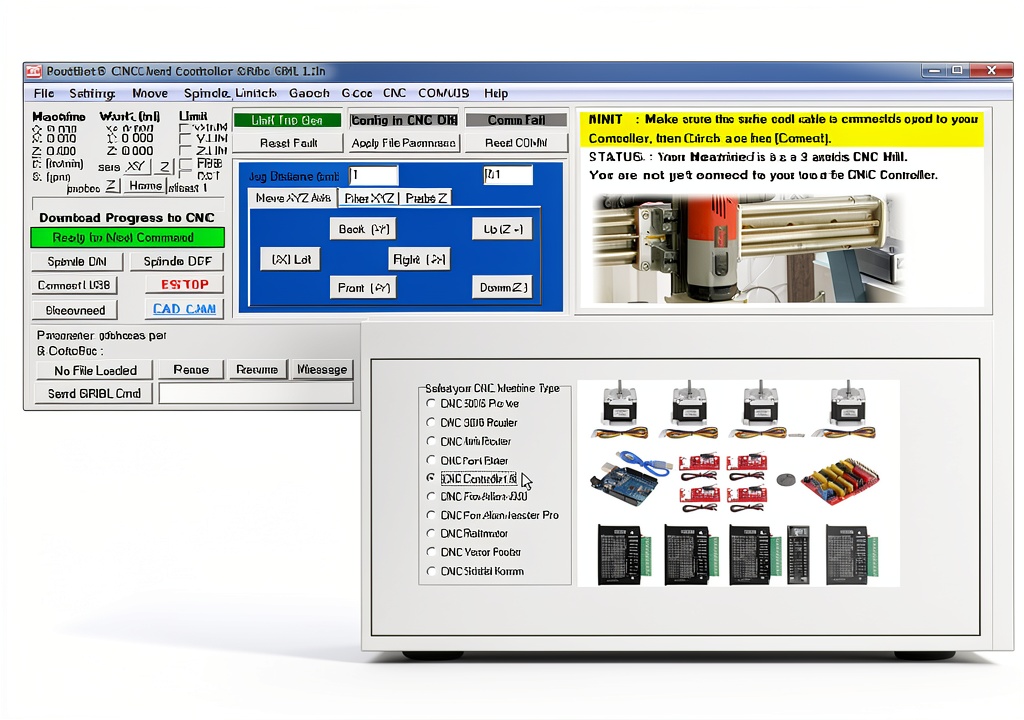
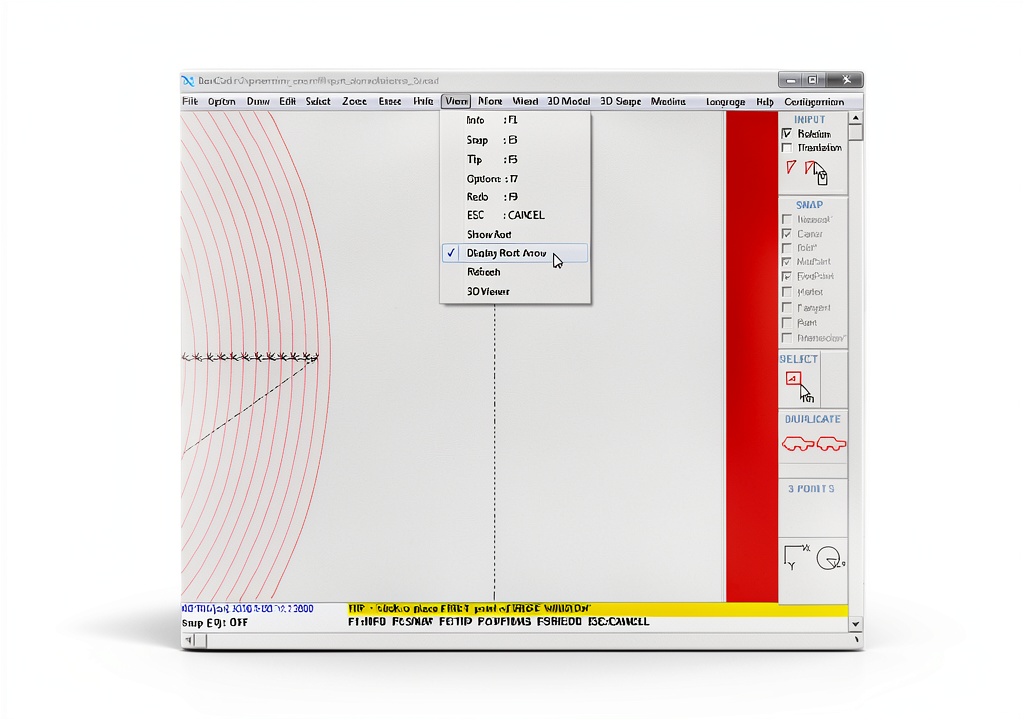
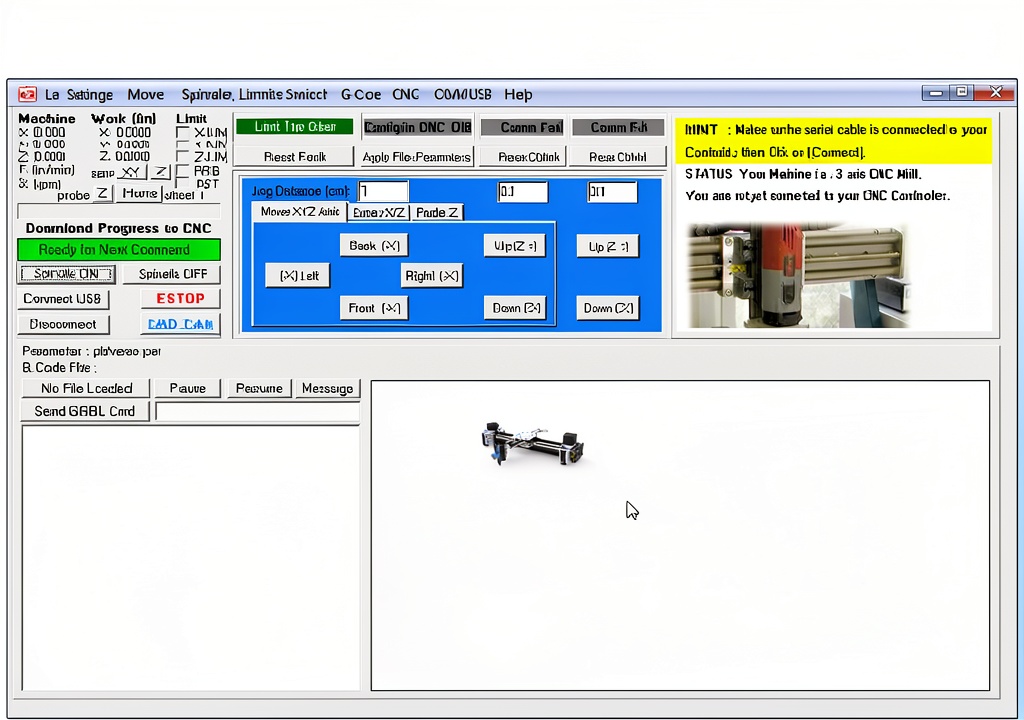
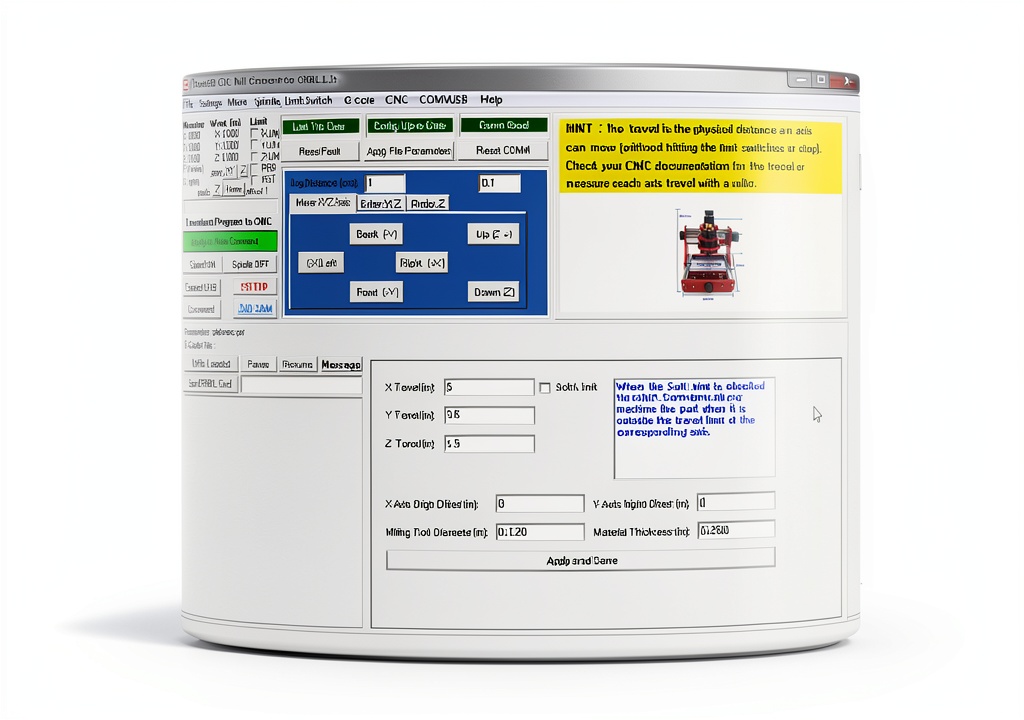
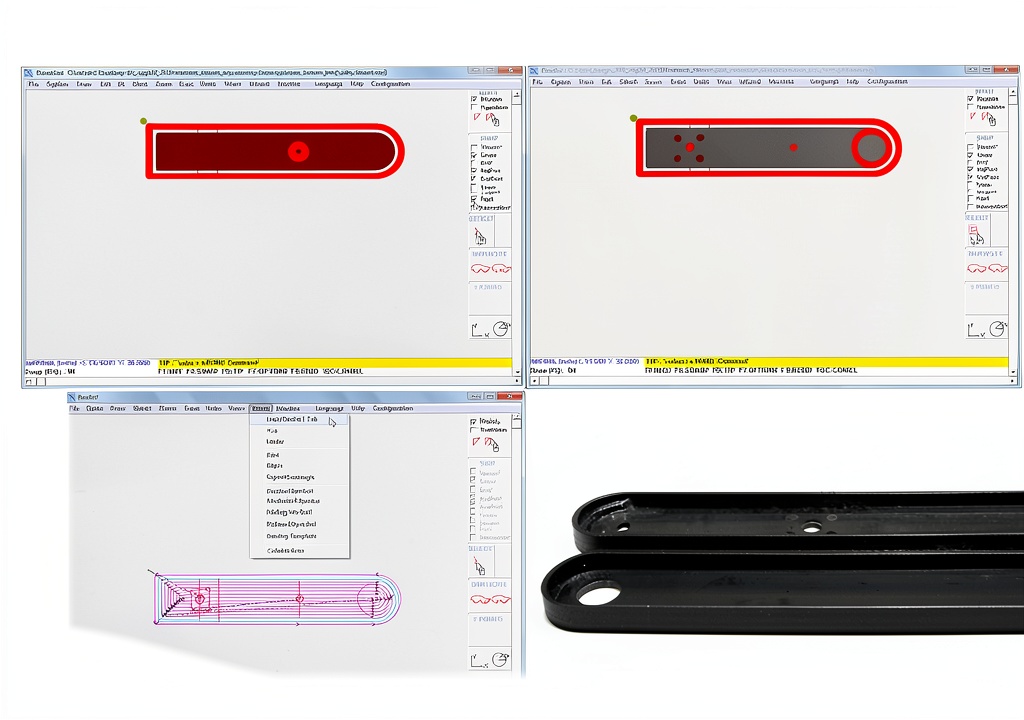
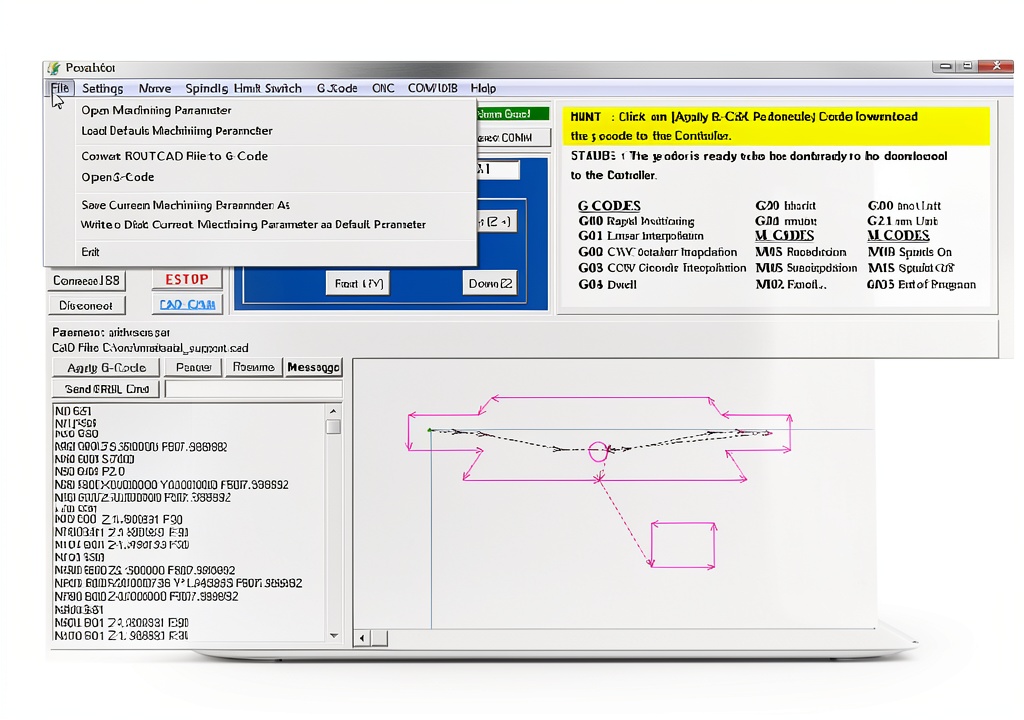
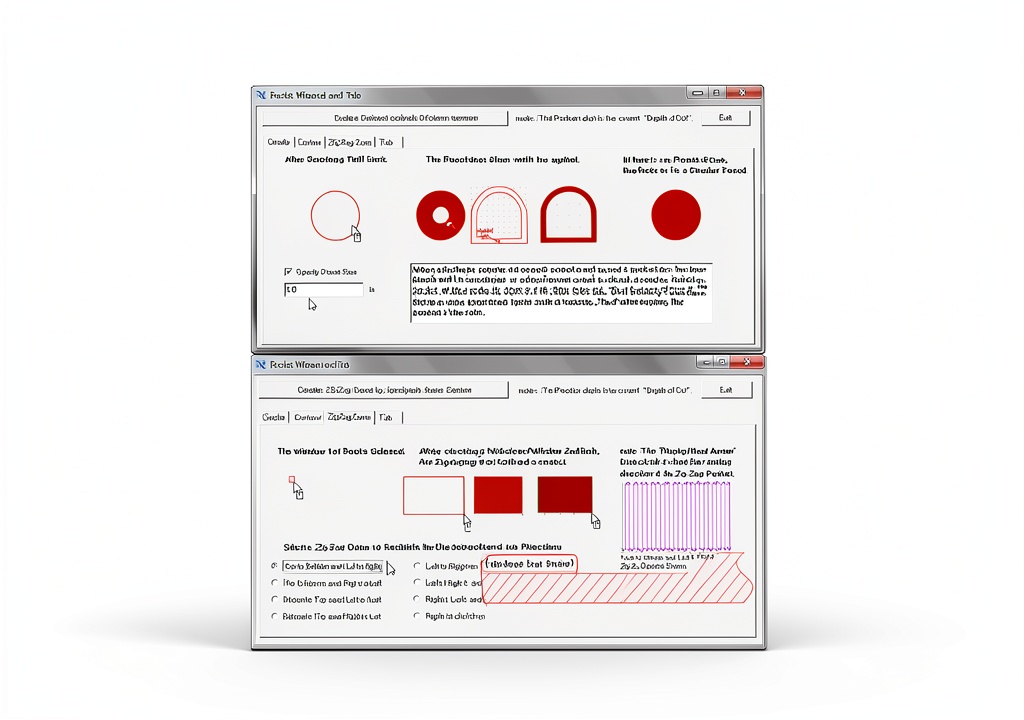
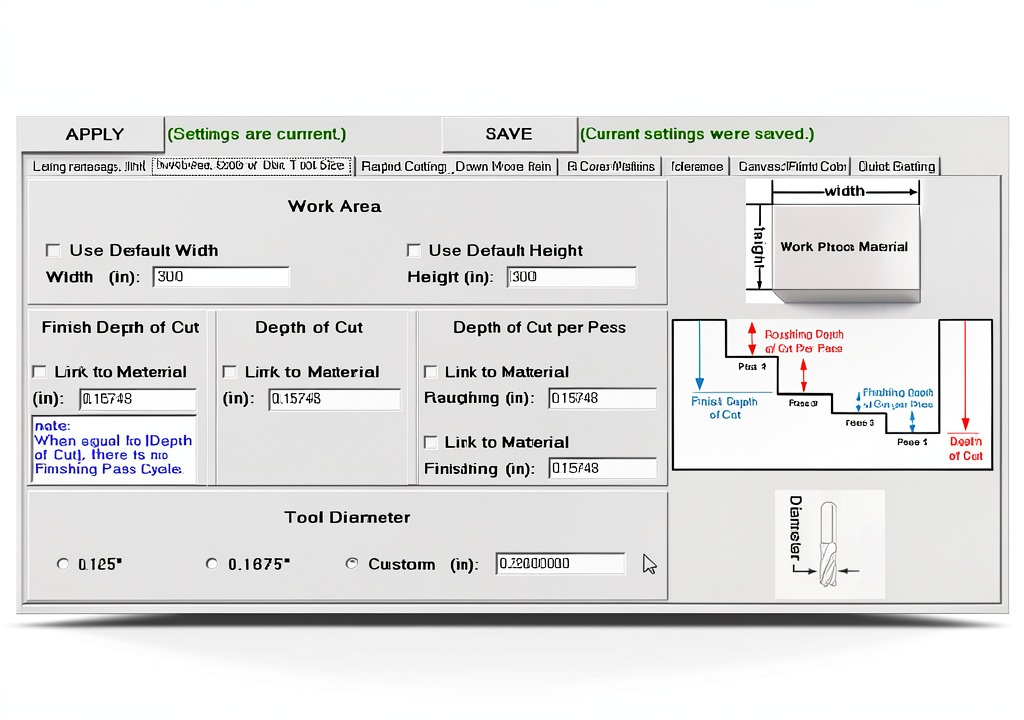
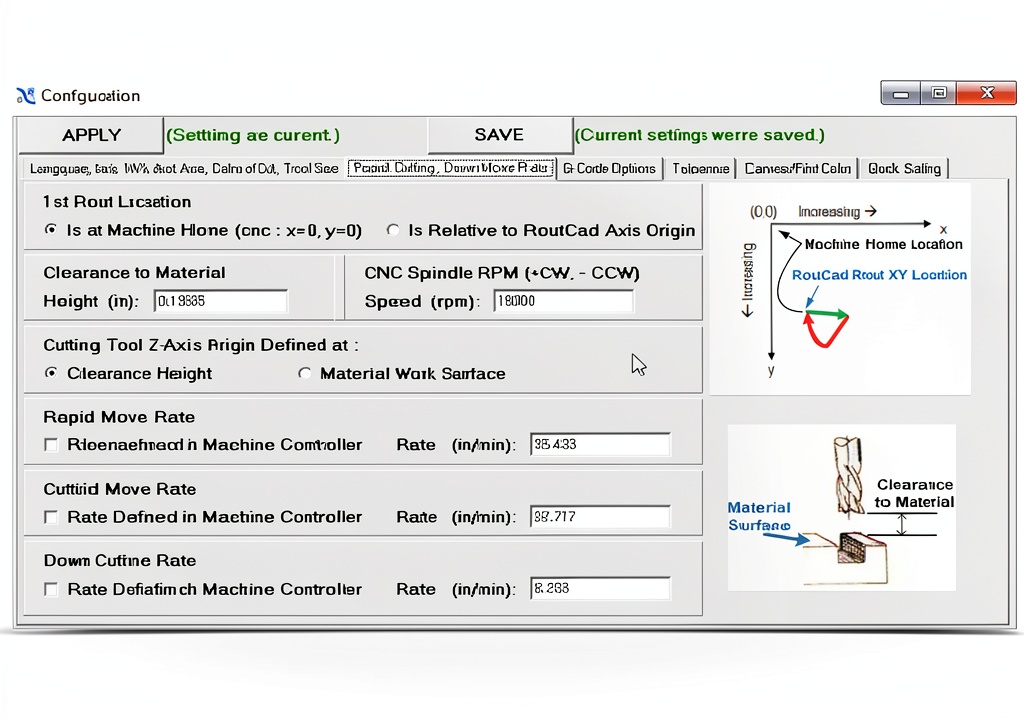
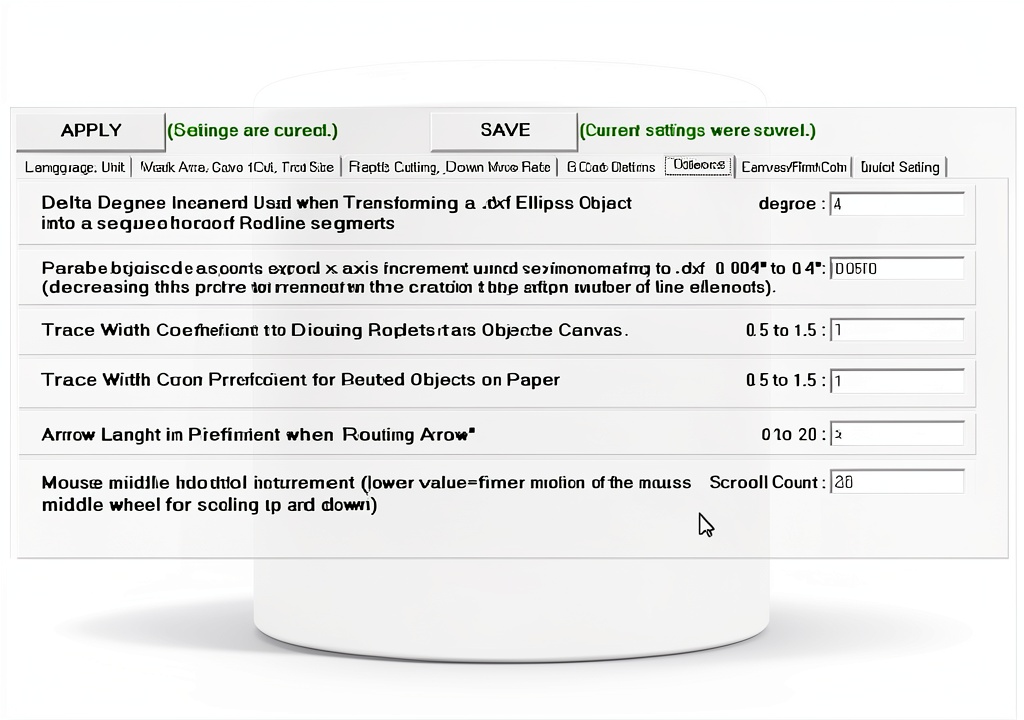
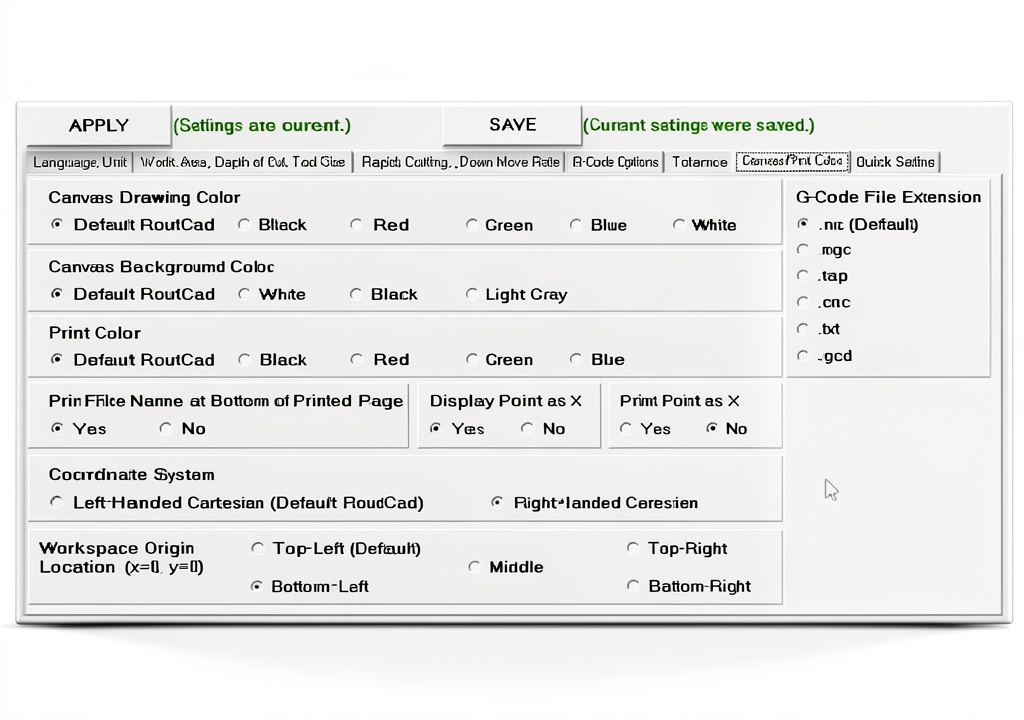
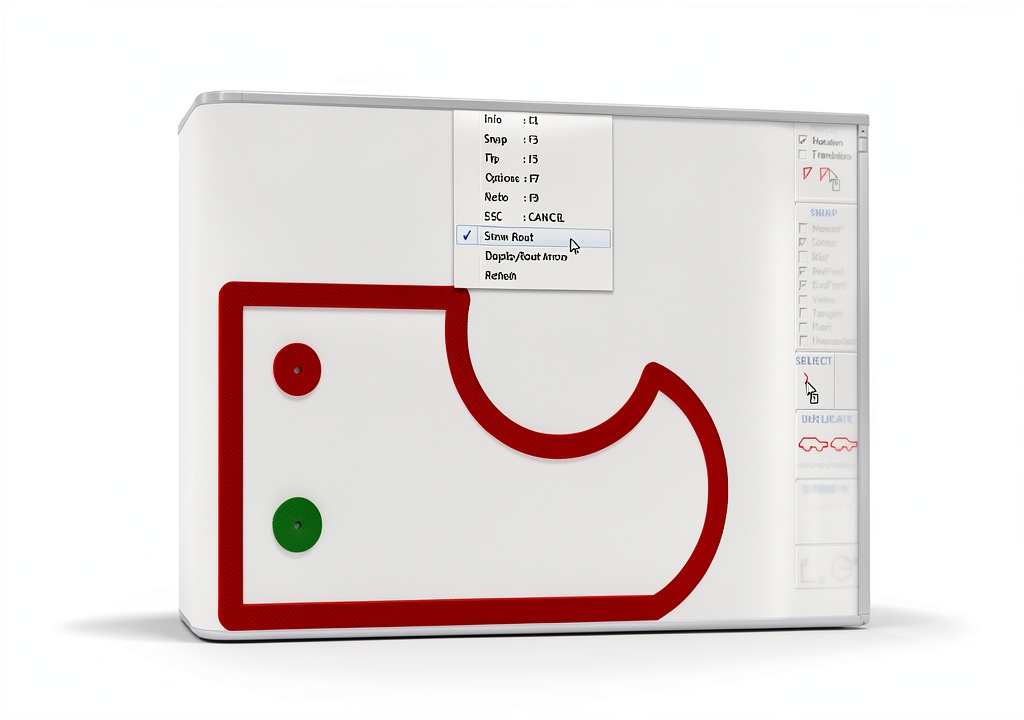
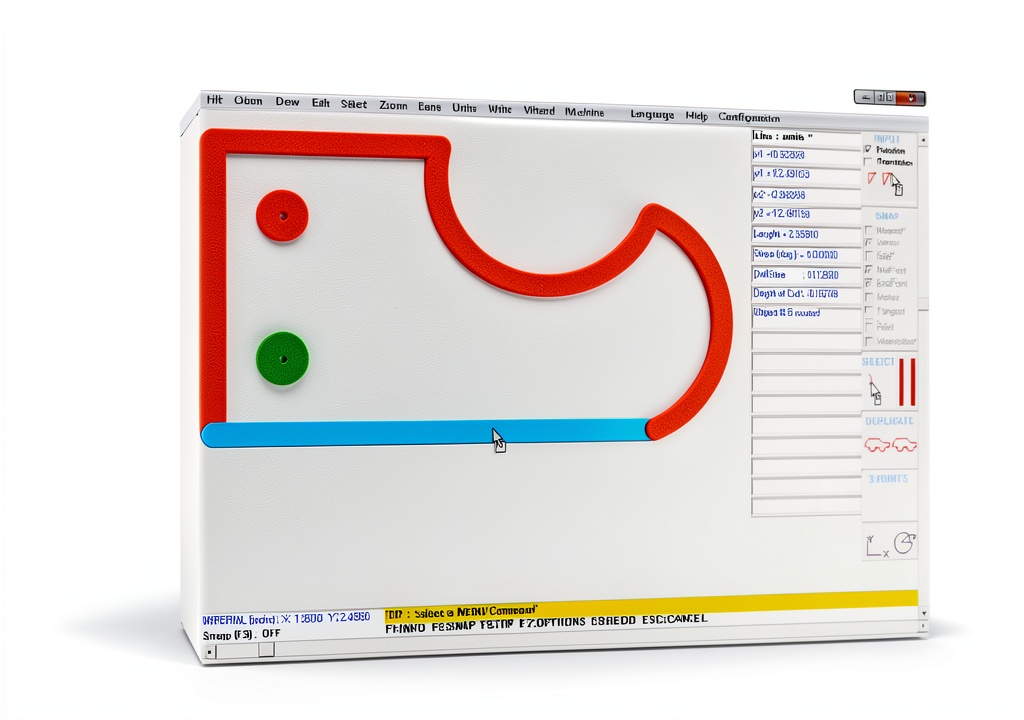
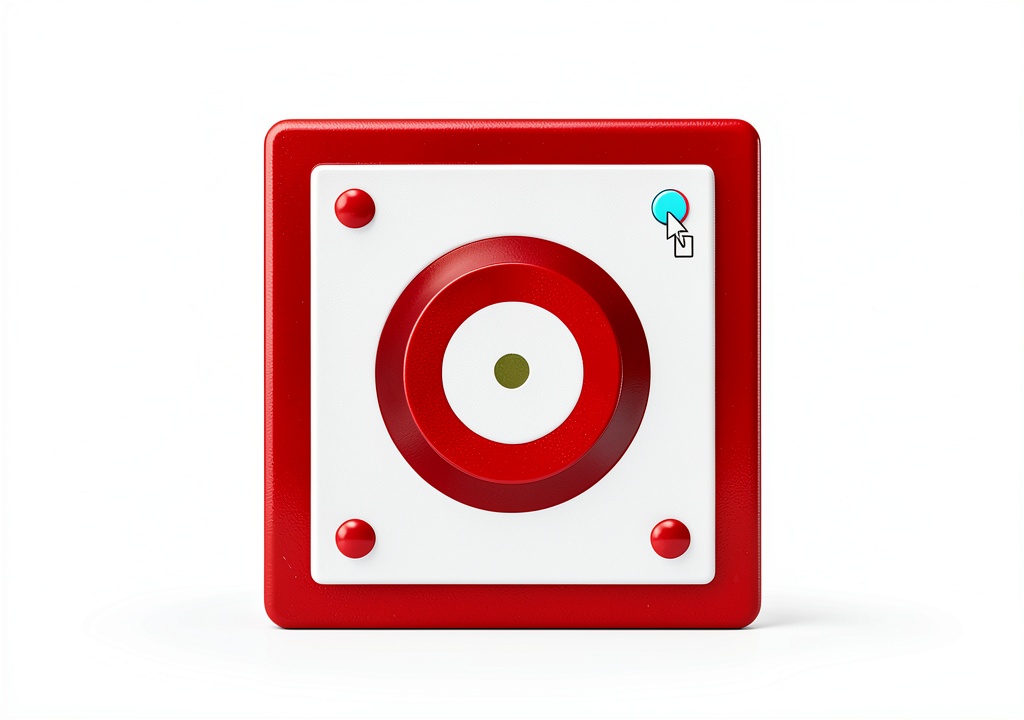
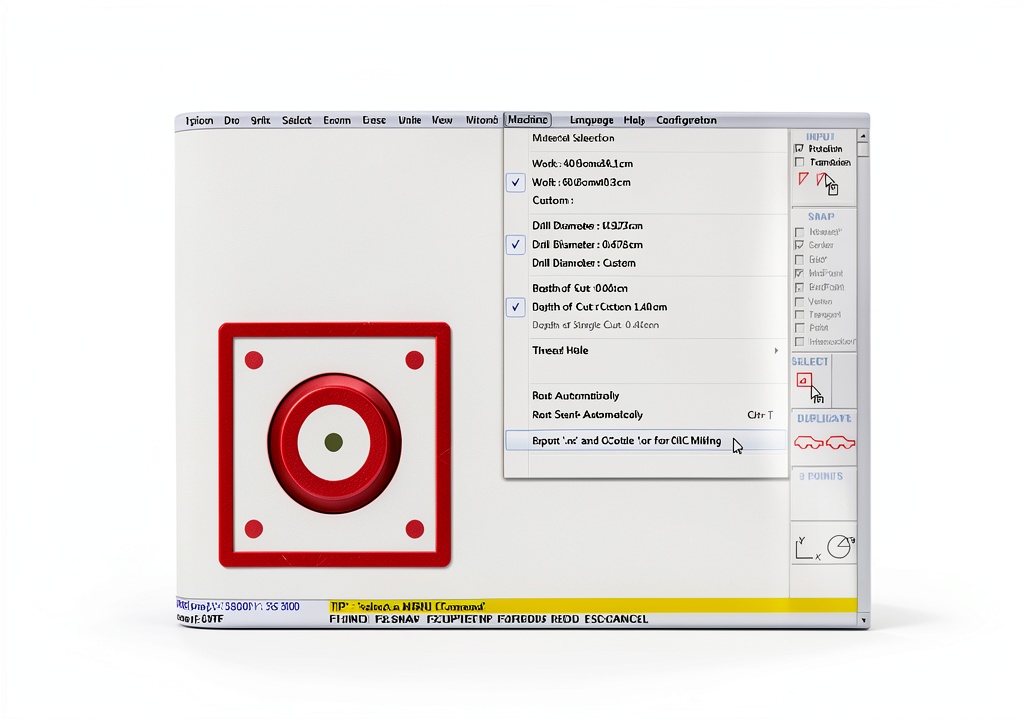
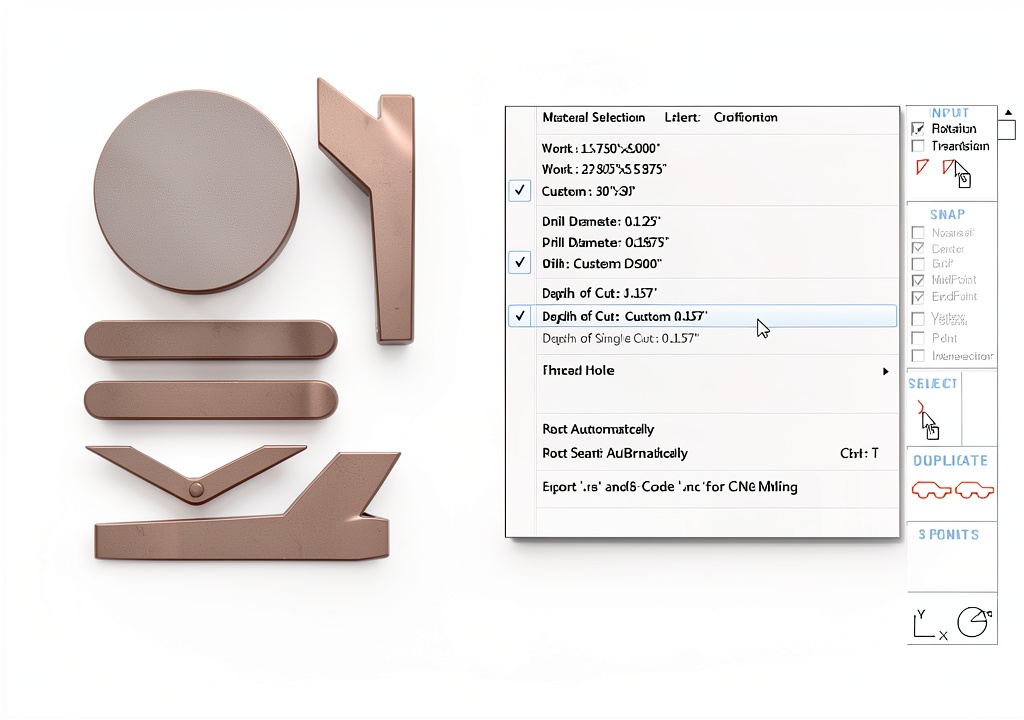
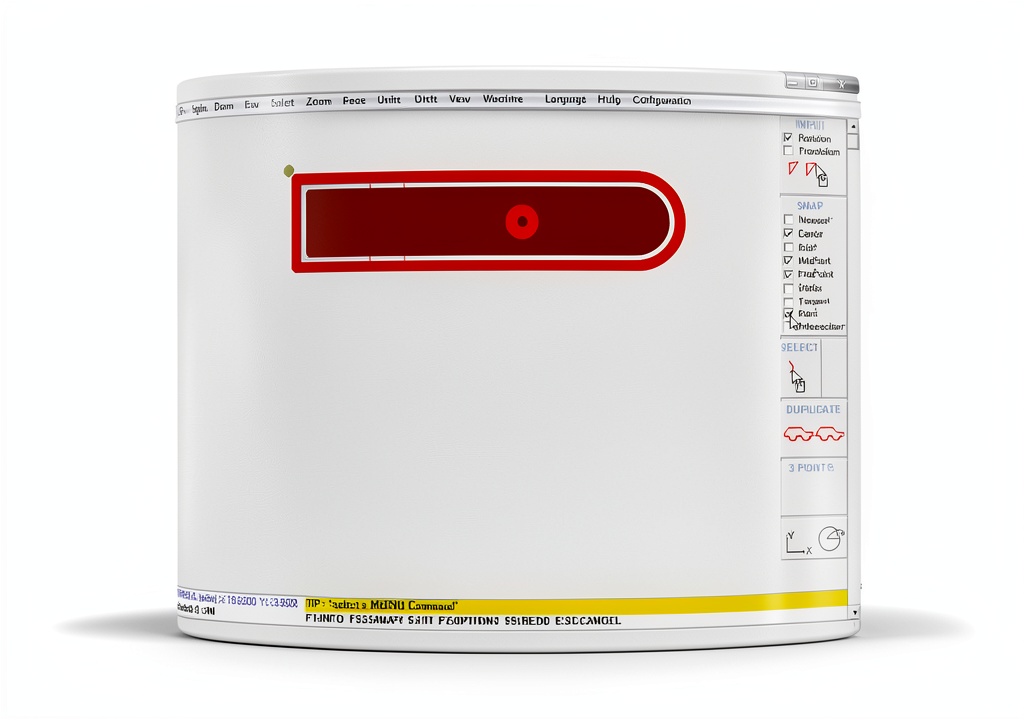
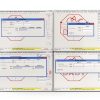
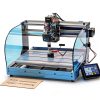
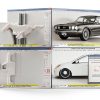
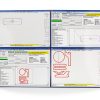
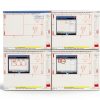
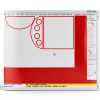
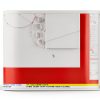
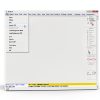
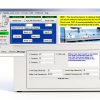
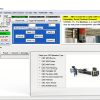
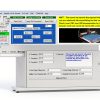
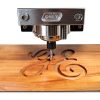
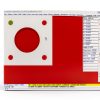
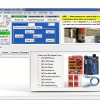
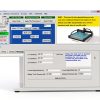
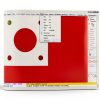
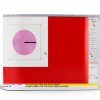
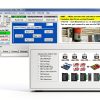
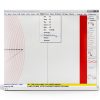
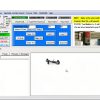
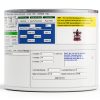
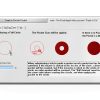
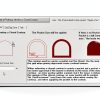
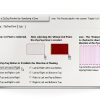
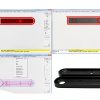
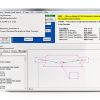
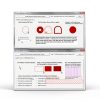
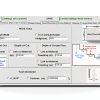
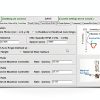
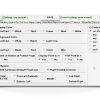
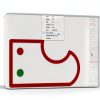
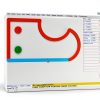
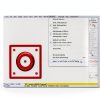
RoutCad CAD-CAM for GRBL is a specialized software suite designed to accelerate CNC design and machining on GRBL‑compatible controllers. It combines a fast‑track design interface with automatic pocket creation, a comprehensive shape library, and advanced editing tools. The lightweight application runs on standard Windows PCs, requiring minimal system resources while delivering professional‑grade functionality. Detailed specifications include a compact installation size, intuitive file management, and seamless integration with existing GRBL workflows.
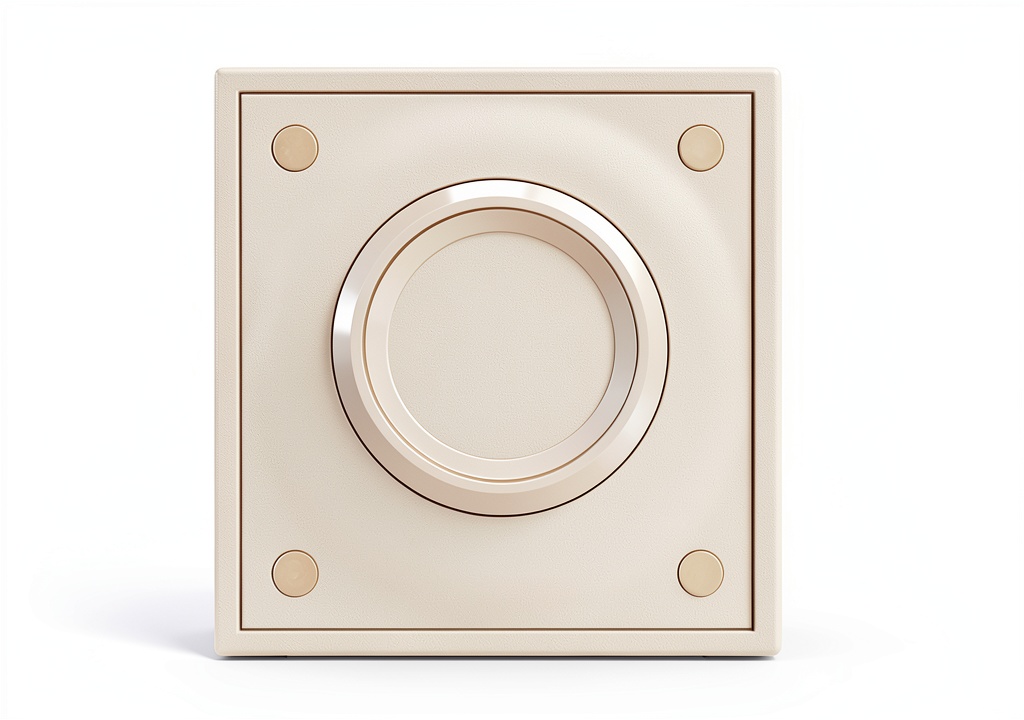
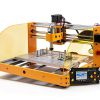
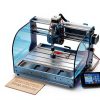
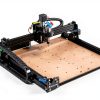
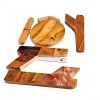
![[Product front view showing all components]](https://www.bohobloom.store/wp-content/uploads/2026/06/0aa825ba216544f68745f762531a926f.jpg)
Usage
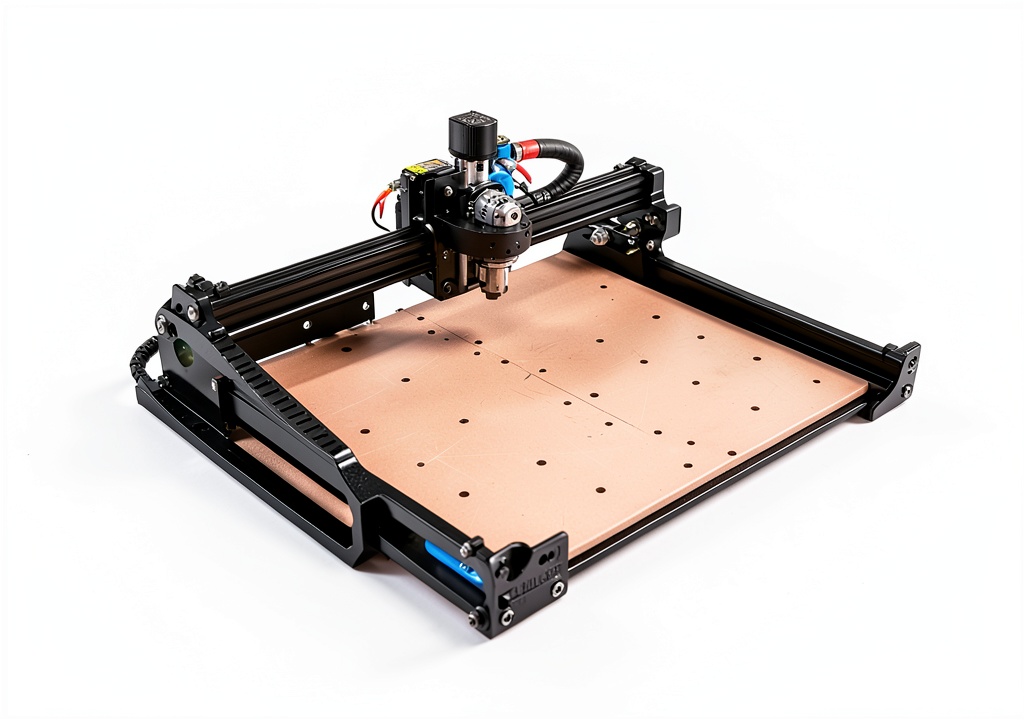
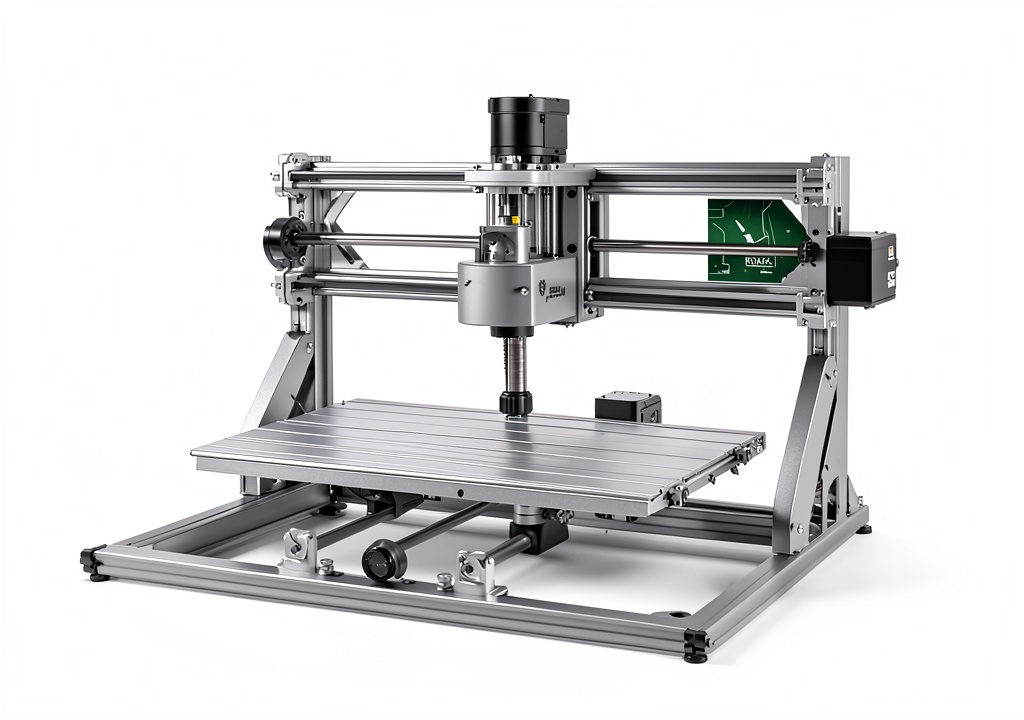
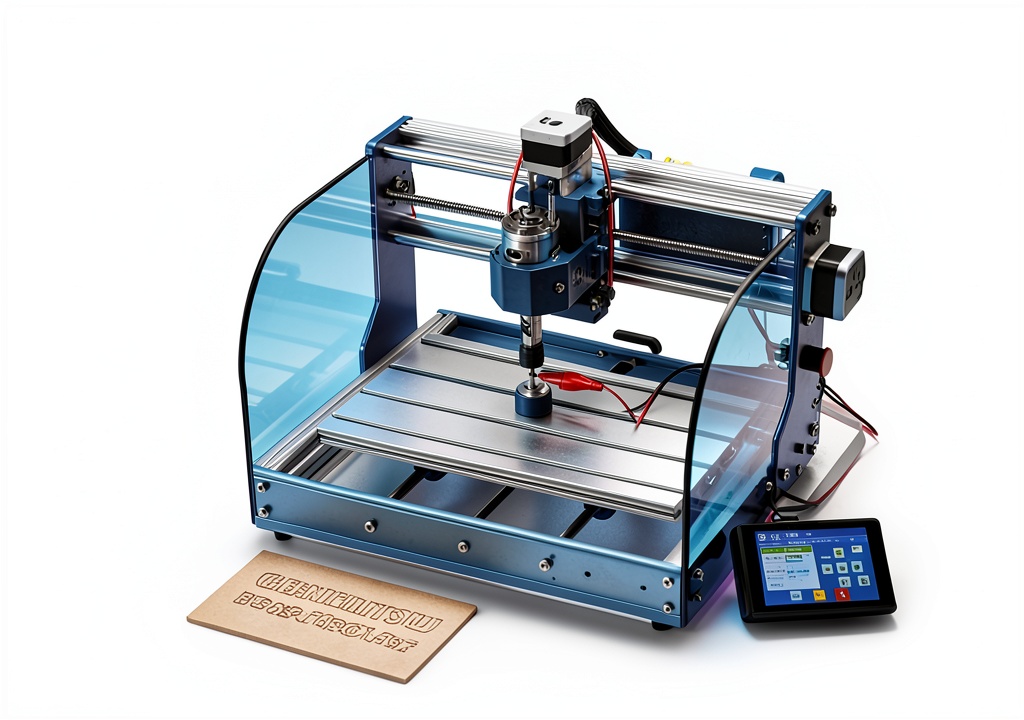
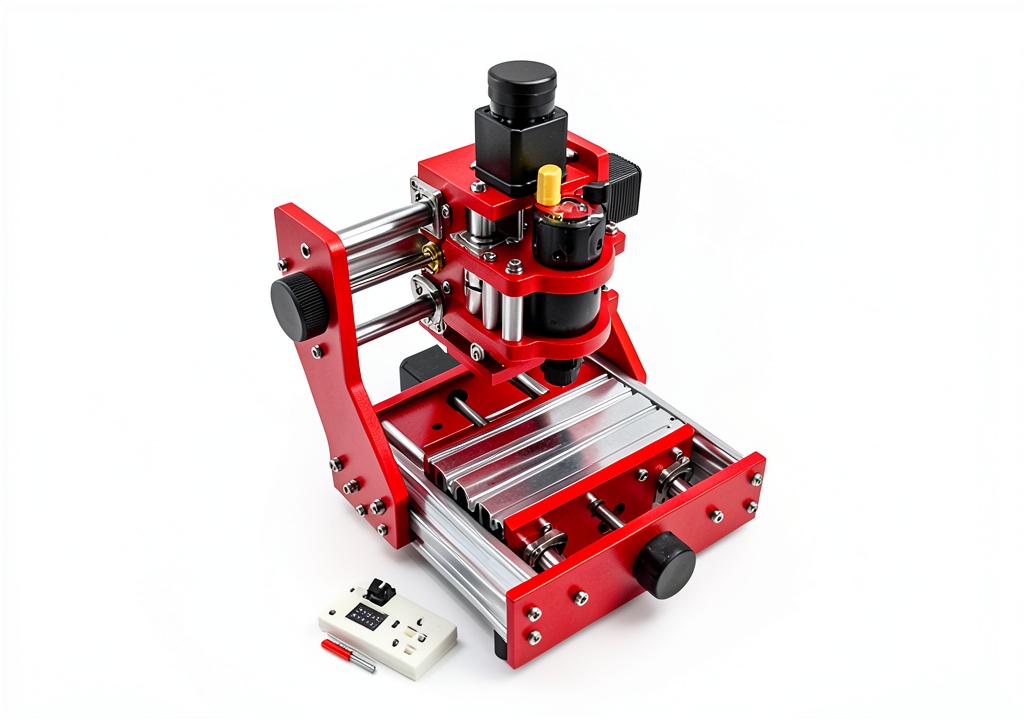
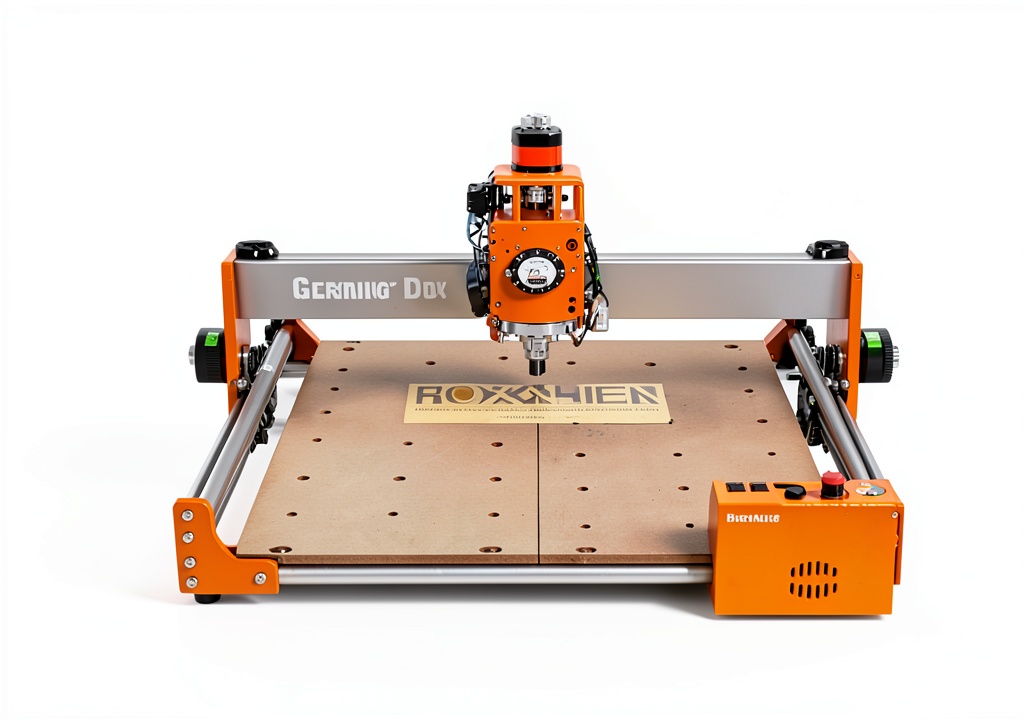
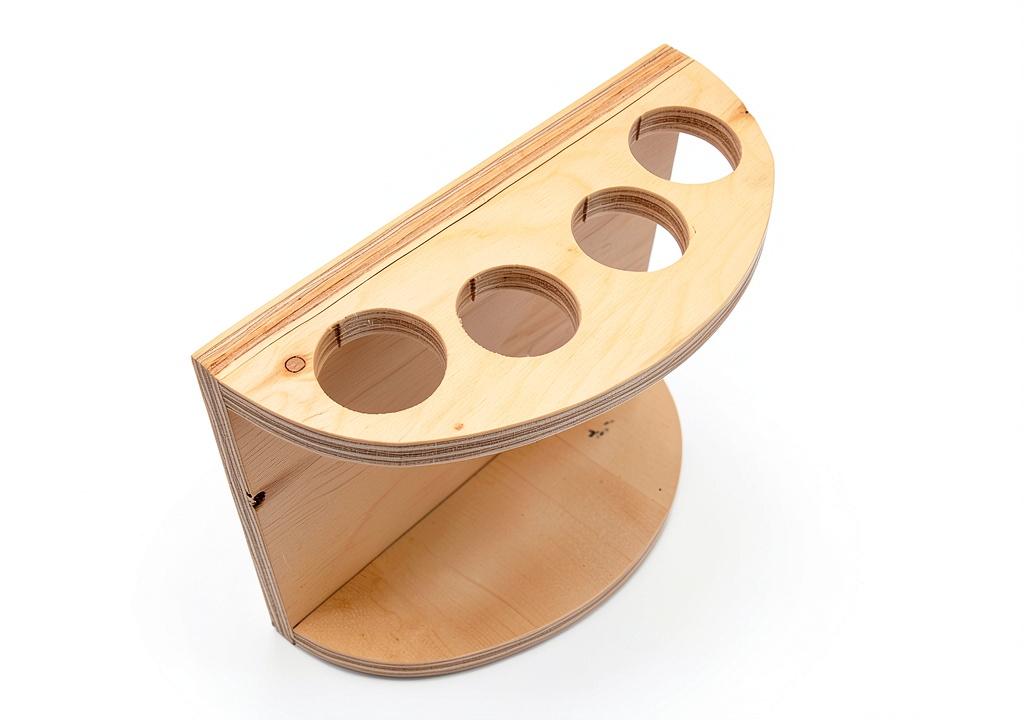
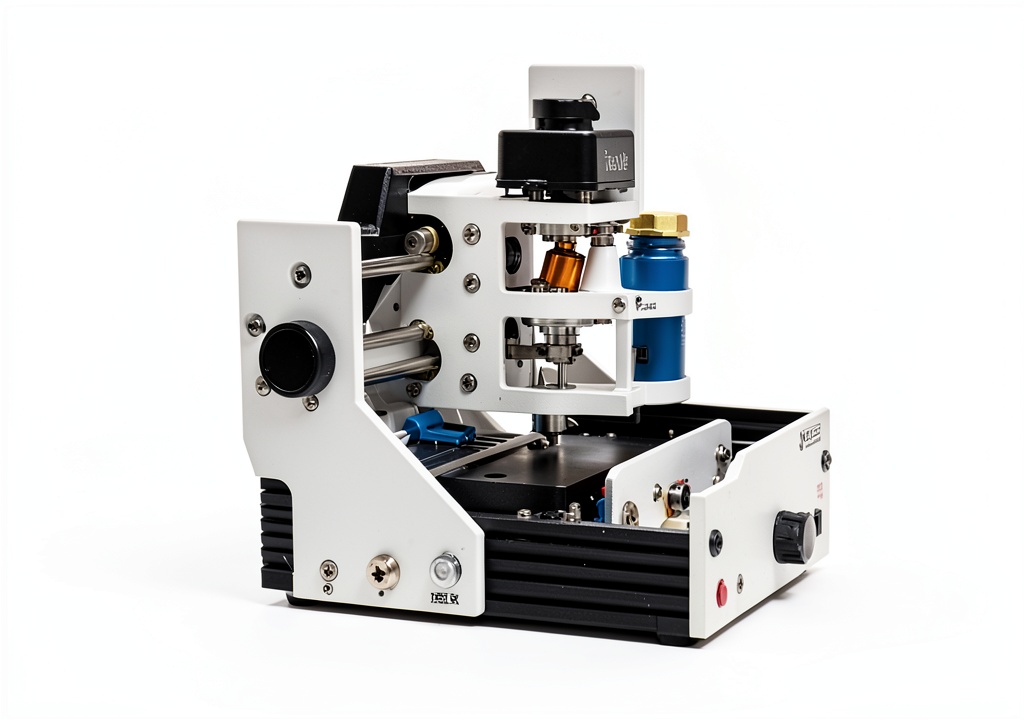
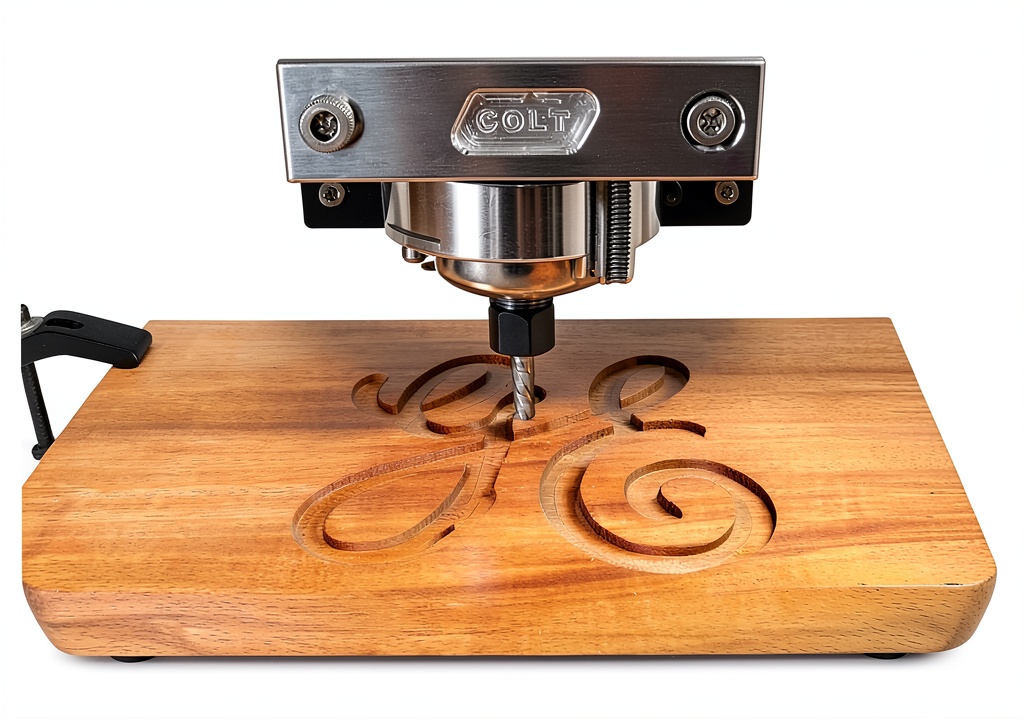
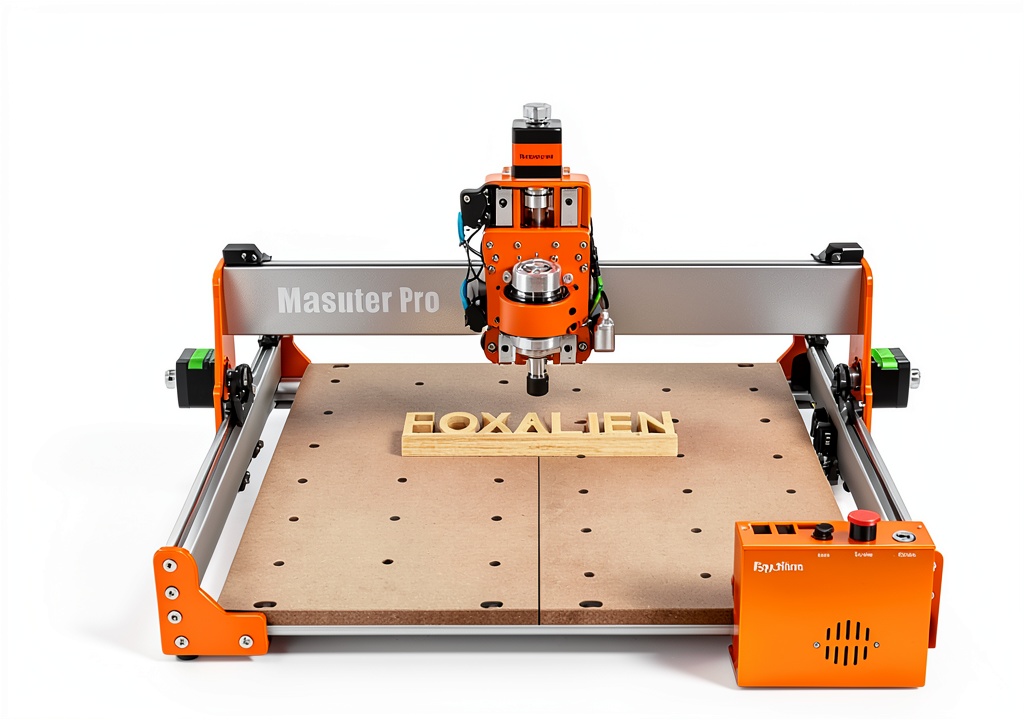
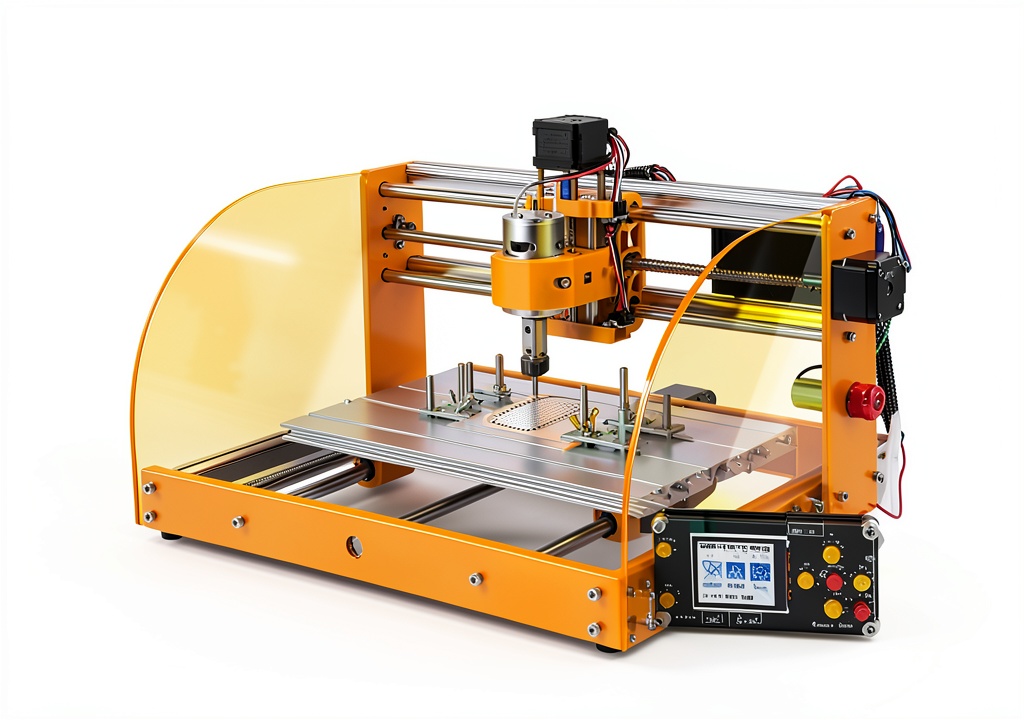
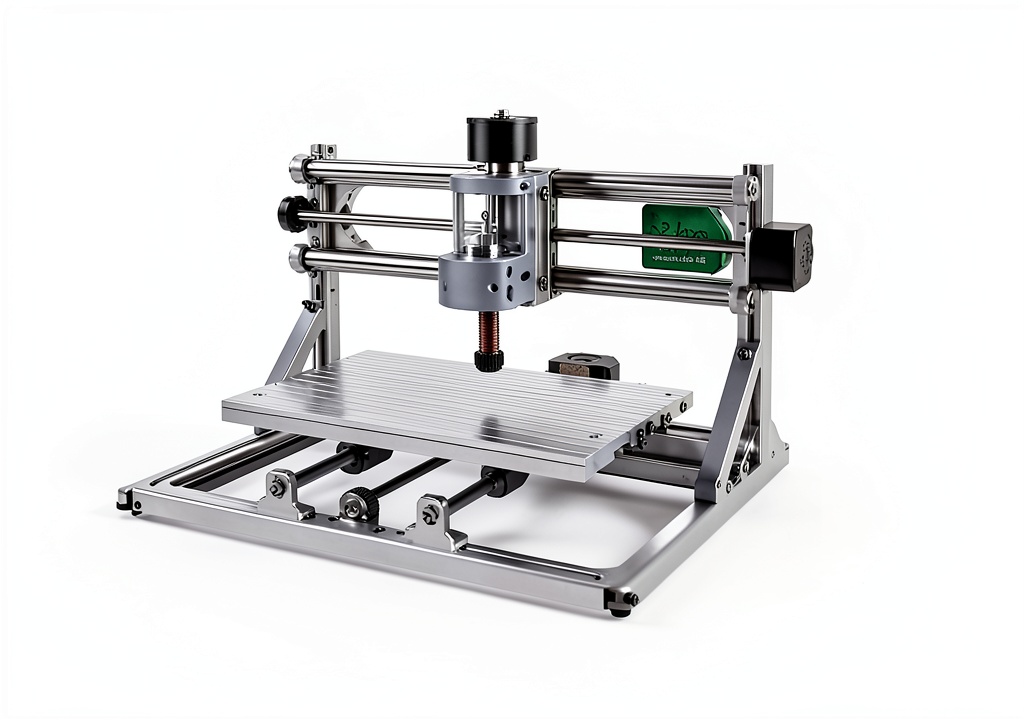
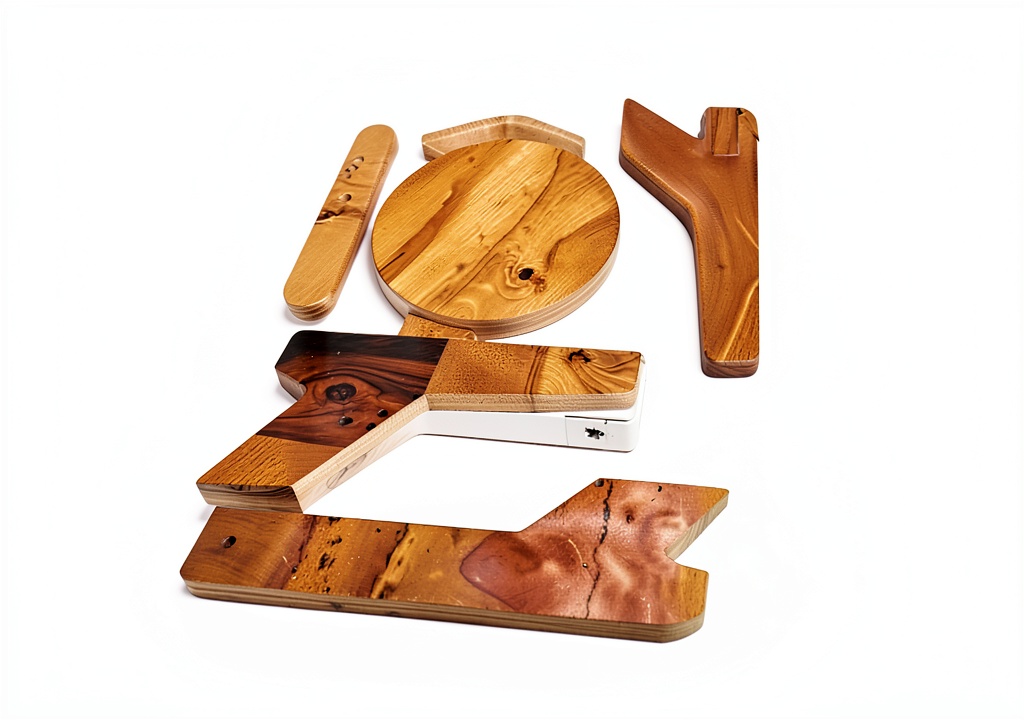
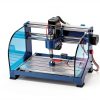
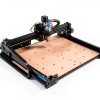
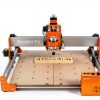
This software is ideal for hobbyists, makerspaces, and small manufacturing shops that use desktop CNC routers or laser cutters driven by GRBL firmware. Users can quickly open, edit, and merge design files, select machining sequences, and generate toolpaths without extensive manual coding. Whether creating custom signage, furniture components, or prototype parts, RoutCad streamlines the process from concept to cut, reducing errors and setup time.
Why Choose Us
RoutCad stands out with its dedicated GRBL focus, eliminating the need for generic post‑processors. The software includes built‑in tutorials, ensuring new users become productive quickly. Regular updates and responsive technical support guarantee reliability and continuous improvement, making it a trusted choice for precision CNC operations.
Key Features
- Fast design workflow that cuts project setup time by up to 50%
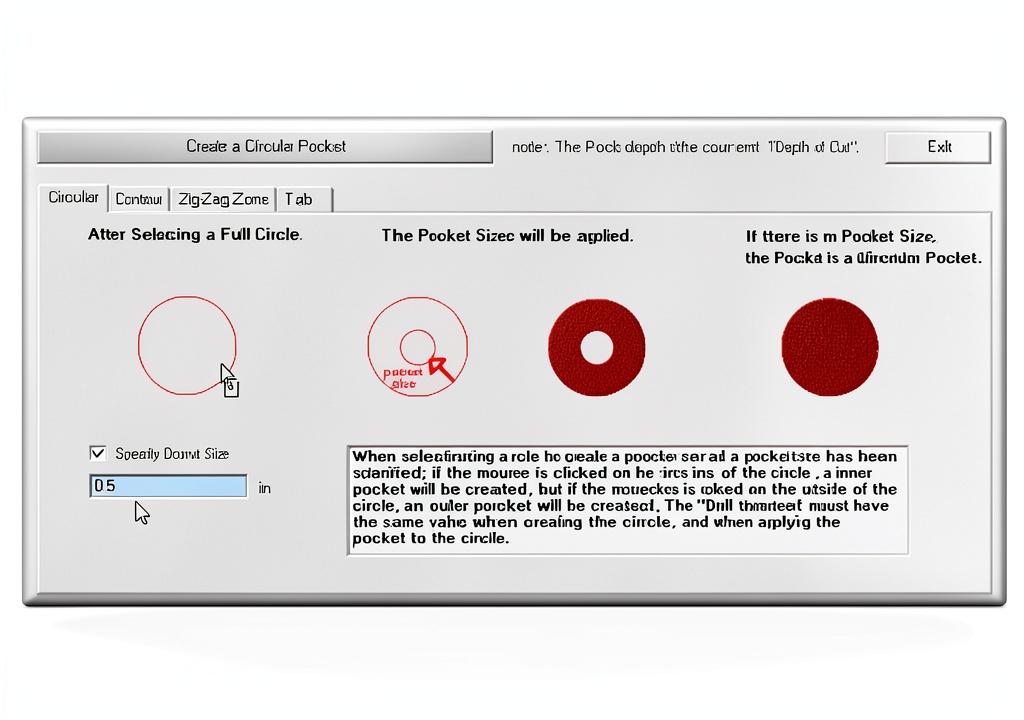
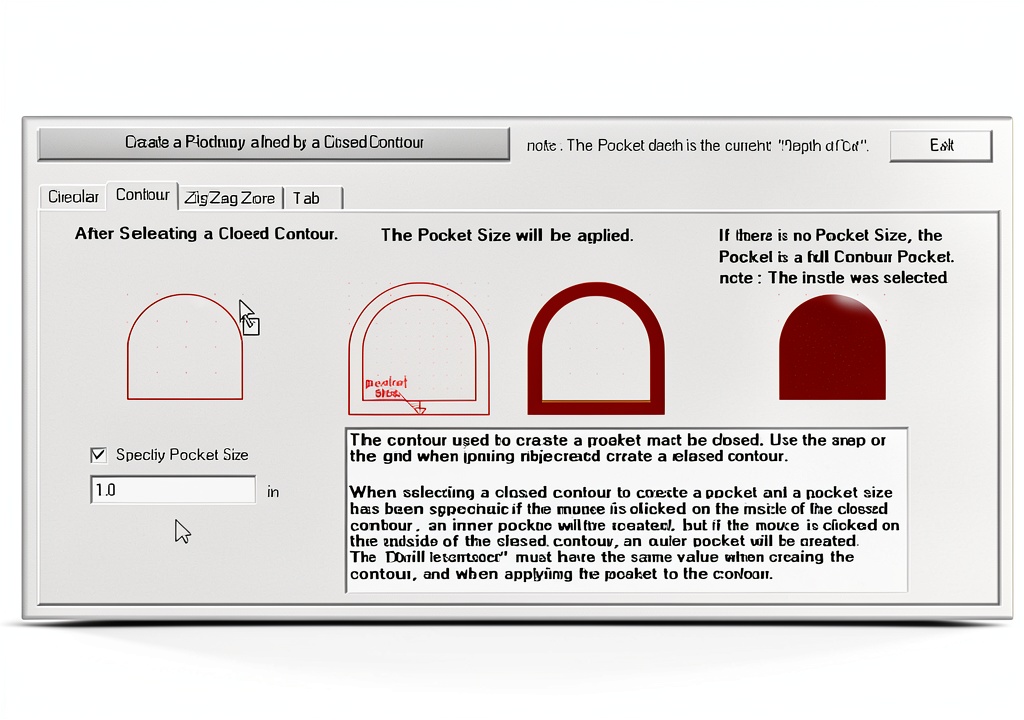
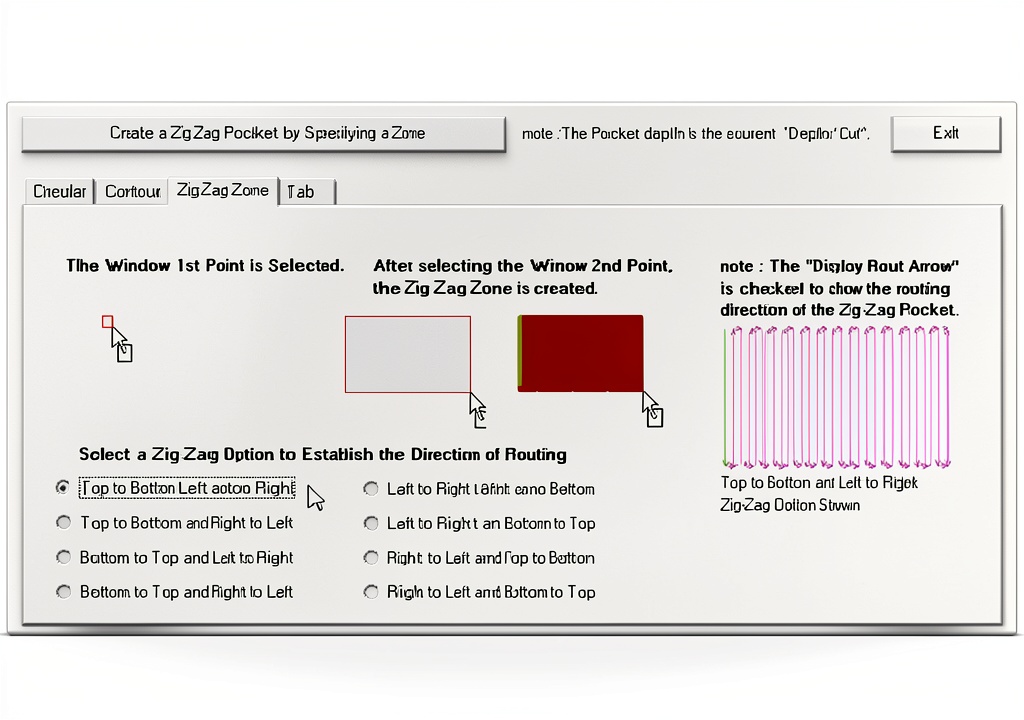
- Automatic pocket creation eliminates manual toolpath programming
- Extensive library of pre‑designed shapes accelerates creative work
- Seamless file open, save, and merge functions for flexible project handling
- Dedicated customer support with tutorial videos and prompt assistance
FAQ
Is RoutCad compatible with all GRBL versions?
Yes, RoutCad works with GRBL 1.1 and later, ensuring broad compatibility with most desktop CNC controllers.
Can I import existing DXF or SVG files?
RoutCad supports DXF, SVG, and its native format, allowing you to import and edit designs from other CAD programs.
What operating systems are supported?
The software runs on Windows 10 and newer 64‑bit systems. A lightweight installer keeps the footprint small.
Do I need additional hardware to use the automatic pocket feature?
No extra hardware is required; the feature is fully software‑based and generates the necessary G‑code for your GRBL controller.
Is there a trial version available?
Yes, a 30‑day trial provides full access to all features, allowing you to evaluate the product before purchasing.
 Adobe After Effects Motion Graphics & Visual Effects Software
  Adobe After Effects Subscription Software 12‑Month Plan for Creators
  Encore Software CAD Suite 2D/3D Modeling for Architects
Reviews
There are no reviews yet.