
Description
Product Overview
ROUTCAD ROUTBOT is a comprehensive CAD CAM solution engineered for desktop CNC machines and small‑scale manufacturing environments. Built on a lightweight yet powerful engine, the software delivers rapid geometry creation, precise toolpath calculation, and seamless G‑Code output for a wide range of controller platforms. The package dimensions of the software installer are modest, reflecting its efficient codebase, and the program runs on standard Windows operating systems without requiring specialized hardware. Users benefit from an integrated library of standard parts, automatic offset calculations, and a suite of wizards that simplify the creation of complex shapes such as ellipses, rectangles, and custom tabs. The inclusion of both import and export capabilities for DXF files ensures smooth data exchange with other design tools, while the built‑in PDF manual provides step‑by‑step guidance for beginners and advanced users alike.
Key specifications include a compact installation footprint, a lightweight runtime memory usage of under 0.5 GB, and support for the latest CNC controller firmware versions. The software’s best‑seller rank in the CAD & Graphic Design category reflects its growing popularity among makers, educators, and small production shops seeking an affordable yet feature‑rich solution.
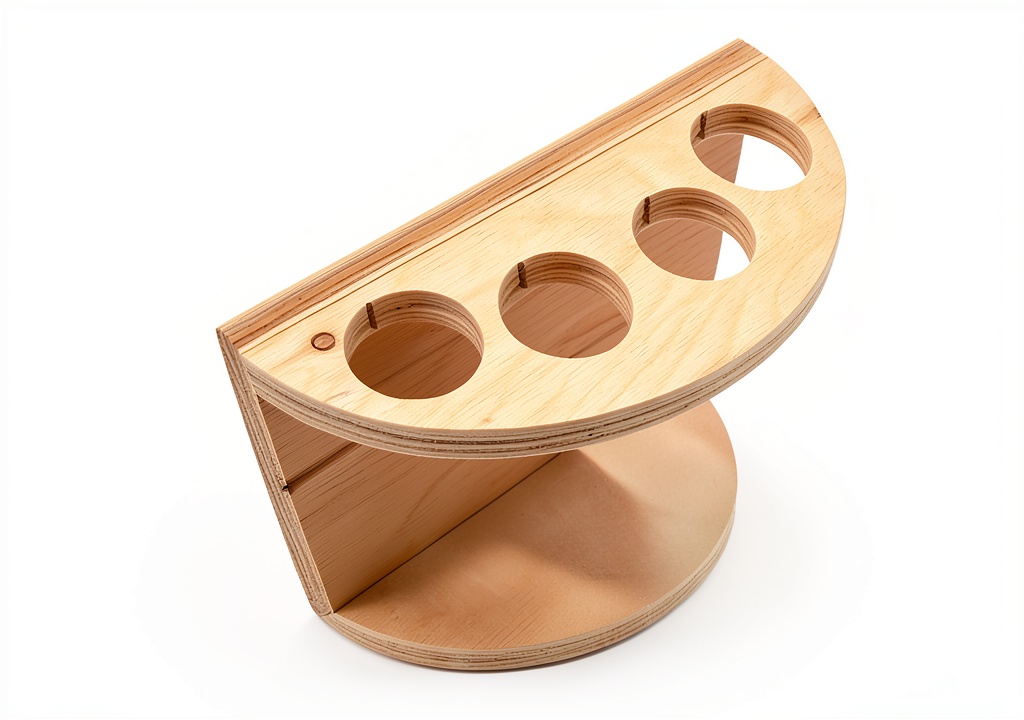
![[Product front view showing all components]](https://www.bohobloom.store/wp-content/uploads/2026/06/5cbfad2c927e433aa15ad09fd43a9db5.jpg)
Usage
In a hobbyist workshop, the intuitive interface allows users to start a new project in minutes, import an existing DXF drawing, and generate toolpaths with automatic fillet and tab creation. The zooming, grid display, and snapping features provide precise control over part placement, while the snap options and erase tools enable quick adjustments without restarting the design. For small business owners, the software’s ability to export G‑Code compatible with Mach3, Mach4, EMC2, and Fanuc controllers means a single design can be used across multiple machines, reducing training overhead and increasing production flexibility.
Educational institutions leverage the platform to teach fundamental CAD concepts, as the built‑in tutorials and quick‑start videos guide students through basic geometry drawing, complex shape manipulation, and advanced editing options. The BMP‑to‑DXF utility further expands the range of usable source material, allowing scanned sketches to be converted into editable vector files. Whether carving wooden prototypes, milling aluminum parts, or engraving signage, the software adapts to a variety of material types and machining strategies.
Why Choose Us
ROUTCAD ROUTBOT stands out through its blend of affordability, depth of functionality, and dedicated customer support. Unlike many low‑cost alternatives that sacrifice essential features, this package includes a full suite of editing tools, automatic offset calculations, and a leader wizard that streamlines the creation of intricate designs. The development team behind the product maintains an active forum and provides responsive technical assistance, ensuring that users receive timely help for any installation or workflow questions.
Quality assurance is built into every release, with rigorous testing against a variety of CNC controllers and material scenarios. The software’s PDF manual is regularly updated to reflect new features, and the training video library is curated to address common learning curves. Customers also benefit from a transparent update policy, receiving free upgrades that incorporate user feedback and industry advancements, keeping the tool relevant in a fast‑evolving manufacturing landscape.
Key Features
- Fast, full‑featured CAD CAM environment that reduces design time and accelerates production.
- Direct DXF import and export, enabling seamless collaboration with other design software.
- Automatic G‑Code generation for Mach3, Mach4, EMC2, and Fanuc controllers, ensuring broad machine compatibility.
- Intuitive wizards for ellipses, rectangles, tabs, and leader lines, simplifying complex geometry creation.
- Dedicated customer support and regular free updates to keep the software current and reliable.
FAQ
Can I use ROUTCAD ROUTBOT on a Mac?
The software is currently developed for Windows operating systems. Mac users can run it through a virtual machine or Boot Camp, but native macOS support is not available at this time.
What CNC controllers are supported for G‑Code export?
ROUTCAD ROUTBOT generates G‑Code compatible with Mach3, Mach4, EMC2, and Fanuc controllers. The output can be customized to match specific controller settings, such as feed rates and spindle speeds.
Is there a trial version available?
Yes, a fully functional 30‑day trial can be downloaded from the official website. The trial includes all major features, allowing you to evaluate the software before purchasing.
How does the automatic offset feature work?
When you define a toolpath, the software calculates the necessary offset based on the selected tool diameter, ensuring that the cut follows the intended contour without manual adjustments. This feature speeds up setup and reduces the risk of errors.
What kind of support is provided after purchase?
Customers receive access to an online support portal, email assistance, and a community forum where developers and experienced users share tips, troubleshooting steps, and workflow optimizations.
}
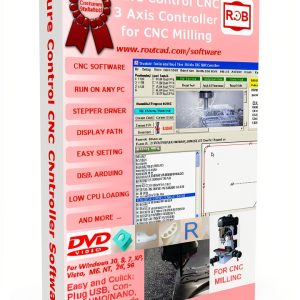 RoutBot CNC Control Software for Arduino Uno Nano 16kHz G‑Code Manager
Reviews
There are no reviews yet.